

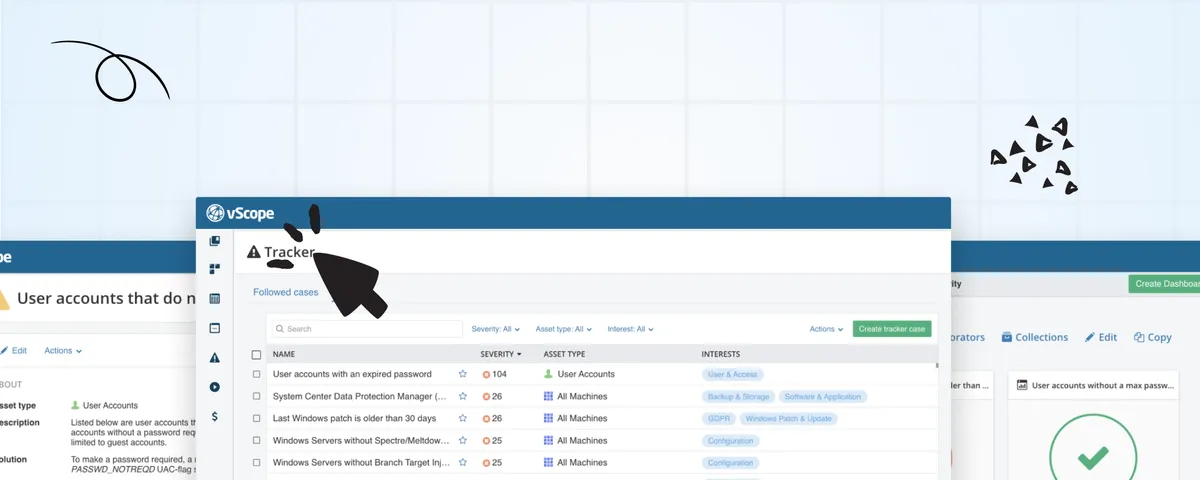
Tracker’s got a new look
Start off your week with a fresh new look of vScope's popular alerting tool - Tracker. Setting up cases to keep track of changes, anomalies, and common configuration errors in your IT environment is now easier (...and better looking...) than ever.
 Anton Berghult •
 A smoother user experience for better IT insights
In the latest update of vScope, we’ve introduced a fully redesigned version of Tracker. The new UI offers a much smoother experience while aligning with vScope’s overall design language. Explore and share insights about your IT environment to ensure compliance with policies and industry best practices. It’s easy, it’s fast, and it’s fun!
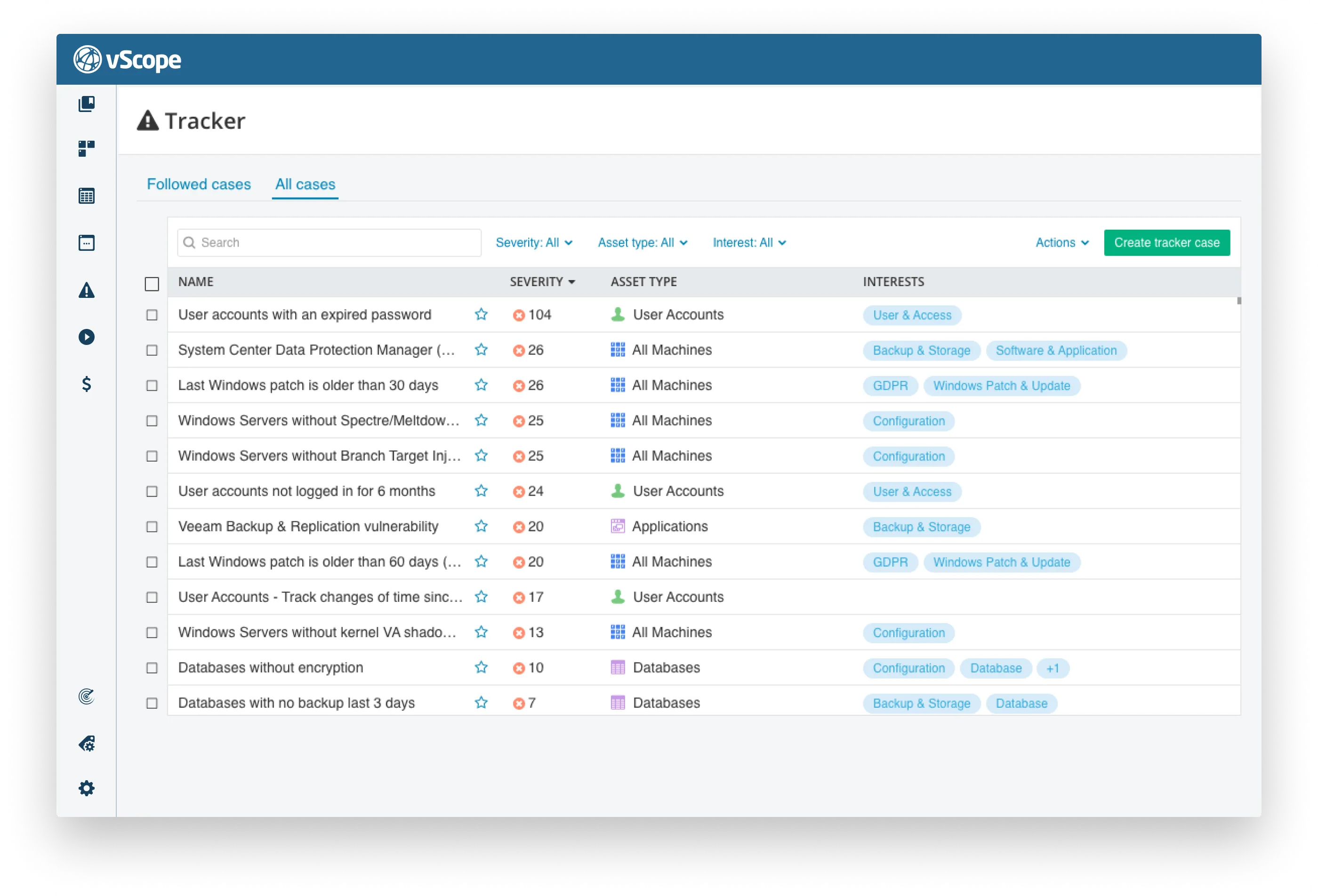
Less time searching. More time improving.
Tracker streamlines your workday by providing intelligent insights into your IT environment. With vScope, you have access to hundreds of predefined analyses that you can use immediately or tailor to meet the specific needs of your organization.
Health checks examples include:
- Machines with last patch date older than 30 days
- Databases missing backup
- Web certificates using weak hash signature
- Auto-reboot after update is not enabled
- IT Services with a server not patched for 30 days
- End-of-life: Microsoft SQL Servers
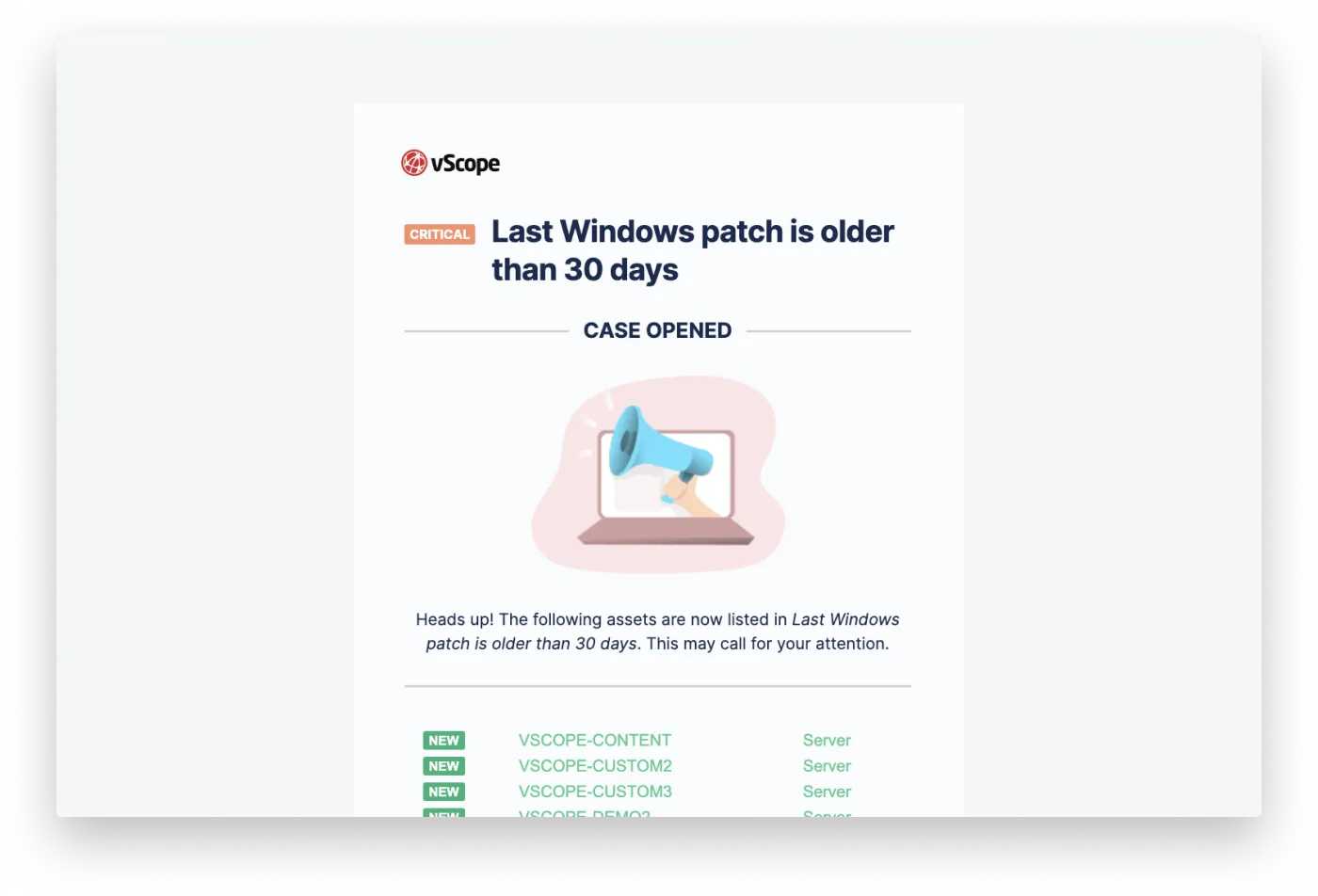
Check your inbox for daily insights about changes
vScope will automatically keep you updated on the cases you choose to follow. You’ll receive notifications when:
- A case is opened
- New assets are added
- A case is closed
Stay on top of compliance progress, improvements, and when to open IT service tickets–all from your inbox!
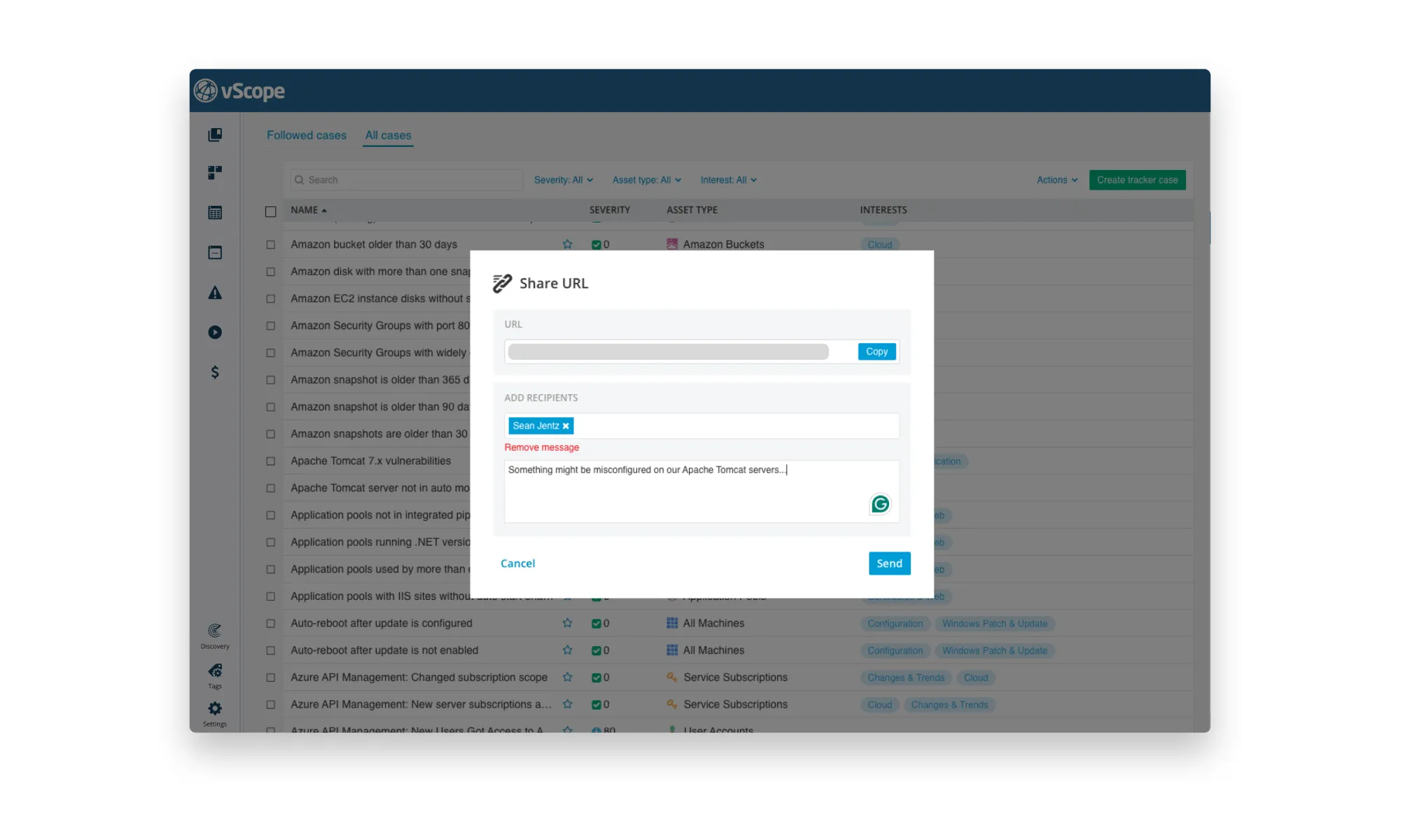
Share insights with your team or service desk
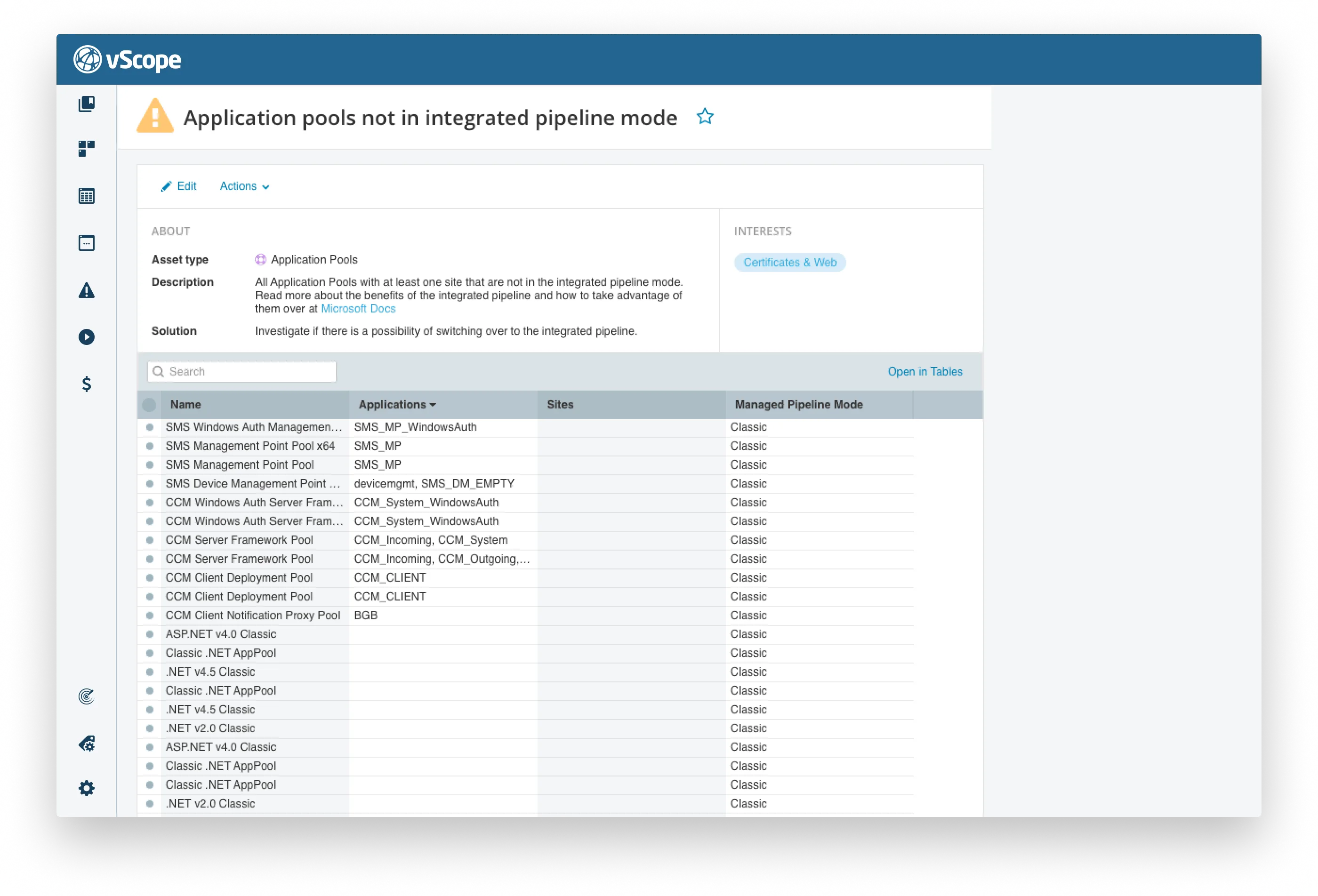
Let Tracker proactively identify configuration issues in your IT environment. Share these insights effortlessly with your team or service desk to ensure improvements are carried out faster.
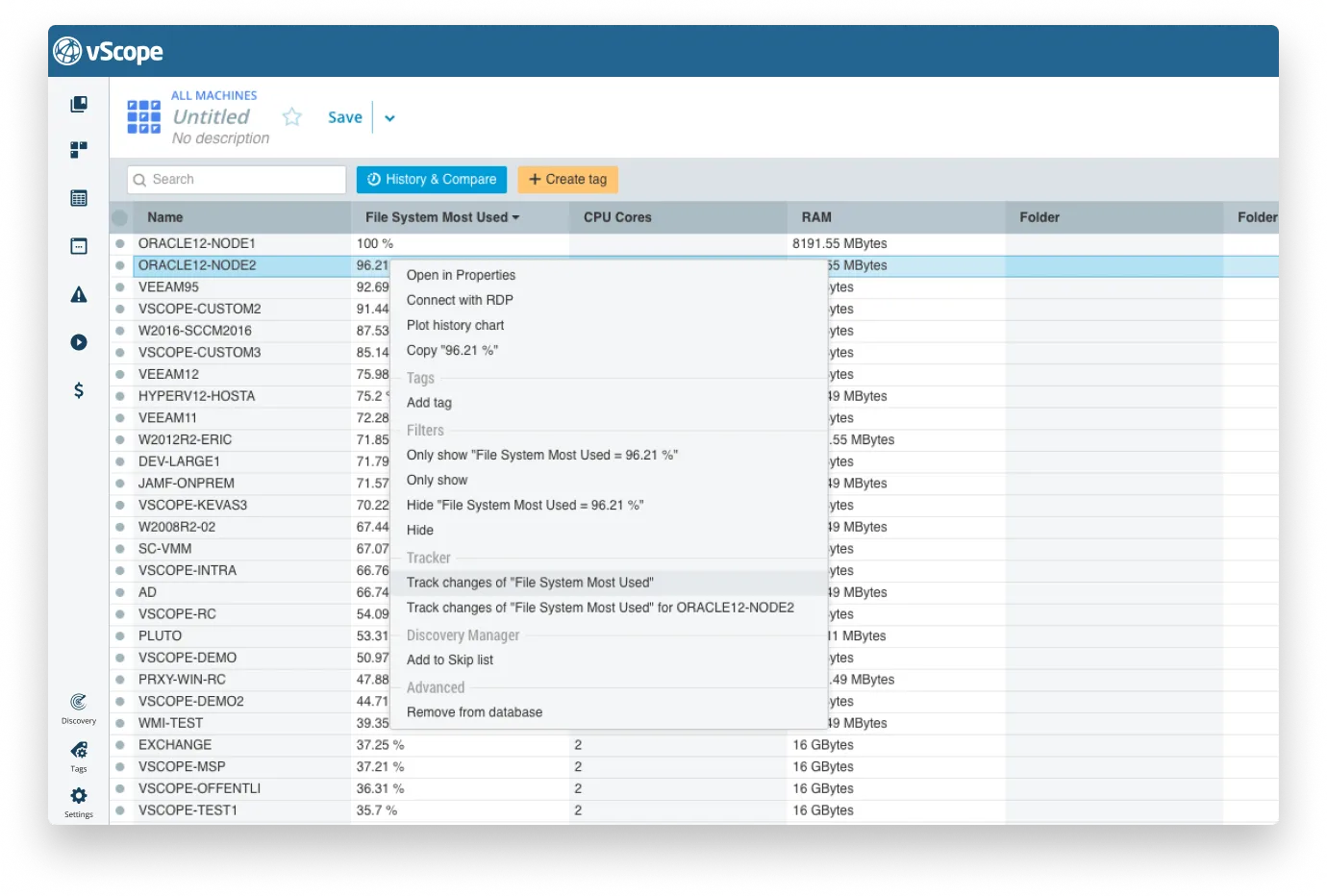
Shortcut: Creating cases from a table
If you’ve built a table with important findings, you can:
- Right-click a value
- Select Save as Tracker Case…
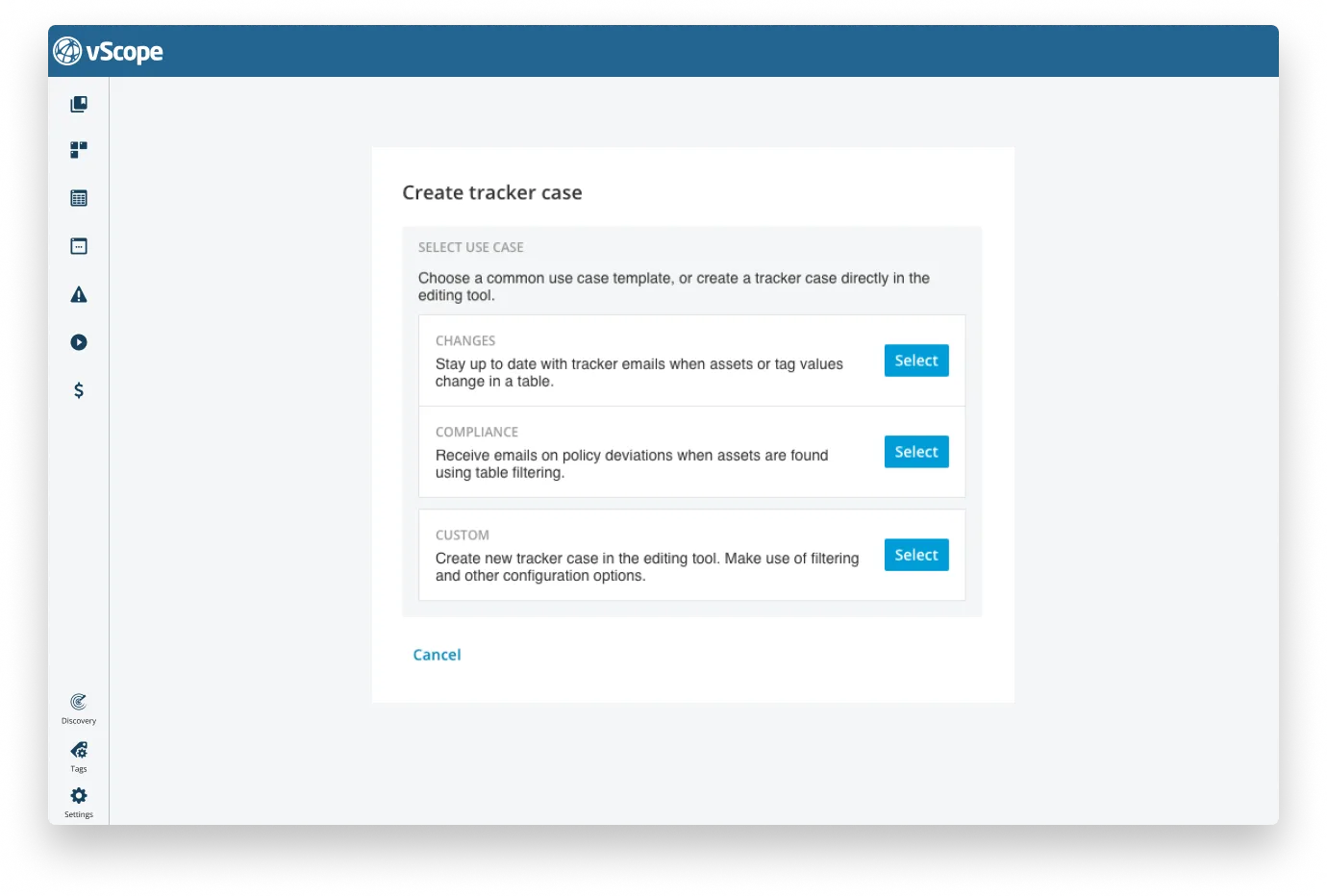
Or choose Save as Tracker Case under the actions menu.
Getting Started…
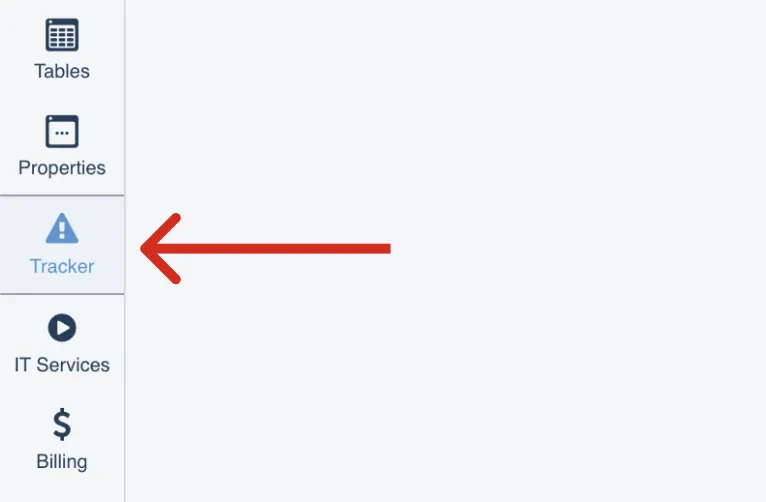
Anyone with a vScope account (except Viewer access) can explore Tracker’s insights. Navigate to it via the sidebar or use the Library shortcut.
Learn more…
Related blog posts
All posts
New in vScope: Track Microsoft 365 Copilot Usage Across Your Organization
Know exactly how Copilot is used across your organization. By who, and where. vScope now has extended its coverage of ready-made reports about Copilot adoption, license utilization, and usage patterns. Immediately visible, and easy to share.
See How Your IT Environment Actually Fits Together
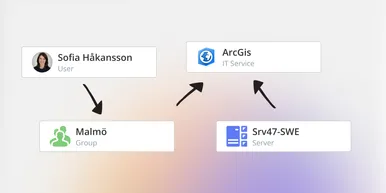
vScope has always mapped the relationships in your IT environment automatically. Now you can explore them visually. The Relationship Map is a new view in Properties and Governance – always current, no manual work required.

New in vScope: DigiCert Integration for Certificate Inventory
You can now inventory certificates from DigiCert directly in vScope — giving you a complete overview of the SSL/TLS certificates in your environment. Set up proactive alerts, enrich your documentation with tags from DigiCert, or link certificates to your service documentation for greater detail.

New in vScope: Find AI Software Across Your IT Environment
AI tools like ChatGPT, Claude, and Microsoft 365 Copilot are spreading fast across organizations – often without IT having full visibility. The latest update to vScope includes ready-made tables that instantly show which machines and users have AI software installed or licensed.
New in vScope: Connect Your Asset Inventory to Power BI
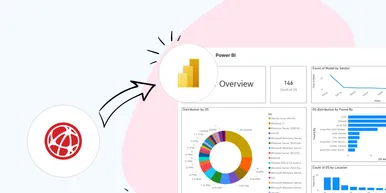
vScope can now share its continuously updated IT insights directly with Power BI. Connect the asset inventory to your dashboards to create shared decision-making data for IT, finance, and leadership. This article walks through the benefits of using vScope as a Power BI data source.

Stronger Security in vScope: Support for SAML SSO and Kerberos
In the latest update of vScope, we introduce support for SAML 2.0-based Single Sign-On (SSO) and Kerberos authentication. These new features are an important step in giving you more options to strengthen the security of your IT inventory and access to your asset register. In this post, we walk through the updates and how to make the most of them.

New in vScope: Support for Intune App Assignments
With support for Intune App Assignments, you gain full control of application deployments in Microsoft Intune. vScope’s asset inventory provides instant visibility, clear reports, and alerts on changes - for stronger security, simplified compliance, and a complete overview.

Keep Track of Your Microsoft 365 User Accounts
It just got easier to stay on top of your Microsoft 365 users. With new tables and reports in vScope, you now get a ready-made overview of accounts, permissions, and licenses - without the hassle of manual data collection.

New Content for Active Directory
Stay on top of your Active Directory with new content in vScope. Get a clear overview of security, compliance, and efficiency - without manual work. In this blog post, we walk you through what’s new and how you can uncover misconfigurations in your AD.