


New in vScope: DigiCert Integration for Certificate Inventory
You can now inventory certificates from DigiCert directly in vScope — giving you a complete overview of the SSL/TLS certificates in your environment. Set up proactive alerts, enrich your documentation with tags from DigiCert, or link certificates to your service documentation for greater detail.
 Axel Svegerud •
 The challenge: certificates live in more than one place
If you’re responsible for keeping track of your organization’s certificates, you already know how it looks. Some certificates are issued and managed in DigiCert. Others show up on Windows servers out in your local infrastructure. And when an expiry date starts creeping up, it’s usually you manually hunting down the details — because no single tool gives you the full picture.
That’s exactly what the DigiCert integration in vScope is for!
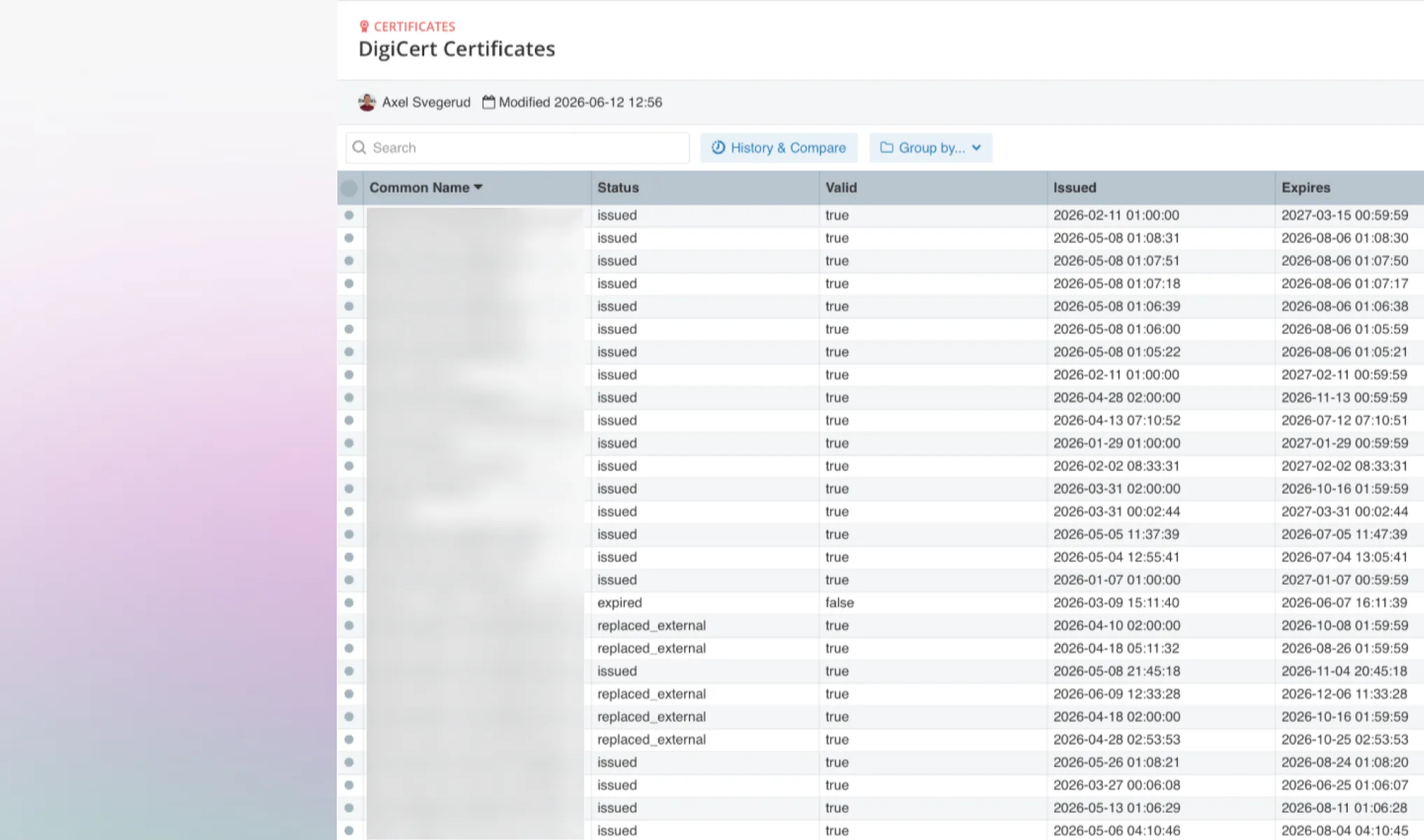
DigiCert and local certificates
When you connect vScope to DigiCert, your DigiCert certificates are automatically inventoried and shown alongside the certificates already discovered in your IT environment. Where vScope identifies a match, it links them automatically — a “stitch.” You get a unified view of your entire certificate landscape, regardless of where each certificate lives or how it’s managed, without ending up with duplicates.
That makes it easy to:
- Get a more complete certificate overview — both sources in one view, or in a single table. Easy to stay on top of!
- Identify gaps — certificates that exist in DigiCert but aren’t deployed on any server, or local certificates that haven’t been renewed through DigiCert.
- Find duplicates — the same certificate appearing in multiple places.
- Reuse tags — bring DigiCert tags straight into vScope.
Proactive alerts and connections to your IT governance
A certificate that expires unnoticed rarely stays a purely technical issue. It can take down services, trigger security alerts, and create unnecessary stress across multiple teams.
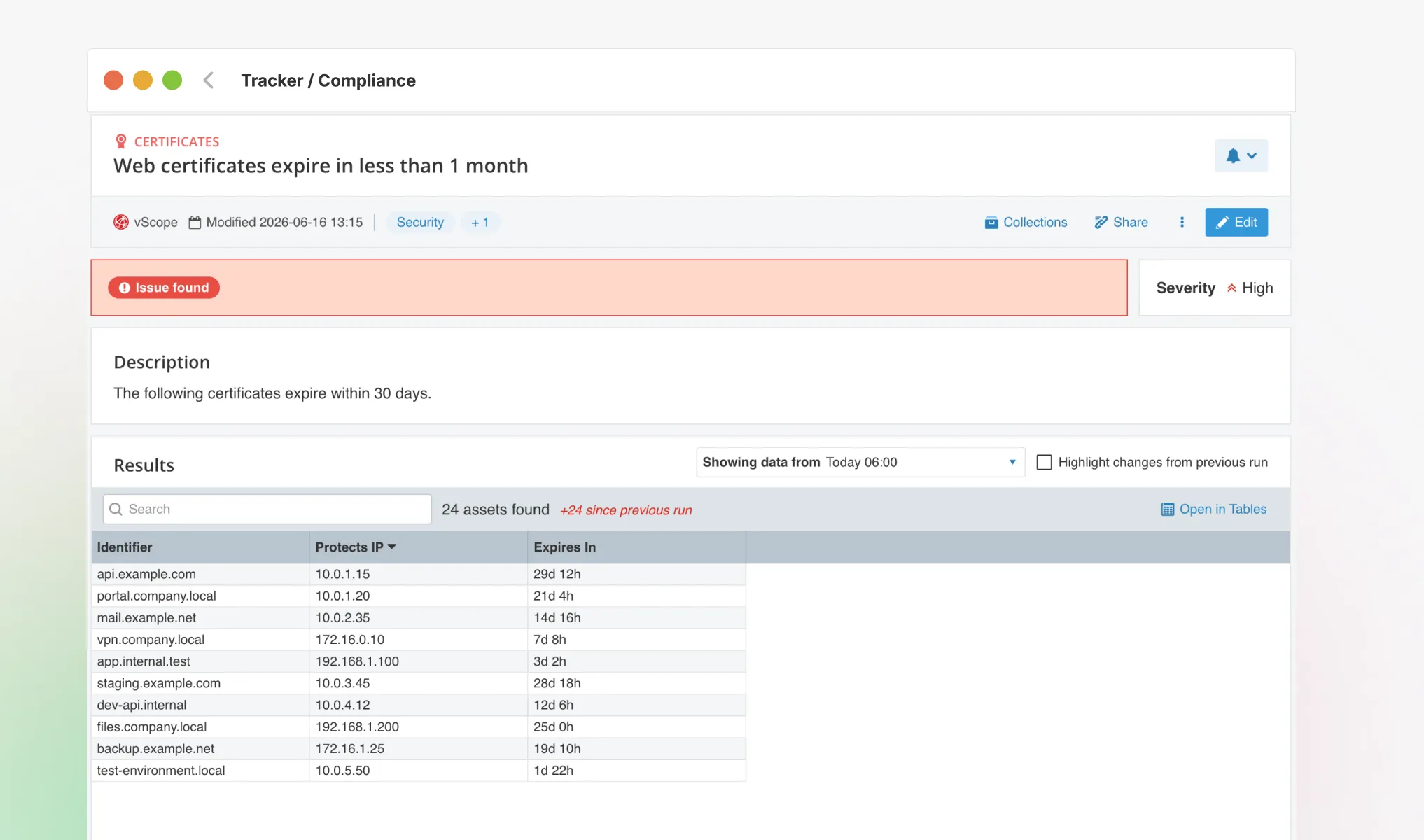
With DigiCert certificates in vScope, you can set up proactive alerts that notify you — or your colleagues — before a certificate expires. If you’ve documented services and entities in vScope Governance you can link certificates directly to the services, applications, or vendors they belong to. That way, anyone in the organization can understand which certificate belongs to what, without needing to log into DigiCert.
Want to see it in action? We’re happy to show you how it works — whether you’re already using vScope or just curious to get started. Book a demo using the link below 👇
Related blog posts
All posts
New in vScope: Track Microsoft 365 Copilot Usage Across Your Organization
Know exactly how Copilot is used across your organization. By who, and where. vScope now has extended its coverage of ready-made reports about Copilot adoption, license utilization, and usage patterns. Immediately visible, and easy to share.
See How Your IT Environment Actually Fits Together
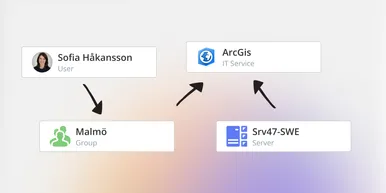
vScope has always mapped the relationships in your IT environment automatically. Now you can explore them visually. The Relationship Map is a new view in Properties and Governance – always current, no manual work required.

New in vScope: Find AI Software Across Your IT Environment
AI tools like ChatGPT, Claude, and Microsoft 365 Copilot are spreading fast across organizations – often without IT having full visibility. The latest update to vScope includes ready-made tables that instantly show which machines and users have AI software installed or licensed.
New in vScope: Connect Your Asset Inventory to Power BI
vScope can now share its continuously updated IT insights directly with Power BI. Connect the asset inventory to your dashboards to create shared decision-making data for IT, finance, and leadership. This article walks through the benefits of using vScope as a Power BI data source.

Stronger Security in vScope: Support for SAML SSO and Kerberos
In the latest update of vScope, we introduce support for SAML 2.0-based Single Sign-On (SSO) and Kerberos authentication. These new features are an important step in giving you more options to strengthen the security of your IT inventory and access to your asset register. In this post, we walk through the updates and how to make the most of them.

New in vScope: Support for Intune App Assignments
With support for Intune App Assignments, you gain full control of application deployments in Microsoft Intune. vScope’s asset inventory provides instant visibility, clear reports, and alerts on changes - for stronger security, simplified compliance, and a complete overview.

Keep Track of Your Microsoft 365 User Accounts
It just got easier to stay on top of your Microsoft 365 users. With new tables and reports in vScope, you now get a ready-made overview of accounts, permissions, and licenses - without the hassle of manual data collection.

New Content for Active Directory
Stay on top of your Active Directory with new content in vScope. Get a clear overview of security, compliance, and efficiency - without manual work. In this blog post, we walk you through what’s new and how you can uncover misconfigurations in your AD.
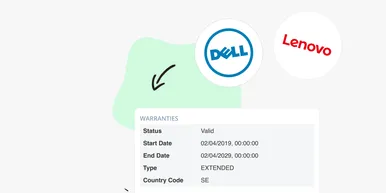
Say Goodbye to Manual Warranty Management for Lifecycle Handling
For many IT departments, managing warranties is a time-consuming and often frustrating task. Manually tracking expiration dates, keeping tabs on various agreements, and quickly finding relevant information when needed can feel like a never-ending job. What if there was a way to automate this? With the latest update to vScope, we're introducing warranty data inventory - a new feature designed to do just that!