

Buyer’s Guide: IT Inventory Software
Avoid costly mistakes – choose the right solution from the start.
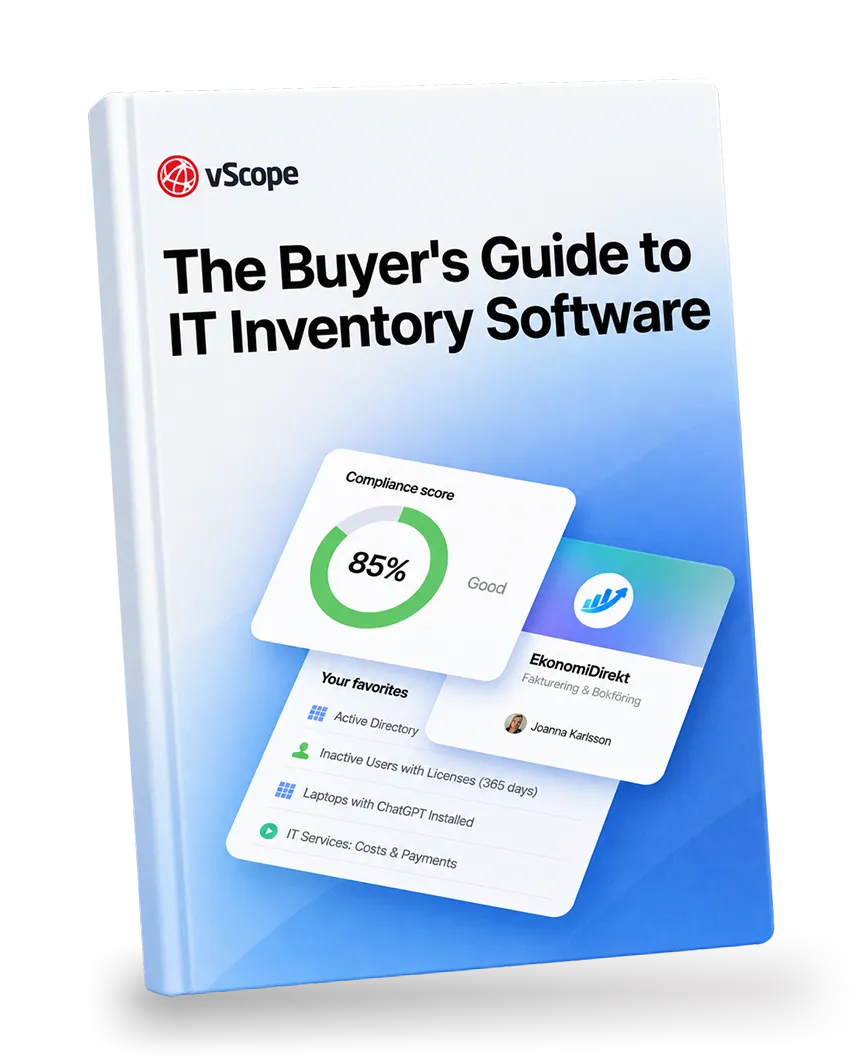
Planning to invest in IT inventory software?
Selecting an IT inventory solution is a strategic decision. The wrong choice can result in incomplete visibility, unreliable data, compliance gaps, and unnecessary operational overhead. This guide helps you define the right requirements, evaluate vendors objectively, and compare solutions in a structured way.
Inside the guide:
- What modern IT discovery and asset management should include
- Common pitfalls when evaluating inventory platforms
- Critical requirements around security, data storage, and integrations
- A practical checklist for comparing vendors
Recent blog posts
Critical PHP Vulnerability (CVE-2026-109618 & CVE-2026-109619): Find Affected Servers with vScope
Two critical PHP flaws allow unauthenticated remote code execution. Here is how to find PHP installations in your Windows and Linux environment. vScope does not use PHP and is not affected.

Less Guessing, More Knowing — Wherever It's Needed
We're releasing several new features that help you get better visibility and collaboration in, and outside of, your IT organization. Asset Health in Properties, Share to Teams, and external report recipients are all really about the same problem: the right data, to the right person, at the right time.

New in vScope: Track Microsoft 365 Copilot Usage Across Your Organization
Know exactly how Copilot is used across your organization. By who, and where. vScope now has extended its coverage of ready-made reports about Copilot adoption, license utilization, and usage patterns. Immediately visible, and easy to share.