


Stronger Security in vScope: Support for SAML SSO and Kerberos
In the latest update of vScope, we introduce support for SAML 2.0-based Single Sign-On (SSO) and Kerberos authentication. These new features are an important step in giving you more options to strengthen the security of your IT inventory and access to your asset register. In this post, we walk through the updates and how to make the most of them.
 Anton Berghult •
 Single Sign-On (SSO) with SAML 2.0 - Centralized and Secure Access
In the latest update of vScope, we’ve expanded vScope’s existing SSO support by adding the option to connect identity management through SAML 2.0. As before, you can use Microsoft Entra ID as an identity provider (IdP). That integration is based on OpenID Connect, however, and does not allow for a generic IdP setup.
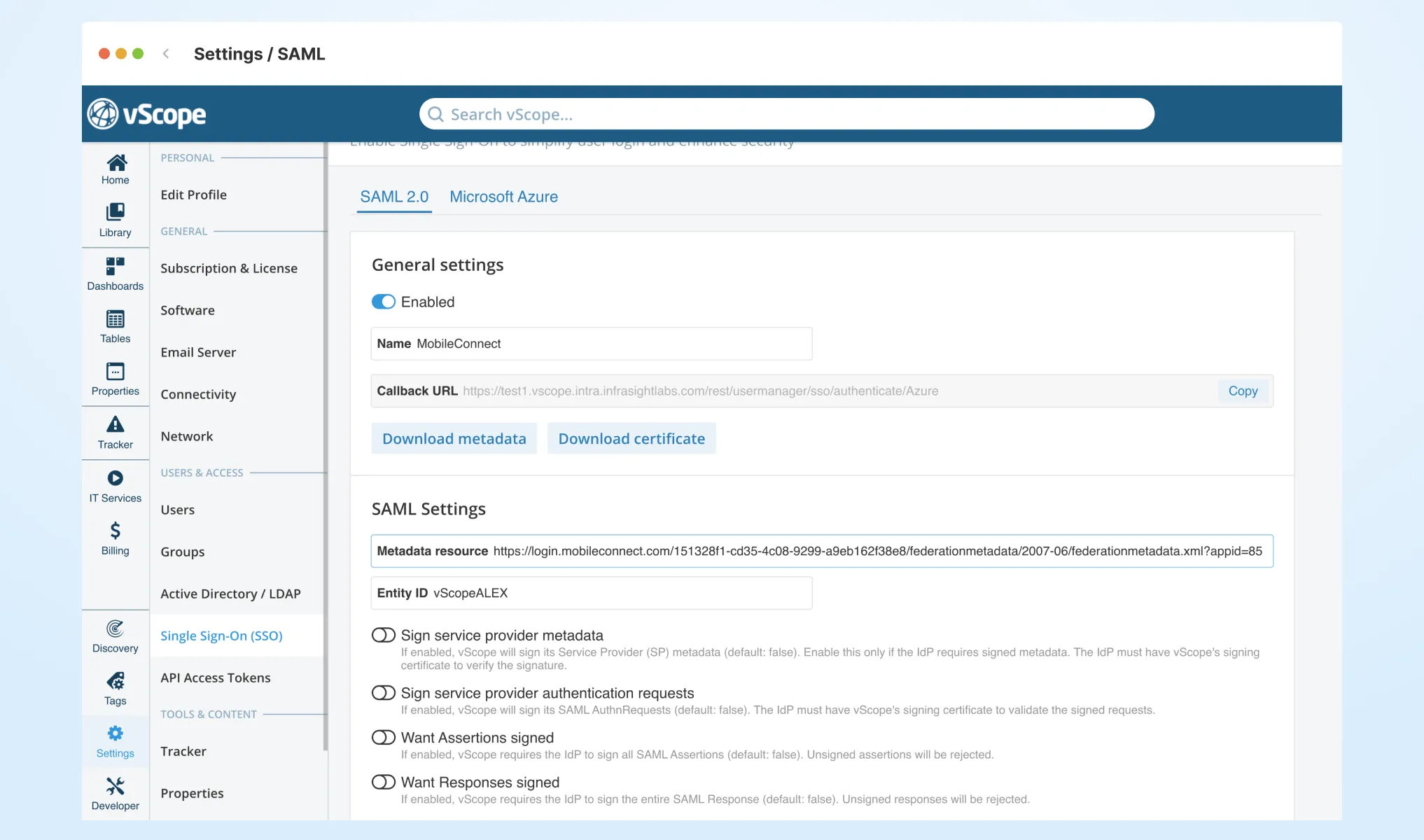
With the latest update, vScope integrates even better into your Single Sign-On strategy. vScope now supports SSO with any IdP that complies with SAML 2.0 - including Microsoft Entra ID (Azure AD), ADFS, Okta, OneLogin, Mobile Connect, and more. You’ll find the setting under Settings > Single Sign-On.
SAML 2.0 is an open standard for authentication that enables federated login between an identity provider (IdP) and a service provider (SP). In practice, it means that users can log in once with a single account and then gain access to multiple applications or services without separate logins.
Benefits of SSO in vScope
- Simplified login and fewer passwords: Users log in to vScope with their regular company accounts - no extra password required.
- Stronger security: Take advantage of your IdP’s features such as MFA, conditional access, and security policies for vScope as well.
- Centralized access control: Add or remove a user in the IdP, and vScope follows automatically.
- Compatibility: SAML 2.0 is an industry standard with broad support - you’re not locked to a single vendor.
Want to learn more about SSO in vScope? Check out our support article on Single Sign-On.
Kerberos Authentication - Stronger Protection in Windows Environments
Alongside SAML, we’re also introducing support for Kerberos, a robust authentication protocol standard in many Windows-based networks. Kerberos ensures that users and services verify each other using tickets instead of passwords, making communication significantly more secure.
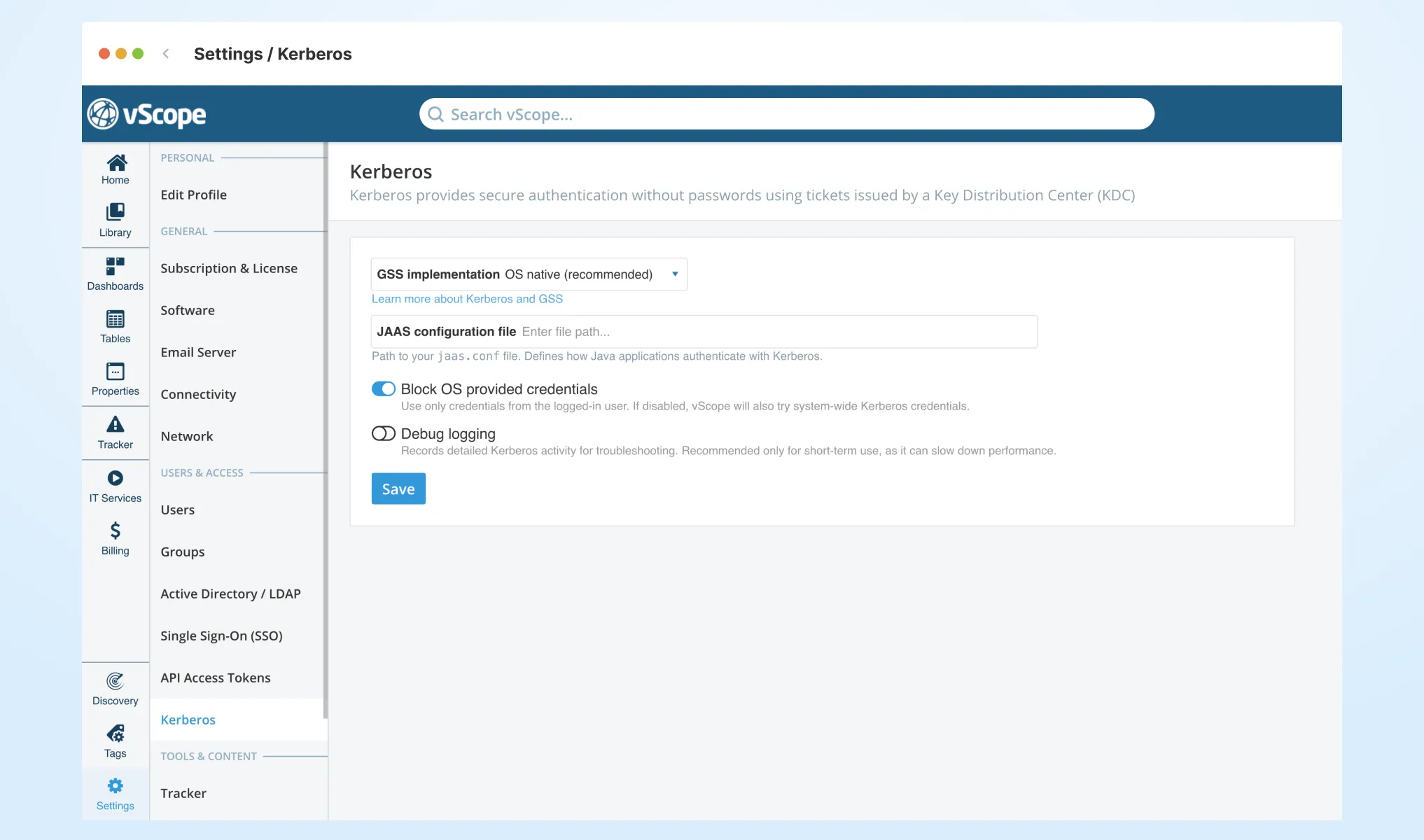
In vScope, Kerberos is primarily used when scanning systems and integrating with Active Directory (AD) or other Windows-based data sources. You decide whether to use Kerberos or the traditional username and password. By default, Kerberos is not configured. If Kerberos is not required in your environment, vScope will continue to use username + password authentication. However, if your environment requires Kerberos, you’ll need to configure it. Admins can find these settings under Settings > Kerberos.
Read more about how to set up Kerberos in our support article.
Kerberos is an authentication protocol developed at MIT and today a standard in Windows domains. It uses a system of “tickets” instead of sending passwords over the network, making login both safer and more efficient. A user logs in once and can then access multiple resources without resending their password.
Benefits of Kerberos in vScope
- Stronger security: vScope no longer needs to store or send passwords when communicating with other systems and data sources.
- Policy compliance: Many organizations require Kerberos instead of simpler methods like NTLM.
- Access to more data sources: Some systems and databases require Kerberos - now vScope can scan these as well.
Why This Matters
SAML and Kerberos are the latest additions to the growing set of security features in vScope - designed to give you the flexibility to choose the settings that best match your environment and security policies. You can rest assured that vScope helps you meet the security requirements your organization sets for IT inventory and asset registers.
Together with Just Enough Administration, GMSA, Local Administrator, On-Prem Discovery, proxies, and more, you have a wide range of technologies and protocols to choose from - so you can find what best fits your needs.
With support for both SAML and Kerberos, you get:
- Increased security - access to vScope is protected by established authentication methods.
- Simplified administration - accounts and permissions are managed centrally.
- Better compliance - vScope works in environments with strict security requirements.
Update to the latest version to take advantage of these new features - and feel free to reach out to us if you’d like to discuss how vScope can help strengthen the security of your IT environment.
Related blog posts

New in vScope: Track Microsoft 365 Copilot Usage Across Your Organization
Know exactly how Copilot is used across your organization. By who, and where. vScope now has extended its coverage of ready-made reports about Copilot adoption, license utilization, and usage patterns. Immediately visible, and easy to share.
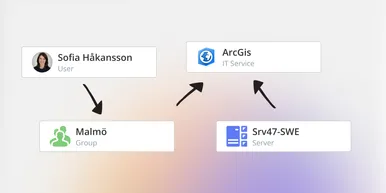
See How Your IT Environment Actually Fits Together
vScope has always mapped the relationships in your IT environment automatically. Now you can explore them visually. The Relationship Map is a new view in Properties and Governance – always current, no manual work required.
New in vScope: DigiCert Integration for Certificate Inventory
You can now inventory certificates from DigiCert directly in vScope — giving you a complete overview of the SSL/TLS certificates in your environment. Set up proactive alerts, enrich your documentation with tags from DigiCert, or link certificates to your service documentation for greater detail.

New in vScope: Find AI Software Across Your IT Environment
AI tools like ChatGPT, Claude, and Microsoft 365 Copilot are spreading fast across organizations – often without IT having full visibility. The latest update to vScope includes ready-made tables that instantly show which machines and users have AI software installed or licensed.
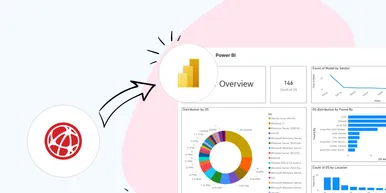
New in vScope: Connect Your Asset Inventory to Power BI
vScope can now share its continuously updated IT insights directly with Power BI. Connect the asset inventory to your dashboards to create shared decision-making data for IT, finance, and leadership. This article walks through the benefits of using vScope as a Power BI data source.

New in vScope: Support for Intune App Assignments
With support for Intune App Assignments, you gain full control of application deployments in Microsoft Intune. vScope’s asset inventory provides instant visibility, clear reports, and alerts on changes - for stronger security, simplified compliance, and a complete overview.

Keep Track of Your Microsoft 365 User Accounts
It just got easier to stay on top of your Microsoft 365 users. With new tables and reports in vScope, you now get a ready-made overview of accounts, permissions, and licenses - without the hassle of manual data collection.

New Content for Active Directory
Stay on top of your Active Directory with new content in vScope. Get a clear overview of security, compliance, and efficiency - without manual work. In this blog post, we walk you through what’s new and how you can uncover misconfigurations in your AD.
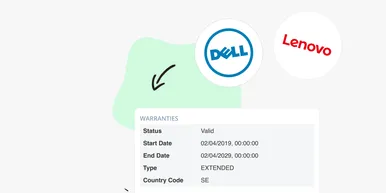
Say Goodbye to Manual Warranty Management for Lifecycle Handling
For many IT departments, managing warranties is a time-consuming and often frustrating task. Manually tracking expiration dates, keeping tabs on various agreements, and quickly finding relevant information when needed can feel like a never-ending job. What if there was a way to automate this? With the latest update to vScope, we're introducing warranty data inventory - a new feature designed to do just that!