

See How Your IT Environment Actually Fits Together
vScope has always mapped the relationships in your IT environment automatically. Now you can explore them visually. The Relationship Map is a new view in Properties and Governance – always current, no manual work required.
 Anton Berghult •
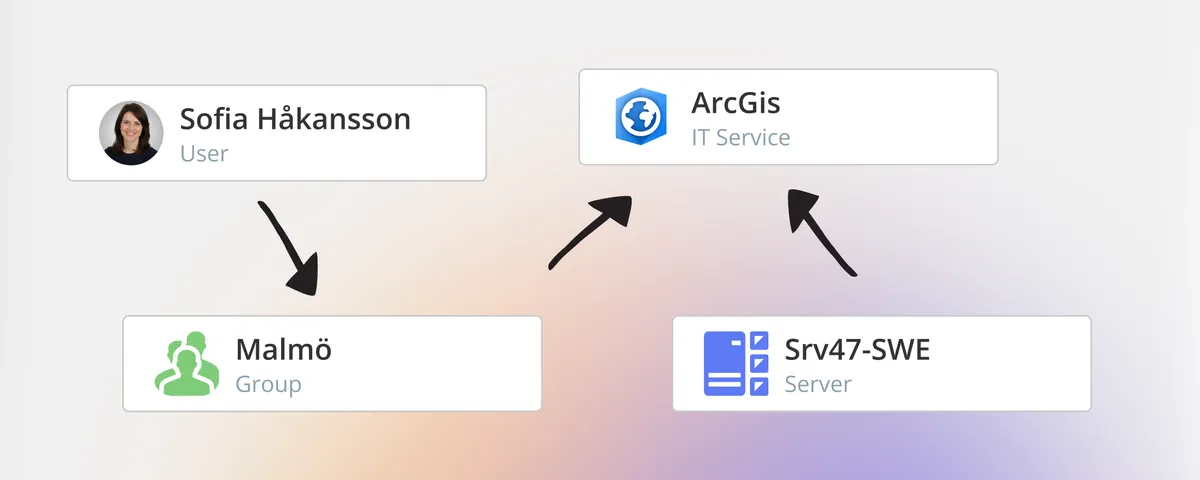
 Ask five people on your IT team how your environment fits together. You’ll get five different answers – all partially right, none complete. Not because anyone is holding back information, but because no single person actually has the full picture.
The ones who come closest are usually the people who have been around long enough to have learned it through years of hands-on experience. That knowledge is valuable. It’s also a risk.
Diagrams that describe theory – not reality
To work around this, IT teams typically turn to tools like Visio or Miro to draw dependency diagrams, or manually build out structures in their CMDB. It’s a reasonable attempt to make the undocumented visible. But there’s a fundamental problem: these views model how the environment should look, not how it actually does. And keeping them current is time-consuming work that tends to get deprioritized.
The result is documentation that was accurate once – and has been quietly drifting from reality ever since.
Relationships you don’t have to maintain
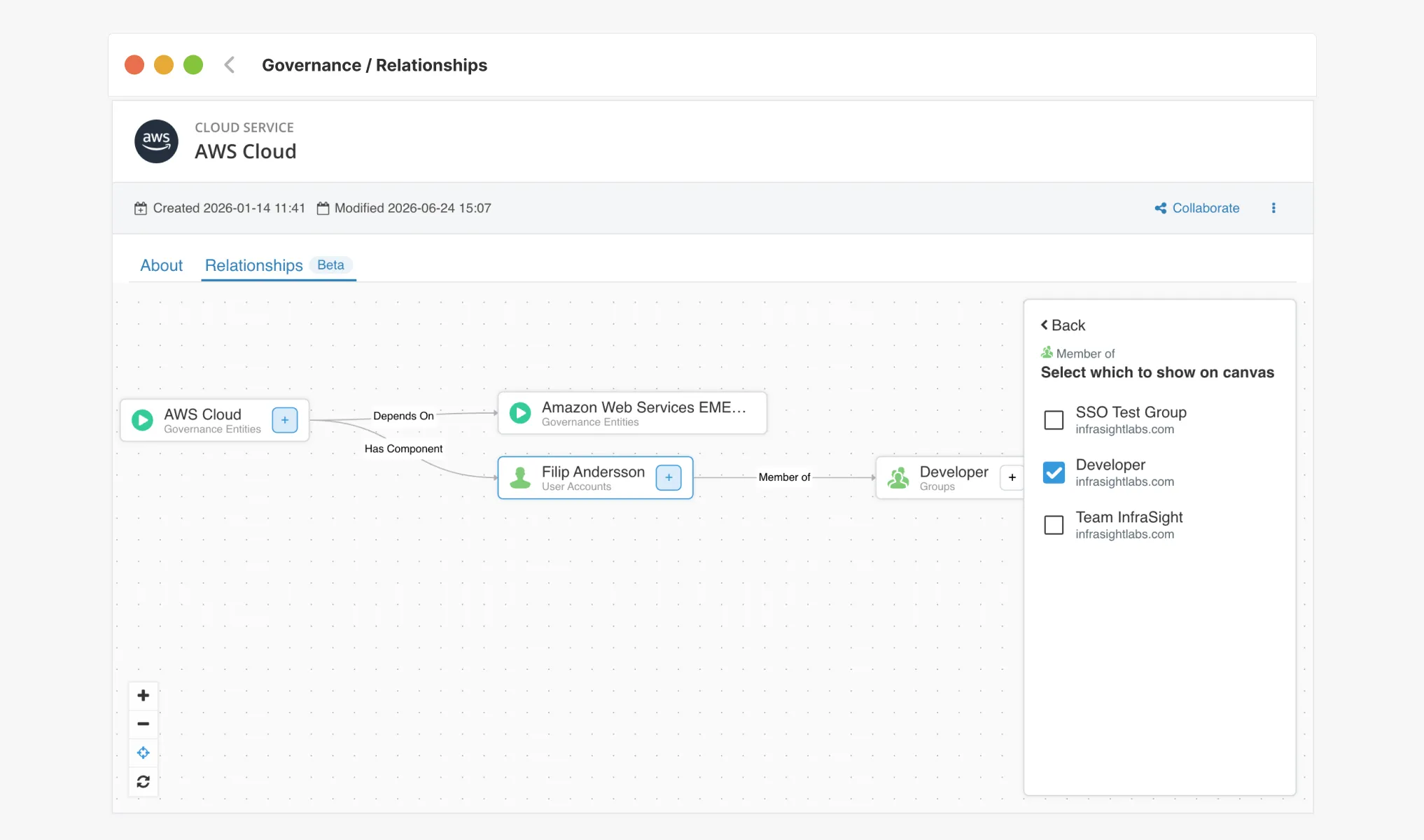
vScope has always mapped relationships between assets automatically – between servers and applications, users and devices, certificates and domains. That information has been in your asset repository the whole time. Our latest addition, the Relationship Map (called Relationships in the interface), makes those connections easier to visualize and work with.
Did you know you can already pull values through relationships in vScope – by creating tags with values sourced from related assets? Learn more
What sets vScope apart from diagramming tools is what it actually shows: real, confirmed, continuously updated relationships between your assets. Not a diagram someone drew. Not a snapshot that was accurate until the next change.
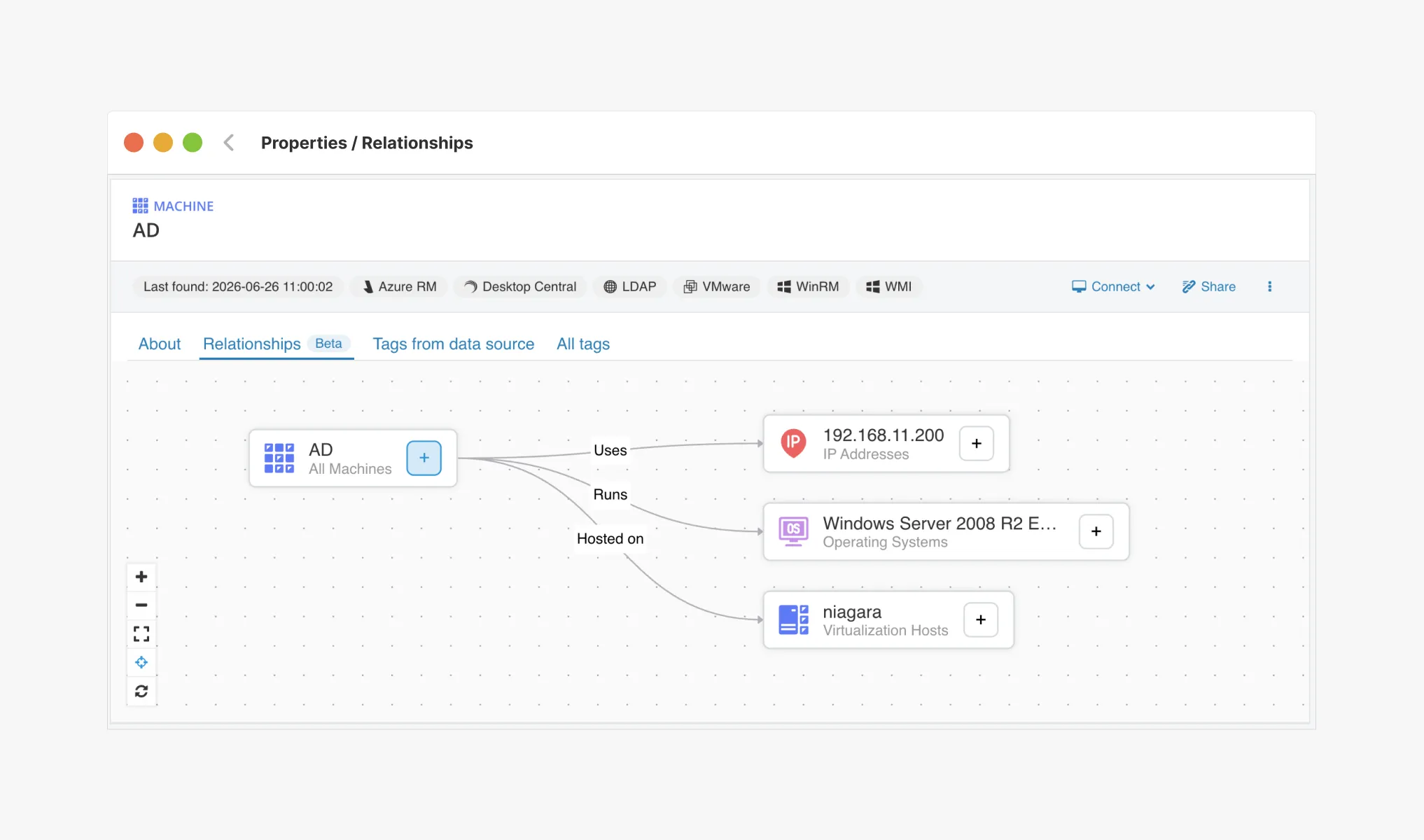
Most people, when they see these maps for the first time, assume they’ll need to start mapping relationships manually. They don’t. vScope has already done that work – and keeps doing it, automatically, every day.
This kind of mapping isn’t available anywhere else. Without vScope, the alternative is manual effort and diagramming tools – which in practice means it usually doesn’t happen at all.
Built to understand – not to show everything
Graph views have a reputation for becoming unreadable the moment your environment is large enough to actually need them. That’s a real challenge, and one we’ve spent considerable time solving in vScope’s Relationship Map.
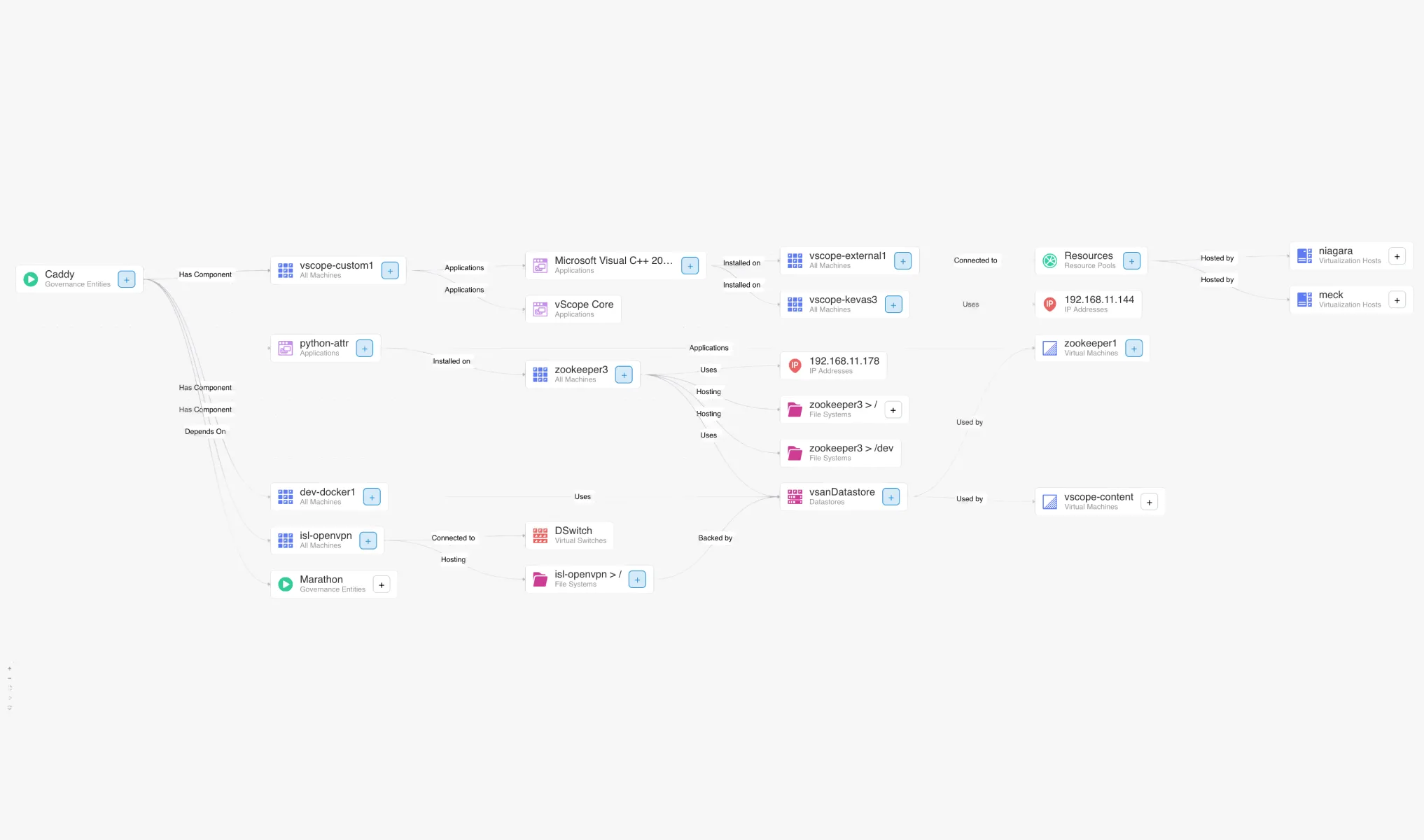
The Relationship Map isn’t designed to show everything – with the number of relationships vScope tracks, that would quickly become noise. Instead, it’s built to surface what’s relevant to understanding a specific problem: the dependencies around a particular asset, the chain of connections along a given service, the blast radius of a planned change. You navigate from what you already know toward what you need to understand.
It also makes it easier to walk others through your environment – colleagues, the business, leadership – without having to simplify in ways that leave out what actually matters.
The Relationship Map is available under Properties and Governance in your vScope installation. The Viewer role does not have access to this feature.
A few situations where the Relationship Map adds immediate value:
- You’re decommissioning a server and need to quickly see what depends on it.
- A new colleague is taking ownership of a system and needs to understand the full picture.
- You’re documenting a service and want to see which assets actually belong to it.
- You’re investigating an incident and need to map out the affected systems.
Try it in your environment – and let us know what you think
The Relationship Map is still in an early stage and we’re continuing to develop it. We’re making it available now so you can try it in your actual environment and tell us what works, what’s missing, and what could be clearer.
If you have feedback, we’d love to hear from you at customersuccess@vscope.net.
Related blog posts
All posts
New in vScope: Track Microsoft 365 Copilot Usage Across Your Organization
Know exactly how Copilot is used across your organization. By who, and where. vScope now has extended its coverage of ready-made reports about Copilot adoption, license utilization, and usage patterns. Immediately visible, and easy to share.

New in vScope: DigiCert Integration for Certificate Inventory
You can now inventory certificates from DigiCert directly in vScope — giving you a complete overview of the SSL/TLS certificates in your environment. Set up proactive alerts, enrich your documentation with tags from DigiCert, or link certificates to your service documentation for greater detail.

New in vScope: Find AI Software Across Your IT Environment
AI tools like ChatGPT, Claude, and Microsoft 365 Copilot are spreading fast across organizations – often without IT having full visibility. The latest update to vScope includes ready-made tables that instantly show which machines and users have AI software installed or licensed.
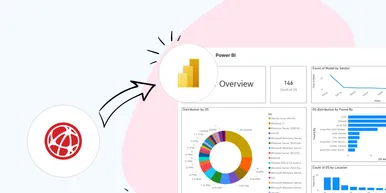
New in vScope: Connect Your Asset Inventory to Power BI
vScope can now share its continuously updated IT insights directly with Power BI. Connect the asset inventory to your dashboards to create shared decision-making data for IT, finance, and leadership. This article walks through the benefits of using vScope as a Power BI data source.

Stronger Security in vScope: Support for SAML SSO and Kerberos
In the latest update of vScope, we introduce support for SAML 2.0-based Single Sign-On (SSO) and Kerberos authentication. These new features are an important step in giving you more options to strengthen the security of your IT inventory and access to your asset register. In this post, we walk through the updates and how to make the most of them.

New in vScope: Support for Intune App Assignments
With support for Intune App Assignments, you gain full control of application deployments in Microsoft Intune. vScope’s asset inventory provides instant visibility, clear reports, and alerts on changes - for stronger security, simplified compliance, and a complete overview.
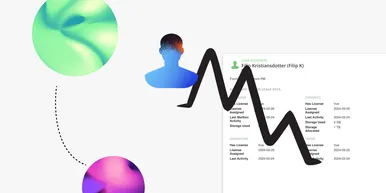
Keep Track of Your Microsoft 365 User Accounts
It just got easier to stay on top of your Microsoft 365 users. With new tables and reports in vScope, you now get a ready-made overview of accounts, permissions, and licenses - without the hassle of manual data collection.

New Content for Active Directory
Stay on top of your Active Directory with new content in vScope. Get a clear overview of security, compliance, and efficiency - without manual work. In this blog post, we walk you through what’s new and how you can uncover misconfigurations in your AD.
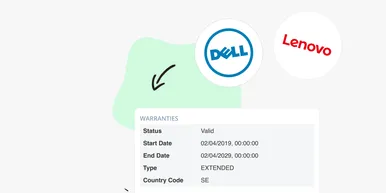
Say Goodbye to Manual Warranty Management for Lifecycle Handling
For many IT departments, managing warranties is a time-consuming and often frustrating task. Manually tracking expiration dates, keeping tabs on various agreements, and quickly finding relevant information when needed can feel like a never-ending job. What if there was a way to automate this? With the latest update to vScope, we're introducing warranty data inventory - a new feature designed to do just that!