"– vScope isn’t just an operations tool. Security reports, IT services, and cost insights make it valuable for finance, support, and even management."

P. Larsson
IT Infrastructure Coordinator @ Västervik Municipality
vScope gives you total visibility of Microsoft 365 (Entra ID/Azure AD): users, groups, permissions, and licenses. Find risks, stop stale accounts, and optimize license spend. Everything in one platform.




vScope centralizes users, groups, permissions, and licenses from Microsoft 365 (Entra ID/Azure AD), so you can secure identities, pass audits, and cut costs without manual work.
Unlike single-purpose Microsoft 365 tools, vScope correlates Microsoft 365 with data from the rest of your IT infrastructure (AD, servers, devices, software, etc.) to give you a complete picture.
Run a tighter, safer Microsoft 365 environment: reduce risk, reduce spend, and reduce admin – all from one place.
"– vScope isn’t just an operations tool. Security reports, IT services, and cost insights make it valuable for finance, support, and even management."
P. Larsson
IT Infrastructure Coordinator @ Västervik Municipality
"– With vScope, anyone in the organization can instantly visualize our entire IT infrastructure."

V. Sjöström
IT Infrastructure Delivery Manager @ PostNord Strålfors
One stale or misconfigured account can open the door to a nasty security incident. vScope surfaces high-risk accounts, identities and suspicious activity across Microsoft 365 (Entra ID/Azure AD) – instantly.
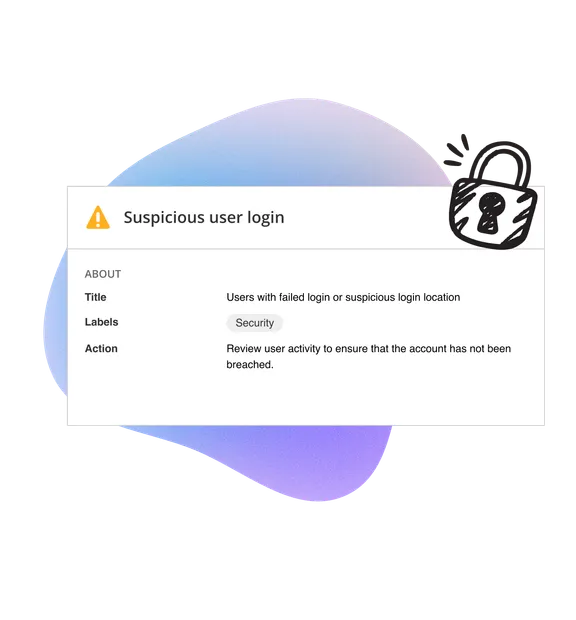
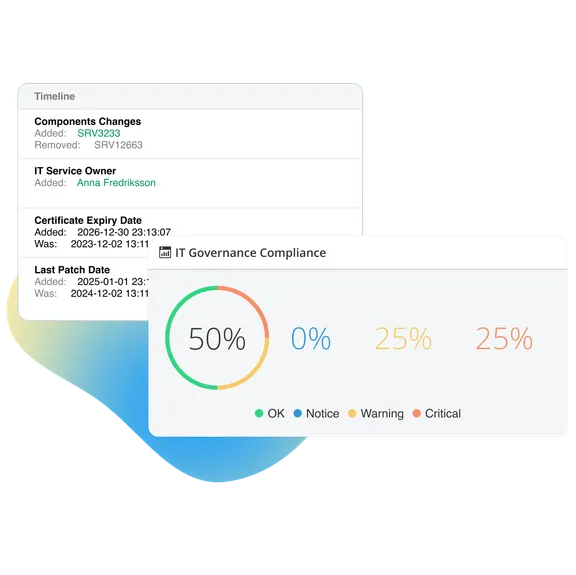
Make audits painless. vScope maintains history and context across users, permissions, and activity – automatically.
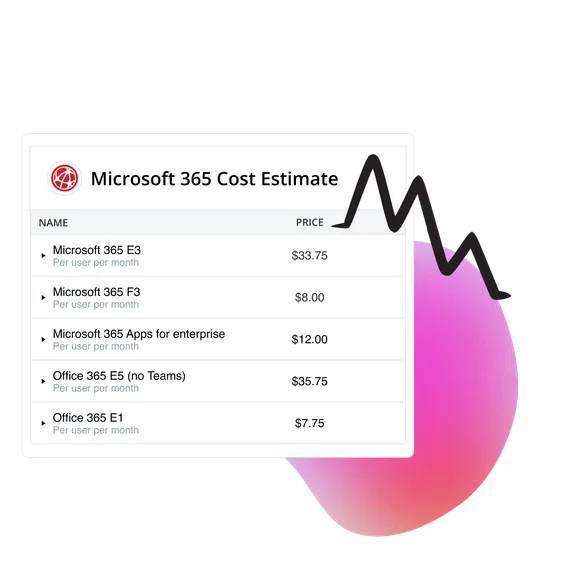
Shine a light on Microsoft 365 license waste. Reclaim unused seats, fix overlaps, and align entitlements with real usage.
Often under an hour. Ready-made tables instantly highlight inactive accounts, MFA status and license waste – so you can act immediately. What's required is an installation of vScope.
Yes. vScope correlates Microsoft 365/Entra ID with your on-prem Active Directory and other IT data for a complete picture.
No. All data is stored within your vScope installation and stays under your control.
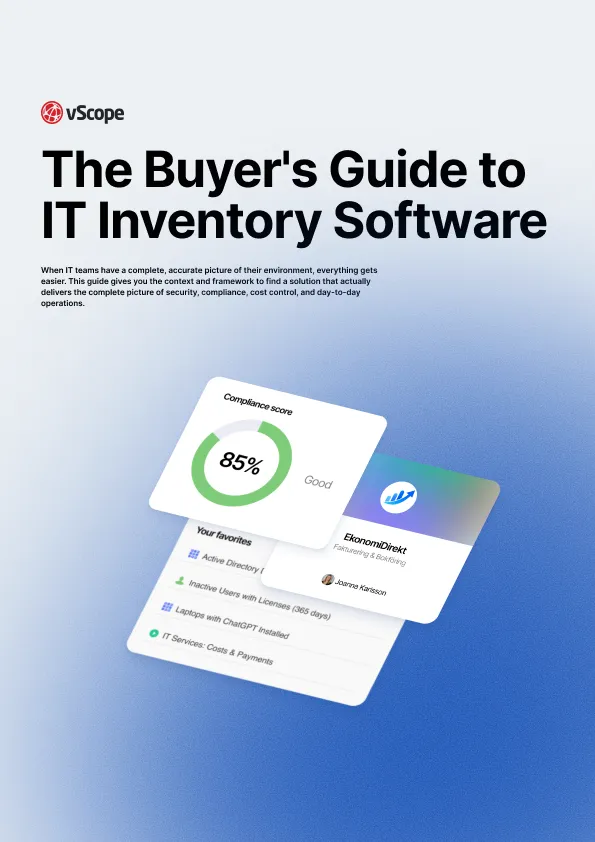
Explore a complete checklist of the most important values of an IT Inventory Software so you can be confident in your buying decision.

We're releasing several new features that help you get better visibility and collaboration in, and outside of, your IT organization. Asset Health in Properties, Share to Teams, and external report recipients are all really about the same problem: the right data, to the right person, at the right time.

Know exactly how Copilot is used across your organization. By who, and where. vScope now has extended its coverage of ready-made reports about Copilot adoption, license utilization, and usage patterns. Immediately visible, and easy to share.
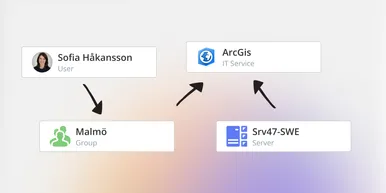
vScope has always mapped the relationships in your IT environment automatically. Now you can explore them visually. The Relationship Map is a new view in Properties and Governance – always current, no manual work required.