


New in vScope: Find AI Software Across Your IT Environment
AI tools like ChatGPT, Claude, and Microsoft 365 Copilot are spreading fast across organizations – often without IT having full visibility. The latest update to vScope includes ready-made tables that instantly show which machines and users have AI software installed or licensed.
 Axel Svegerud •
 AI tools have quickly become part of everyday work for many employees. ChatGPT, Claude, and Microsoft 365 Copilot are used daily – to write, analyze, and make decisions. That’s a good thing. But for IT, it introduces a new kind of challenge: how do you keep track of what’s actually installed and licensed, and by whom?
The challenge: AI spreads fast and quietly
Unlike traditional software, AI tools often bypass the usual procurement and licensing processes. One employee installs the ChatGPT app on their work machine. Another gets a Copilot license through a Microsoft 365 bundle without IT knowing. It’s not malicious – it happens because the tools are accessible and genuinely useful.
But the consequence for IT is straightforward: the harder it is to see, the harder it is to manage, secure, or cost-allocate.
New in vScope: ready-made tables for AI software
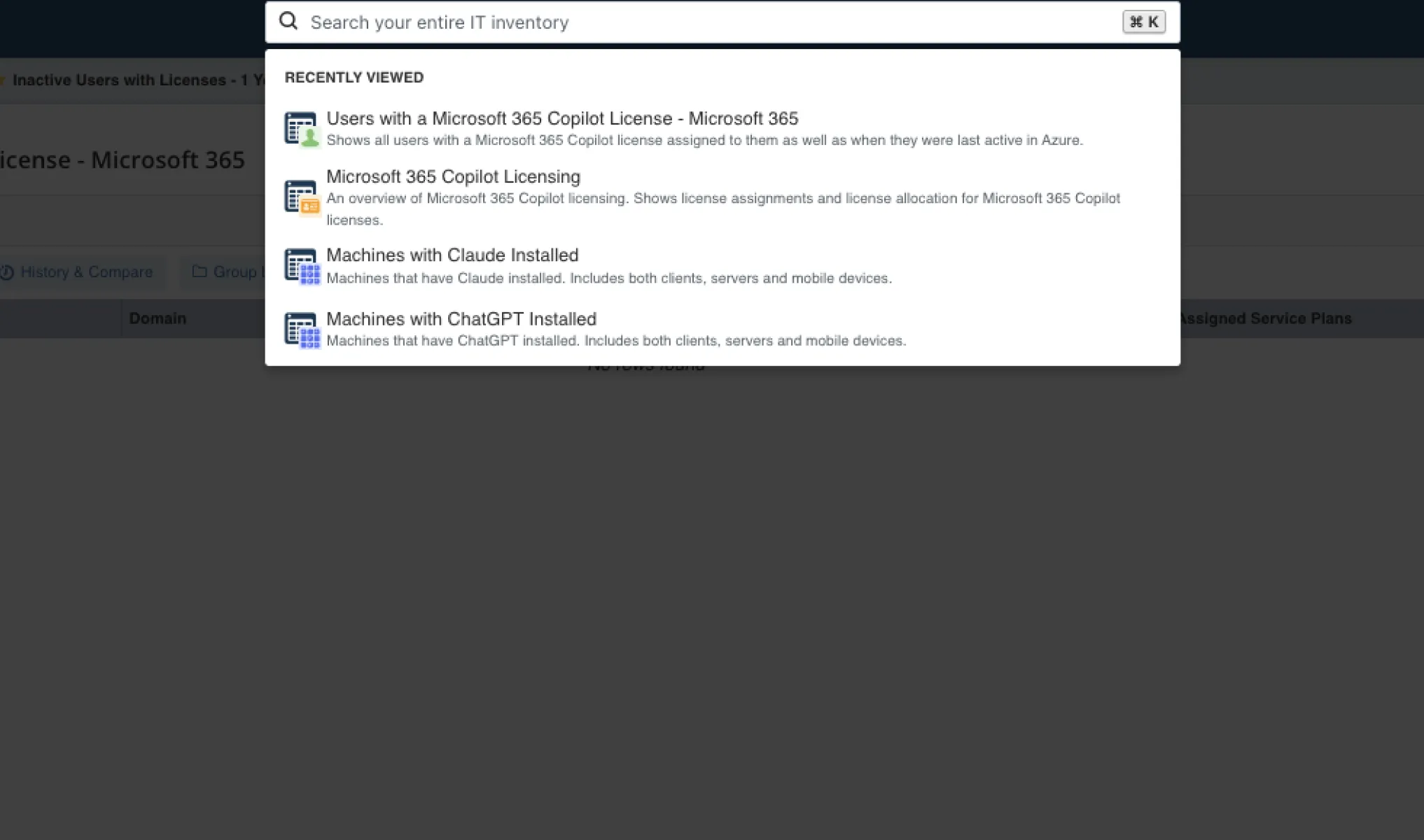
vScope now ships with four ready-made tables that give you immediate visibility – no configuration needed:
- Machines with ChatGPT Installed – which machines in your environment have the ChatGPT client installed
- Machines with Claude Installed – the same for Anthropic’s Claude
- Microsoft 365 Copilot Licensing – a consolidated view of your Copilot licenses
- Users with a Microsoft 365 Copilot License – which users have an active Copilot license tied to their M365 account
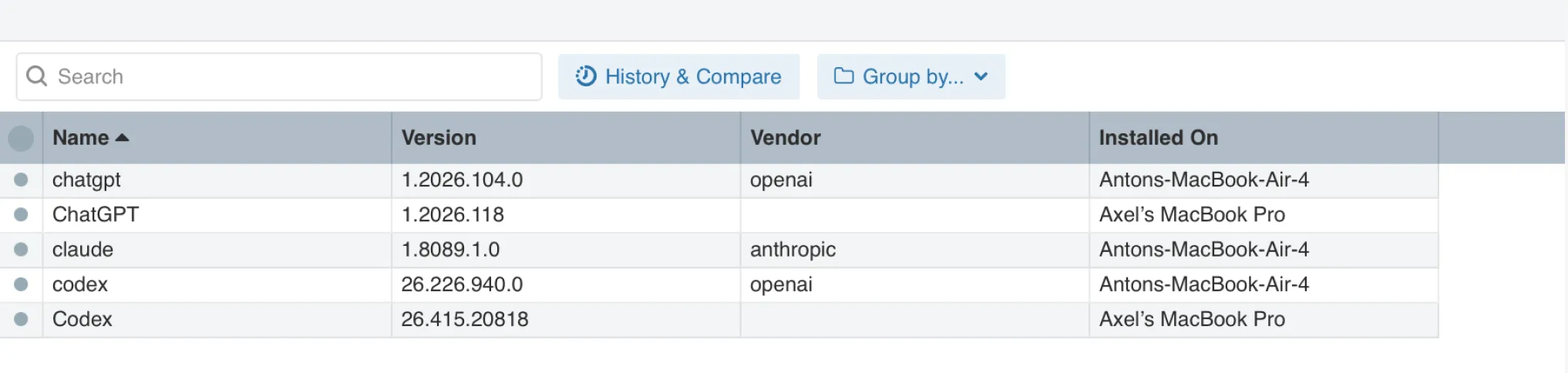
- Installed AI applications – all applications, regardless of version, covering Claude, Copilot, ChatGPT, and Codex
The tables are searchable and ready to use right away. As always in vScope, they can be filtered, exported, and added to your own reports and dashboards.
Why it matters
The visibility these tables provide gives you a foundation for three questions IT leaders and ops teams are actively working through right now:
- Security and compliance – Which devices have AI clients installed? With that visibility, you can act – approve, block, or follow up according to your IT policy.
- License control – Are you paying for Copilot licenses tied to inactive users? Or are users running the tool without a license at all?
- Strategic planning – How widespread is AI adoption in your organization, really? It’s hard to make informed decisions about AI strategy without up-to-date data.
The tables are available in the latest update to vScope. Feel free to reach out if you’d like to talk about how your organization can benefit from full visibility into your IT environment with vScope’s asset repository.
Related blog posts

New in vScope: Track Microsoft 365 Copilot Usage Across Your Organization
Know exactly how Copilot is used across your organization. By who, and where. vScope now has extended its coverage of ready-made reports about Copilot adoption, license utilization, and usage patterns. Immediately visible, and easy to share.
See How Your IT Environment Actually Fits Together
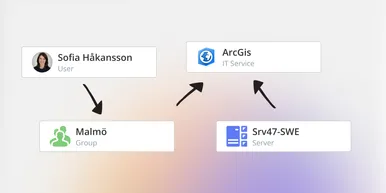
vScope has always mapped the relationships in your IT environment automatically. Now you can explore them visually. The Relationship Map is a new view in Properties and Governance – always current, no manual work required.

New in vScope: DigiCert Integration for Certificate Inventory
You can now inventory certificates from DigiCert directly in vScope — giving you a complete overview of the SSL/TLS certificates in your environment. Set up proactive alerts, enrich your documentation with tags from DigiCert, or link certificates to your service documentation for greater detail.
New in vScope: Connect Your Asset Inventory to Power BI
vScope can now share its continuously updated IT insights directly with Power BI. Connect the asset inventory to your dashboards to create shared decision-making data for IT, finance, and leadership. This article walks through the benefits of using vScope as a Power BI data source.

Stronger Security in vScope: Support for SAML SSO and Kerberos
In the latest update of vScope, we introduce support for SAML 2.0-based Single Sign-On (SSO) and Kerberos authentication. These new features are an important step in giving you more options to strengthen the security of your IT inventory and access to your asset register. In this post, we walk through the updates and how to make the most of them.

New in vScope: Support for Intune App Assignments
With support for Intune App Assignments, you gain full control of application deployments in Microsoft Intune. vScope’s asset inventory provides instant visibility, clear reports, and alerts on changes - for stronger security, simplified compliance, and a complete overview.

Keep Track of Your Microsoft 365 User Accounts
It just got easier to stay on top of your Microsoft 365 users. With new tables and reports in vScope, you now get a ready-made overview of accounts, permissions, and licenses - without the hassle of manual data collection.

New Content for Active Directory
Stay on top of your Active Directory with new content in vScope. Get a clear overview of security, compliance, and efficiency - without manual work. In this blog post, we walk you through what’s new and how you can uncover misconfigurations in your AD.
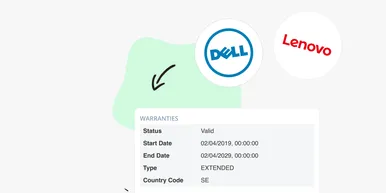
Say Goodbye to Manual Warranty Management for Lifecycle Handling
For many IT departments, managing warranties is a time-consuming and often frustrating task. Manually tracking expiration dates, keeping tabs on various agreements, and quickly finding relevant information when needed can feel like a never-ending job. What if there was a way to automate this? With the latest update to vScope, we're introducing warranty data inventory - a new feature designed to do just that!