

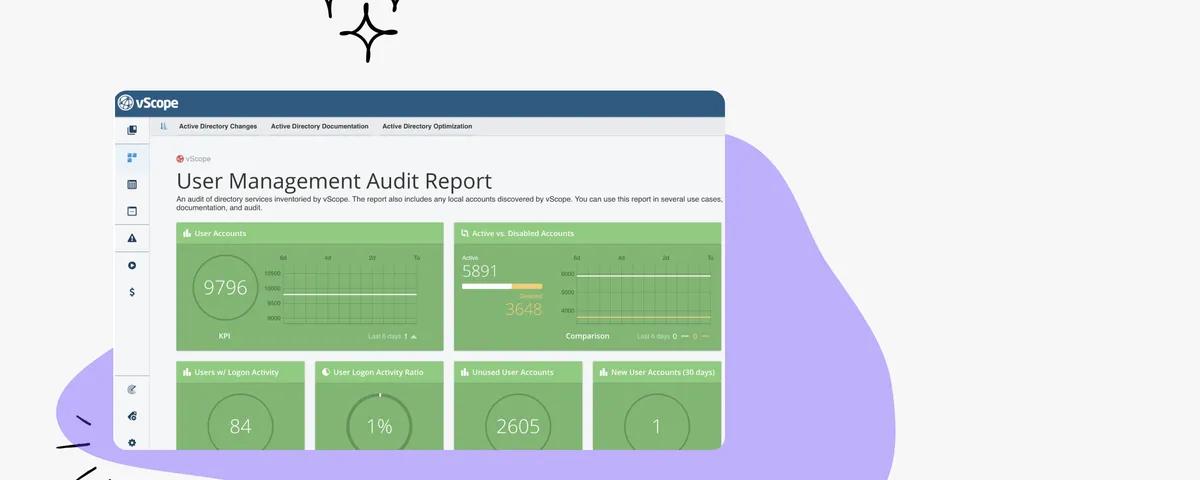
Section Separators for a more customized Dashboard experience
Elevate your dashboard with new widgets for organizing content into sections! vScope's latest feature, Section Dividers, allows you to effortlessly group and categorize widgets by use case, priority, or asset type for a streamlined, intuitive view.
 Anton Berghult •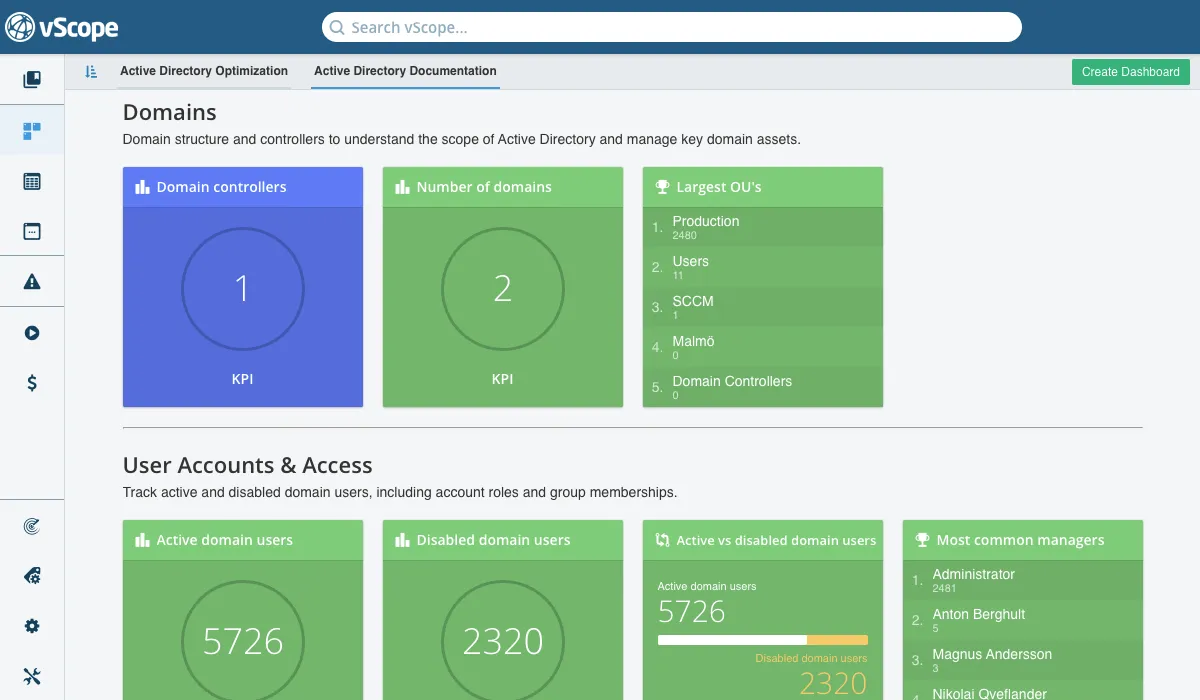
Sections for Enhanced Readability and Team Collaboration
Dashboards in vScope provide a quick visual overview of KPIs and insights from your asset discovery, and are easy to share and collaborate on within your team–making them essential to vScope’s reporting capabilities.
With this latest update, we’ve added new design elements for an even more organized dashboard experience.
The two new widgets, Divider and Text, allow you to create custom titles and spacing within your dashboard. Label sections like “Priority: High,” “User Management,” or “Compliance” to quickly identify key areas.
This update turns good dashboards into powerful, professional reporting tools!
How to Add Section Separators
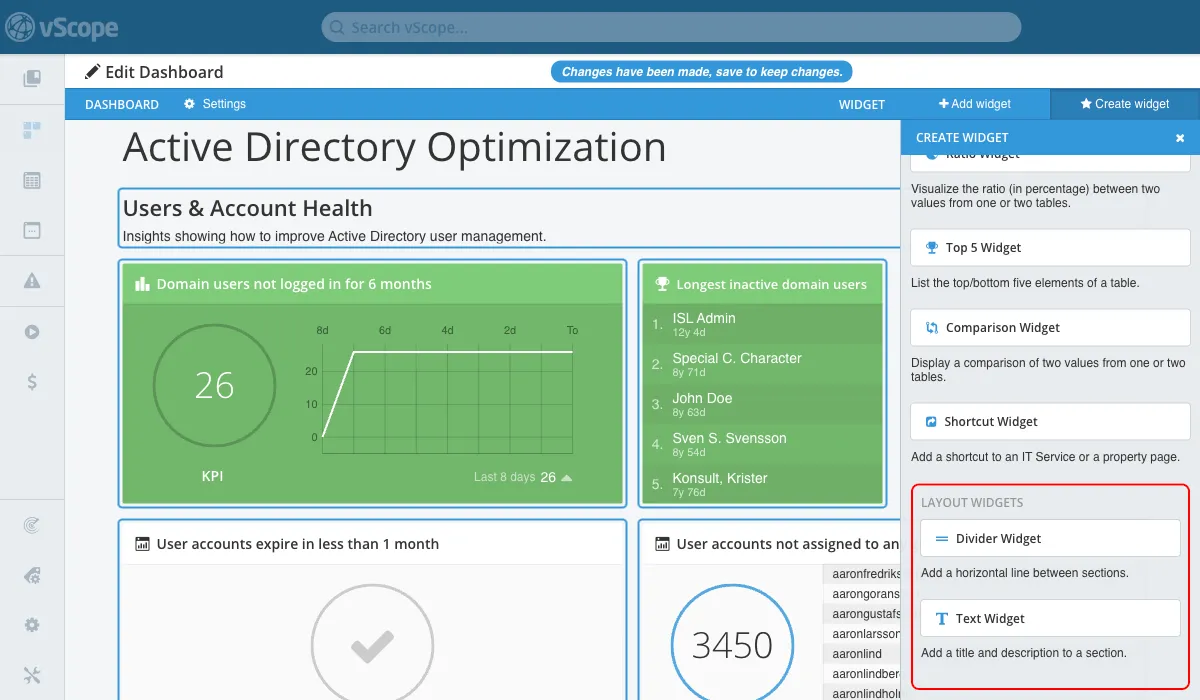
Adding sections to your dashboard is simple:
- Click Edit (note: you need write permission to edit a dashboard).
- Select Create Widget.
- At the bottom of the sidebar, choose either the Divider or Text widget.
- Click to add a widget at the bottom of the Dashboard.
- For Text widgets, add a heading and optional text to display for added context.
Use these widgets to clarify the purpose of your KPIs and metrics, making your dashboards even more informative and user-friendly.
Related blog posts
All posts
New in vScope: Track Microsoft 365 Copilot Usage Across Your Organization
Know exactly how Copilot is used across your organization. By who, and where. vScope now has extended its coverage of ready-made reports about Copilot adoption, license utilization, and usage patterns. Immediately visible, and easy to share.
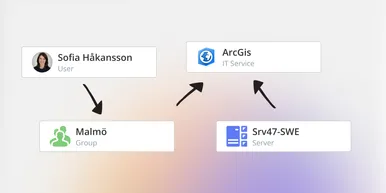
See How Your IT Environment Actually Fits Together
vScope has always mapped the relationships in your IT environment automatically. Now you can explore them visually. The Relationship Map is a new view in Properties and Governance – always current, no manual work required.

New in vScope: DigiCert Integration for Certificate Inventory
You can now inventory certificates from DigiCert directly in vScope — giving you a complete overview of the SSL/TLS certificates in your environment. Set up proactive alerts, enrich your documentation with tags from DigiCert, or link certificates to your service documentation for greater detail.

New in vScope: Find AI Software Across Your IT Environment
AI tools like ChatGPT, Claude, and Microsoft 365 Copilot are spreading fast across organizations – often without IT having full visibility. The latest update to vScope includes ready-made tables that instantly show which machines and users have AI software installed or licensed.
New in vScope: Connect Your Asset Inventory to Power BI
vScope can now share its continuously updated IT insights directly with Power BI. Connect the asset inventory to your dashboards to create shared decision-making data for IT, finance, and leadership. This article walks through the benefits of using vScope as a Power BI data source.

Stronger Security in vScope: Support for SAML SSO and Kerberos
In the latest update of vScope, we introduce support for SAML 2.0-based Single Sign-On (SSO) and Kerberos authentication. These new features are an important step in giving you more options to strengthen the security of your IT inventory and access to your asset register. In this post, we walk through the updates and how to make the most of them.

New in vScope: Support for Intune App Assignments
With support for Intune App Assignments, you gain full control of application deployments in Microsoft Intune. vScope’s asset inventory provides instant visibility, clear reports, and alerts on changes - for stronger security, simplified compliance, and a complete overview.
Keep Track of Your Microsoft 365 User Accounts
It just got easier to stay on top of your Microsoft 365 users. With new tables and reports in vScope, you now get a ready-made overview of accounts, permissions, and licenses - without the hassle of manual data collection.

New Content for Active Directory
Stay on top of your Active Directory with new content in vScope. Get a clear overview of security, compliance, and efficiency - without manual work. In this blog post, we walk you through what’s new and how you can uncover misconfigurations in your AD.