


New vScope Content Update: Stay Up-to-Date with Enhanced IT Documentation
With our latest update, we have added more bundled content to help you excel your IT documentation standards. With more layouts and tables, you can be sure that your documentation has never been better.
 vScope •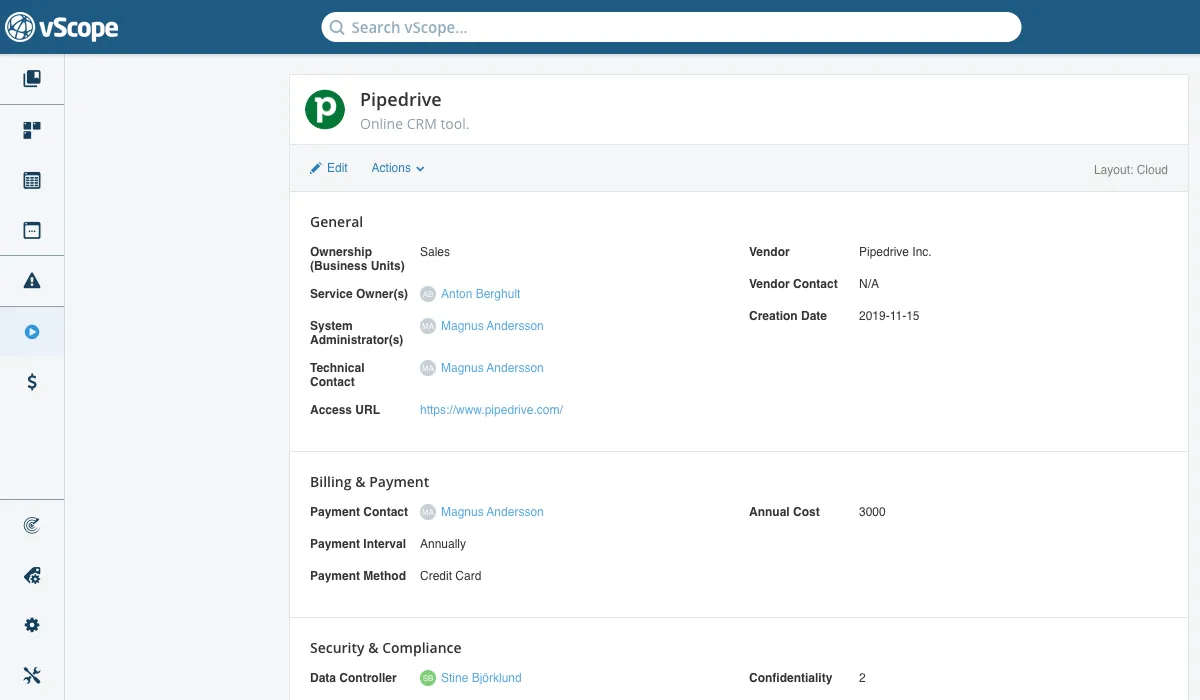
Layouts for Better IT Service Documentation
Benefit from our latest updates of service layouts. These have been especially designed to meet certain criteria for different types of services:
Essential For limited vScope subscriptions, this layout focuses on server components of a service while still allowing documentation of ownership and security.
Cloud Use this layout if your service runs in a cloud environment. It emphasizes access control and billing instead of components.
On-prem Best suited for in-house hosted services, with rich documentation and detail on multiple components.
Outsourced Designed for services maintained by external service providers.
Tables for Patch Management, Security, and Compliance
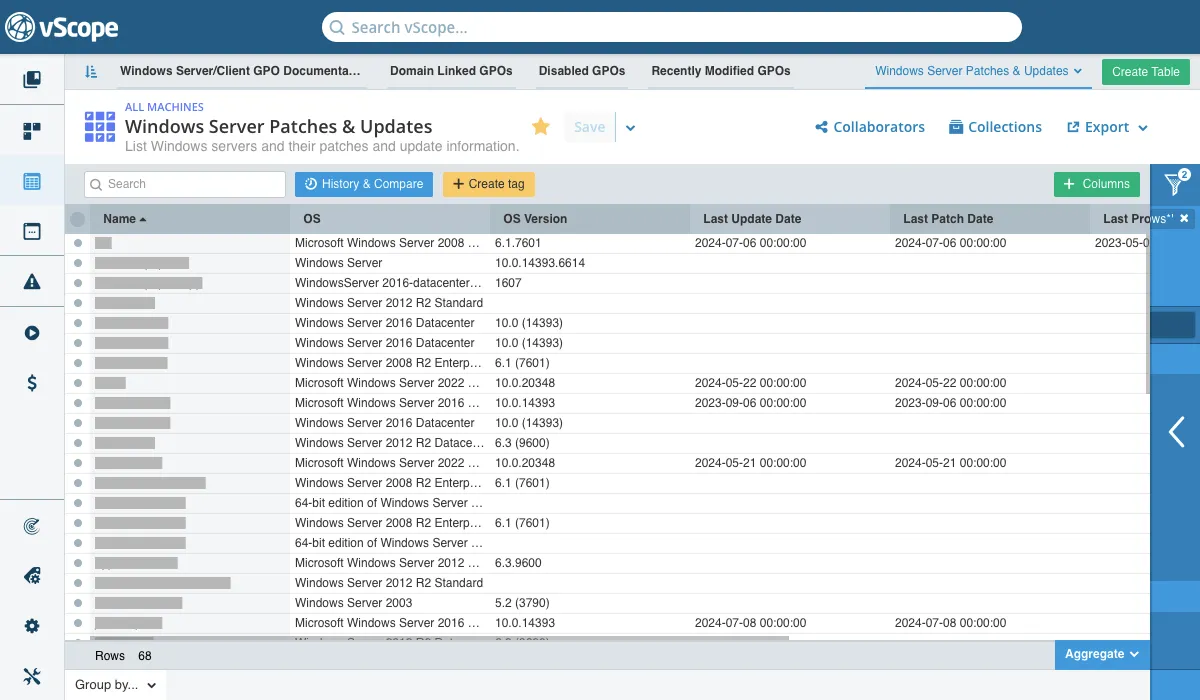
Explore new built-in tables across Security, Compliance, and Patch Management:
- Disabled GPOs - Lists GPOs with both computer and user configuration settings disabled.
- Domain Linked GPOs - Outlines configuration settings for each Group Policy at the domain level.
- Recently Created GPOs - Lists all new GPOs created within the last 90 days.
- Recently Modified GPOs - Shows modified GPOs and linked AD objects.
- Windows Server Automatic Update Scheduling Overview - Scheduling of automatic updates and reboot needs.
- Windows Server Backup & Disaster Recovery - Tracks backup schedules and snapshot success.
- Windows Server Patch Management Compliance - Audit-ready insights into patch status across servers.
- Windows Server Patches & Updates - Lists servers and their current patch info.
- Windows Server Product & System Updates - Last install dates of major product and system updates.
- Windows Server Reboot & Patch Management - Identifies reboot requirements tied to updates.
- Windows Server Restart Pending - Servers requiring a restart to finalize updates.
- Windows Server Update Detection & Errors - Logs detection failures and future schedules.
- Windows Server Update Service (WSUS) Documentation - Details WU settings per server.
- Windows Server Update Settings Documentation - Overview of update settings across all servers.
- Windows Server/Client GPO Documentation - Essential update configuration for both servers and clients.
- Microsoft 365 Groups - Highlights machine-specific policies impacting security and system behavior.
Related blog posts
All posts
New in vScope: Track Microsoft 365 Copilot Usage Across Your Organization
Know exactly how Copilot is used across your organization. By who, and where. vScope now has extended its coverage of ready-made reports about Copilot adoption, license utilization, and usage patterns. Immediately visible, and easy to share.
See How Your IT Environment Actually Fits Together
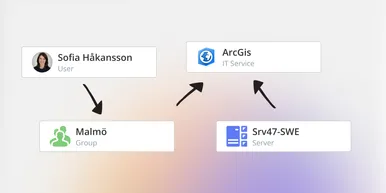
vScope has always mapped the relationships in your IT environment automatically. Now you can explore them visually. The Relationship Map is a new view in Properties and Governance – always current, no manual work required.

New in vScope: DigiCert Integration for Certificate Inventory
You can now inventory certificates from DigiCert directly in vScope — giving you a complete overview of the SSL/TLS certificates in your environment. Set up proactive alerts, enrich your documentation with tags from DigiCert, or link certificates to your service documentation for greater detail.

New in vScope: Find AI Software Across Your IT Environment
AI tools like ChatGPT, Claude, and Microsoft 365 Copilot are spreading fast across organizations – often without IT having full visibility. The latest update to vScope includes ready-made tables that instantly show which machines and users have AI software installed or licensed.
New in vScope: Connect Your Asset Inventory to Power BI
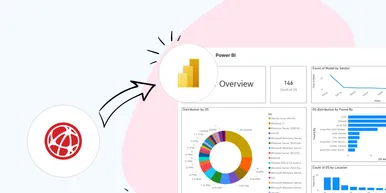
vScope can now share its continuously updated IT insights directly with Power BI. Connect the asset inventory to your dashboards to create shared decision-making data for IT, finance, and leadership. This article walks through the benefits of using vScope as a Power BI data source.

Stronger Security in vScope: Support for SAML SSO and Kerberos
In the latest update of vScope, we introduce support for SAML 2.0-based Single Sign-On (SSO) and Kerberos authentication. These new features are an important step in giving you more options to strengthen the security of your IT inventory and access to your asset register. In this post, we walk through the updates and how to make the most of them.

New in vScope: Support for Intune App Assignments
With support for Intune App Assignments, you gain full control of application deployments in Microsoft Intune. vScope’s asset inventory provides instant visibility, clear reports, and alerts on changes - for stronger security, simplified compliance, and a complete overview.

Keep Track of Your Microsoft 365 User Accounts
It just got easier to stay on top of your Microsoft 365 users. With new tables and reports in vScope, you now get a ready-made overview of accounts, permissions, and licenses - without the hassle of manual data collection.

New Content for Active Directory
Stay on top of your Active Directory with new content in vScope. Get a clear overview of security, compliance, and efficiency - without manual work. In this blog post, we walk you through what’s new and how you can uncover misconfigurations in your AD.