"– vScope isn’t just an operations tool. Security insights and license optimization make it valuable for finance, support and even management."

P. Larsson
IT Infrastructure Coordinator @ Västervik Municipality
Discover license waste, strengthen identity security, and simplify audits. vScope provides a complete overview of Microsoft 365 (Entra ID/Azure AD) – designed for public sector organizations. All data stays within your environment.
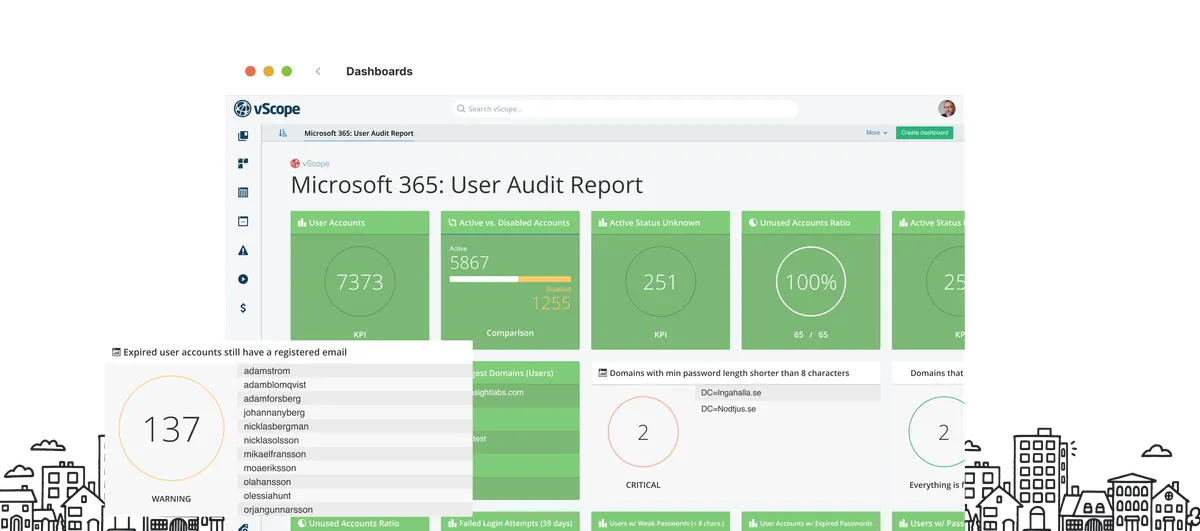






vScope addresses a growing challenge in the public sector: managing identities and access in Microsoft 365 (Entra ID). Automate inventory and move quickly from data to insights to action with ready-to-use reports. The result: simpler administration, stronger security, and lower costs.
Unlike point tools, vScope correlates Microsoft 365 data with the rest of your IT infrastructure (AD, servers, devices, applications) to give you a complete picture of your environment.
For IT leaders in the public sector, this means better decision-making, faster audits and significant savings on Microsoft 365 licenses. Your team gains a single, shared interface to work from.
"– vScope isn’t just an operations tool. Security insights and license optimization make it valuable for finance, support and even management."
P. Larsson
IT Infrastructure Coordinator @ Västervik Municipality
"– With vScope, it’s incredibly easy to quickly explore changes across our IT environment."

Å. Woolke
Support Technician @ Kristinehamn Municipality
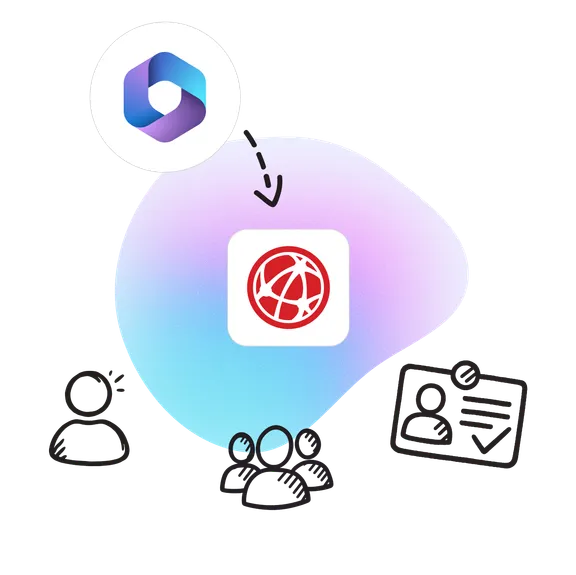
Integrate vScope with Microsoft 365 and consolidate accounts, groups, licenses, and more – securely within your environment.
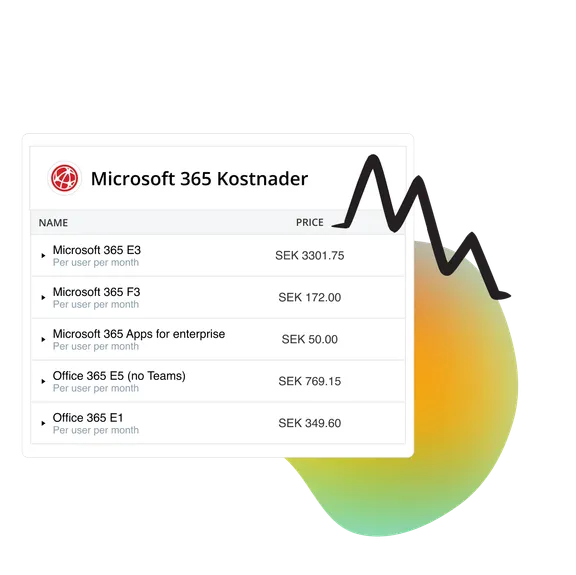
Unnecessary license costs are common in Microsoft 365. vScope identifies unused seats, overlaps and misconfigurations – so you can free up budget for more important initiatives.
Old or misconfigured accounts increase the risk of breaches. vScope makes it easy to identify risky accounts, privileged users and abnormal sign-ins across Microsoft 365 (Entra ID).
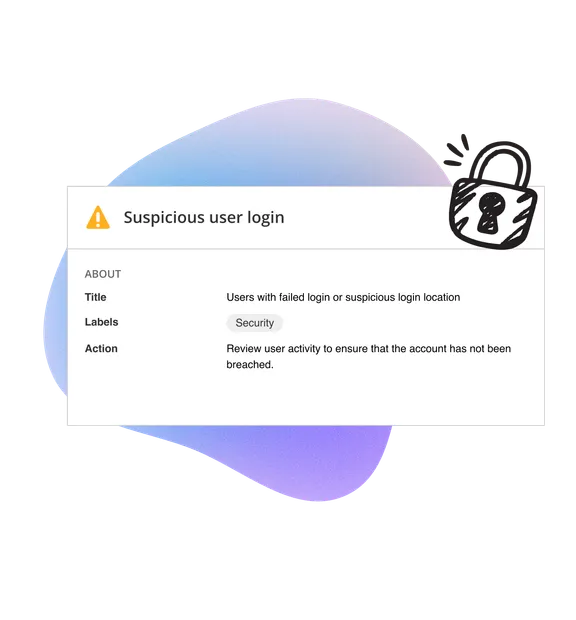
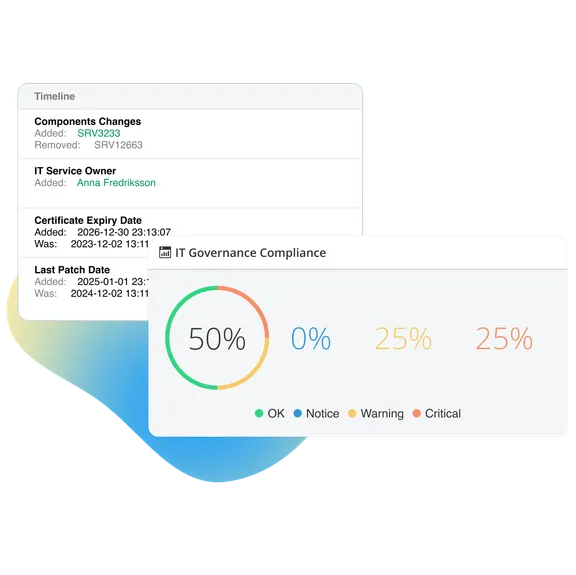
vScope automatically checks users, permissions and licenses daily, presenting results in dashboards and reports – always up to date.
– T. Nilsson, IT Manager @ EttIT
Within 30 minutes. Prebuilt tables instantly highlight inactive accounts, license waste and MFA status. All that’s required is connecting vScope to your Microsoft 365 environment.
Yes. vScope automatically correlates Microsoft 365/Entra ID with your on-prem Active Directory and other IT data for a complete picture.
No. All data stays within your IT environment, in your self-hosted vScope installation.
Download a complete checklist of the most important features to look for in an IT inventory tool – and avoid costly mistakes with Microsoft 365 license management.
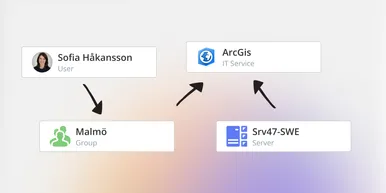
vScope has always mapped the relationships in your IT environment automatically. Now you can explore them visually. The Relationship Map is a new view in Properties and Governance – always current, no manual work required.

You can now inventory certificates from DigiCert directly in vScope — giving you a complete overview of the SSL/TLS certificates in your environment. Set up proactive alerts, enrich your documentation with tags from DigiCert, or link certificates to your service documentation for greater detail.

AI tools like ChatGPT, Claude, and Microsoft 365 Copilot are spreading fast across organizations – often without IT having full visibility. The latest update to vScope includes ready-made tables that instantly show which machines and users have AI software installed or licensed.