


vScope 3.30
IT Service Templates, improved Tracker functionality, updates in PowerShell inventory and various bug fixes. Here is vScope 3.30.
 Anton Berghult •
 3.30.10, 3.30.11
January 27, 2024
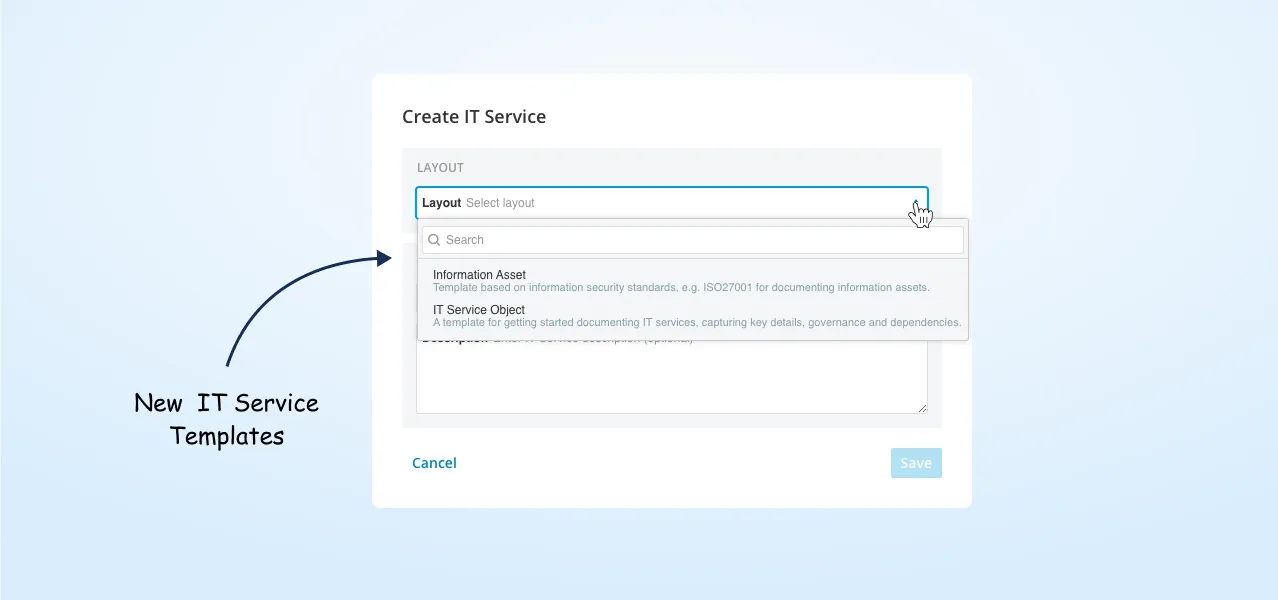
Strengthening IT Governance with More IT Service Templates
You now have access to a broader range of bundled sections for building your IT Service documentation.
Example of new sections:
- Governance & Responsibility
- Service Level Agreement (SLA)
- Service Provider
- Lifecycle Management
- Authentication
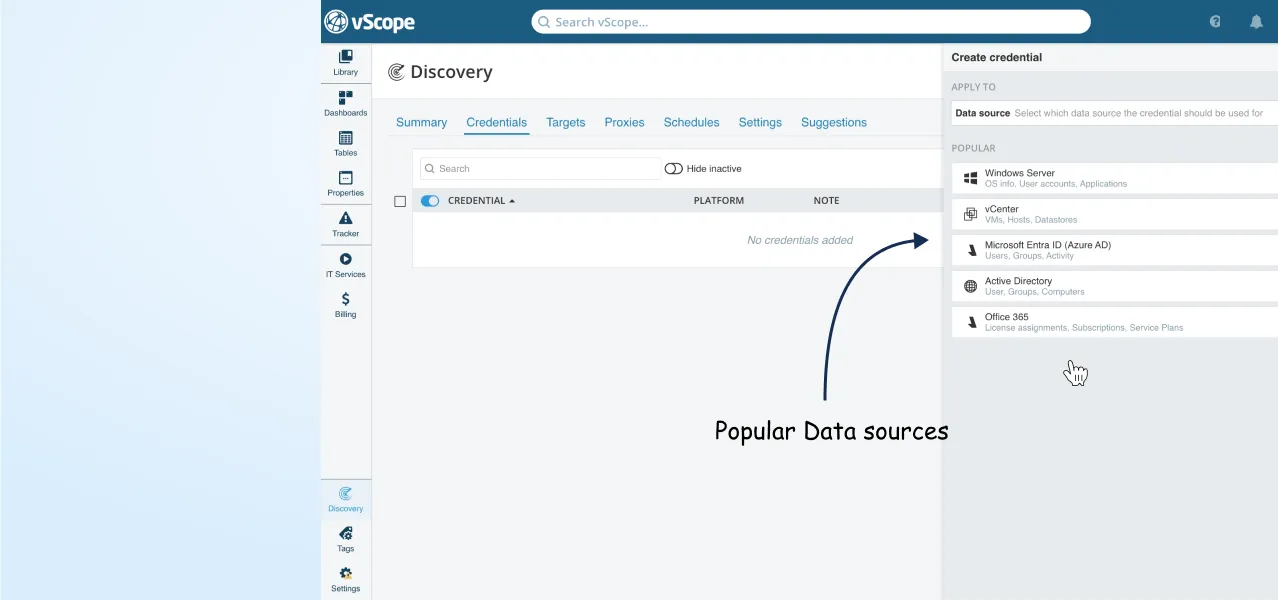
New Way of Adding Data Sources
Improvements
- Linux Machines from Microsoft 365 Defender
- Search for Organizational Units
- Smoother Dashboard building
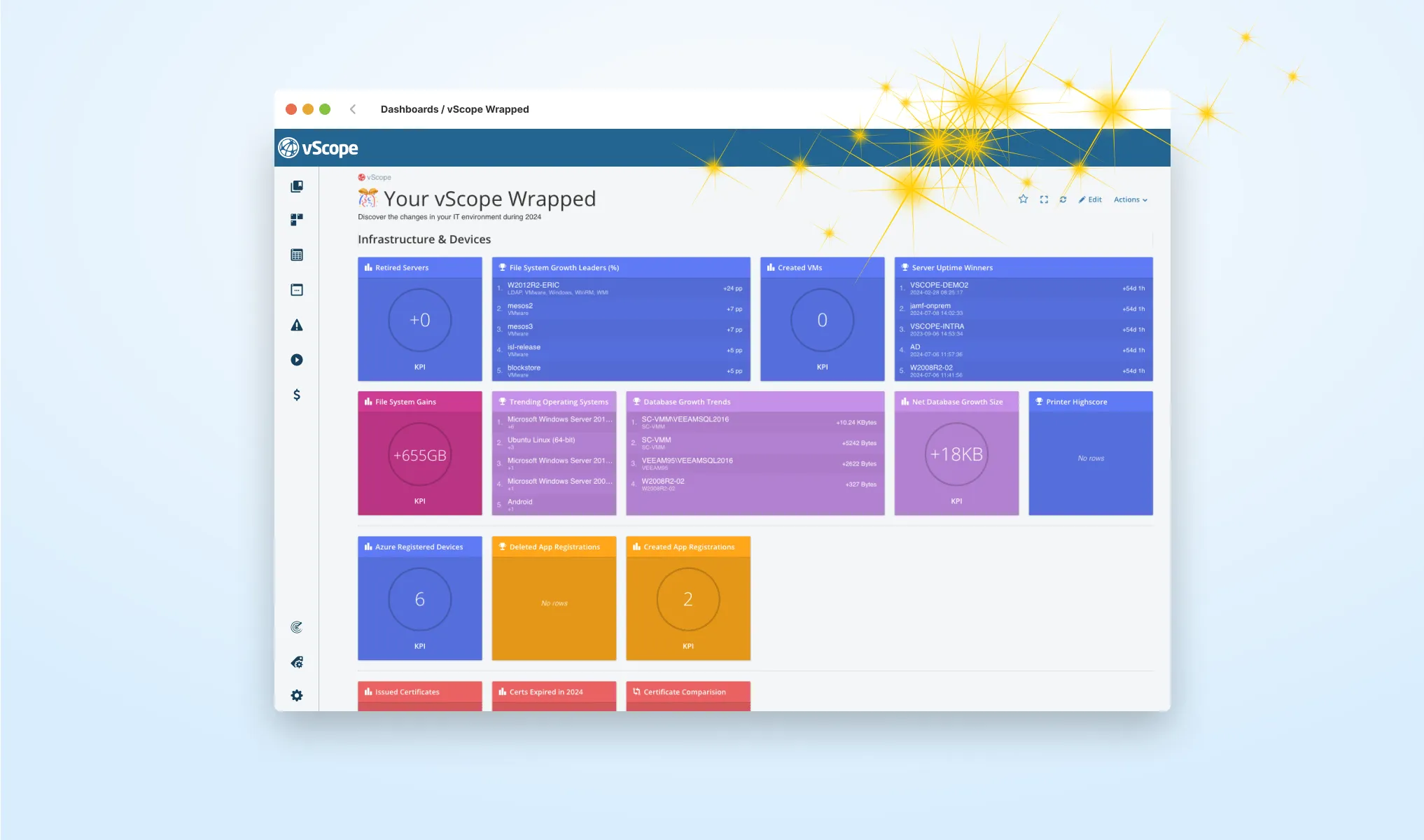
- Content update: vScope Wrapped 2024
- UI Enhancements
Bug Fixes
- Email Encoding
- Duplicate Computer Systems
- Azure Extension Attributes
3.30.9
December 16, 2024
🎆 Review your IT environment 2024 with vScope
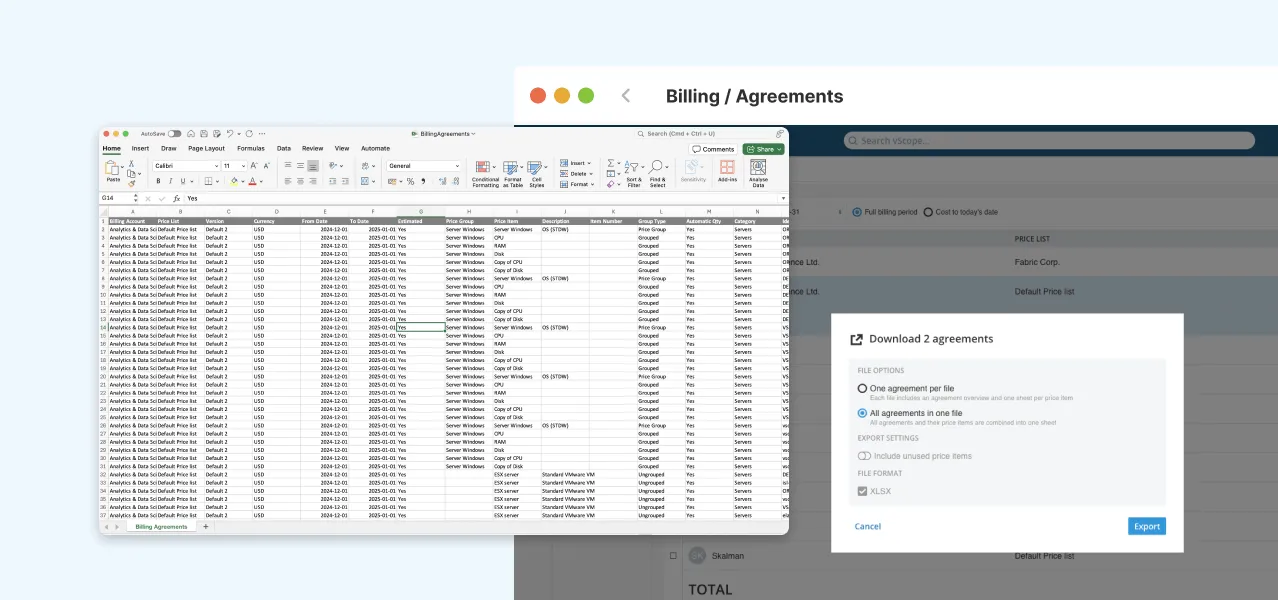
Export Billing Agreements
Tracker Run Times & Notifications
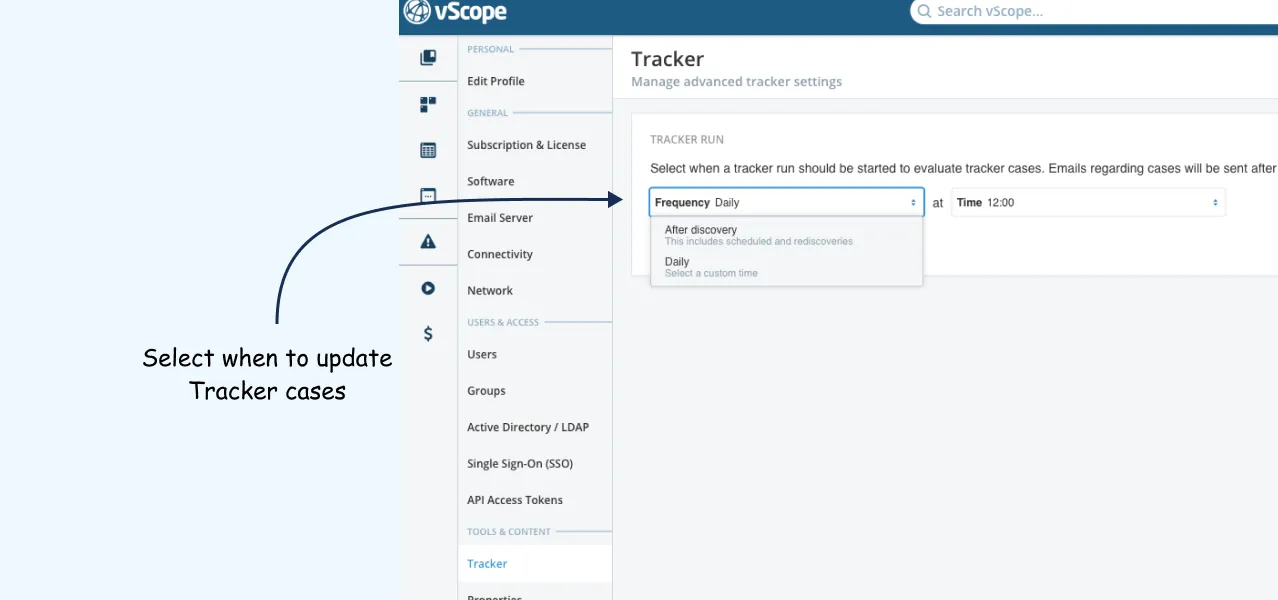
Block Sensitive Values from AD
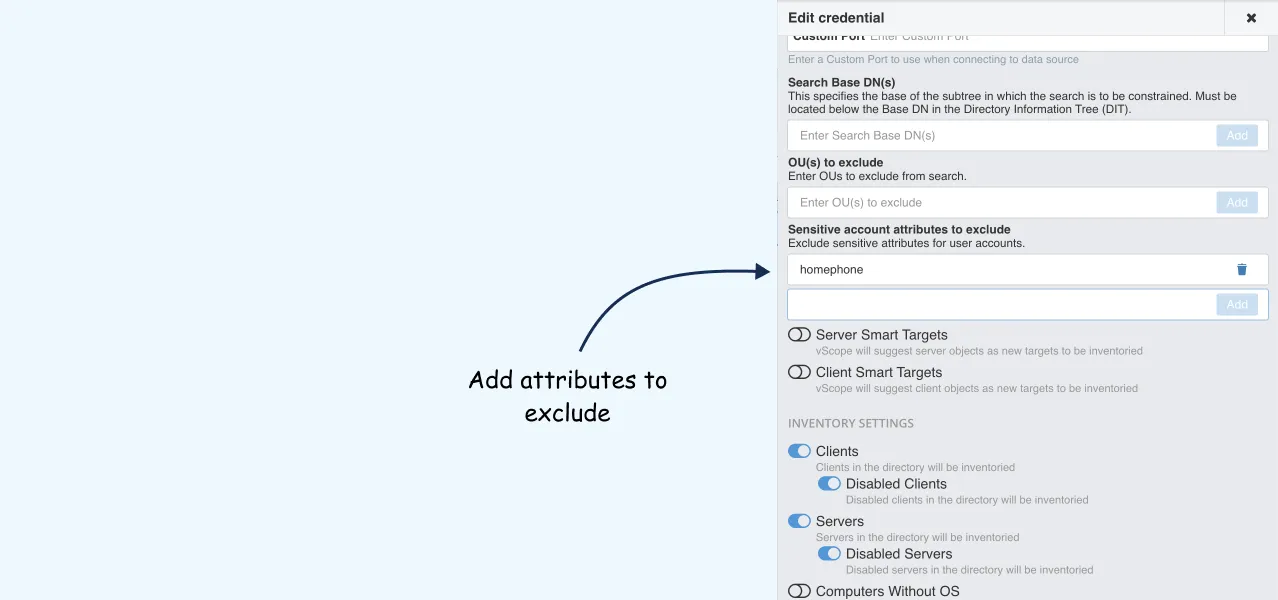 _
_
Improvements
- Search by Phone Numbers
- Preview before merge
- Cleaner Layouts
- Email optimizations
- UI & usability updates
Bug Fixes
- OS Classification
- Certificate Signature Algorithm
- Time offset fixes
- SSH & IIS issues
- vCenter naming
- Billing preview
- Misc performance and UI
3.30.8
November 25, 2024
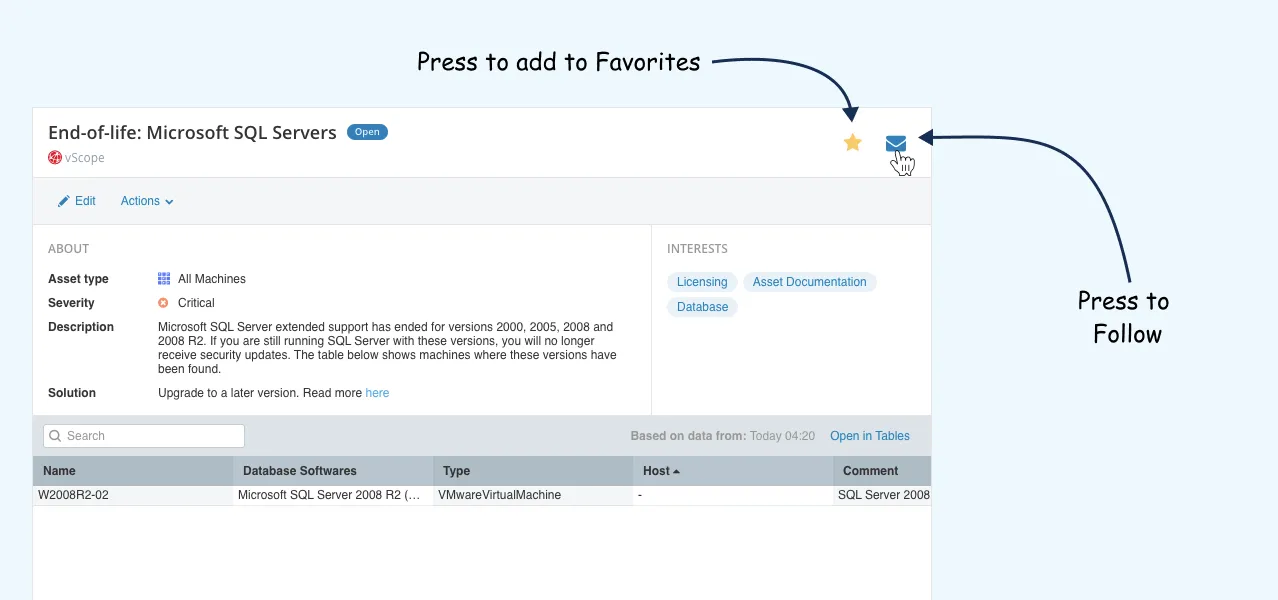
Follow and Favorite Tracker Cases
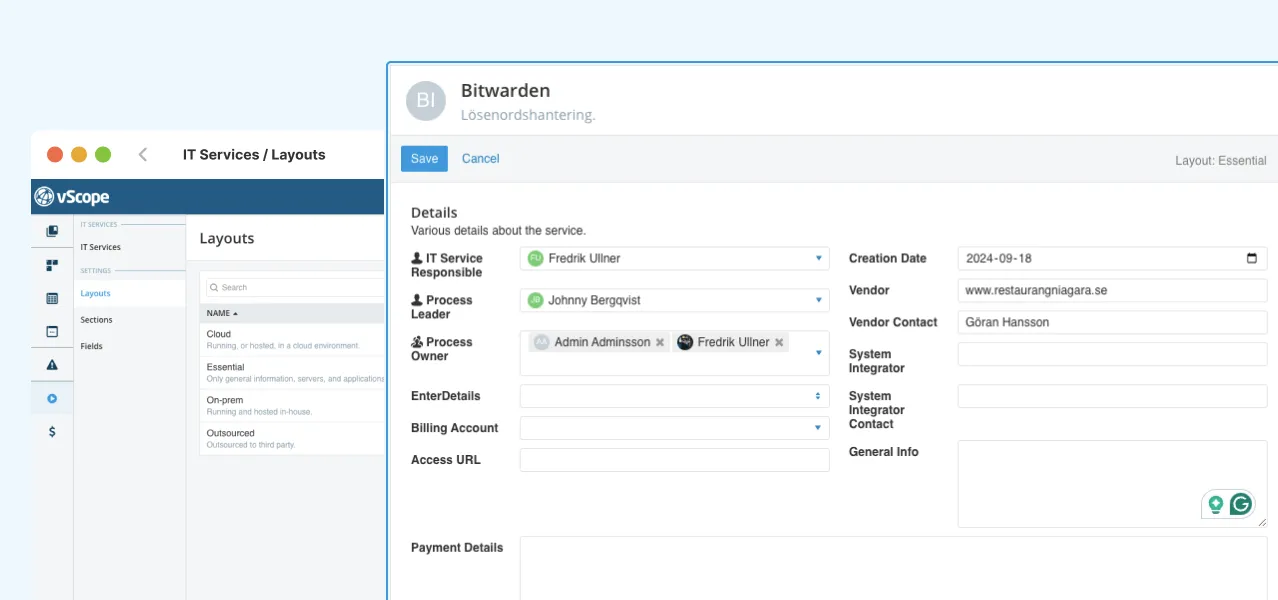
More IT Service Layouts
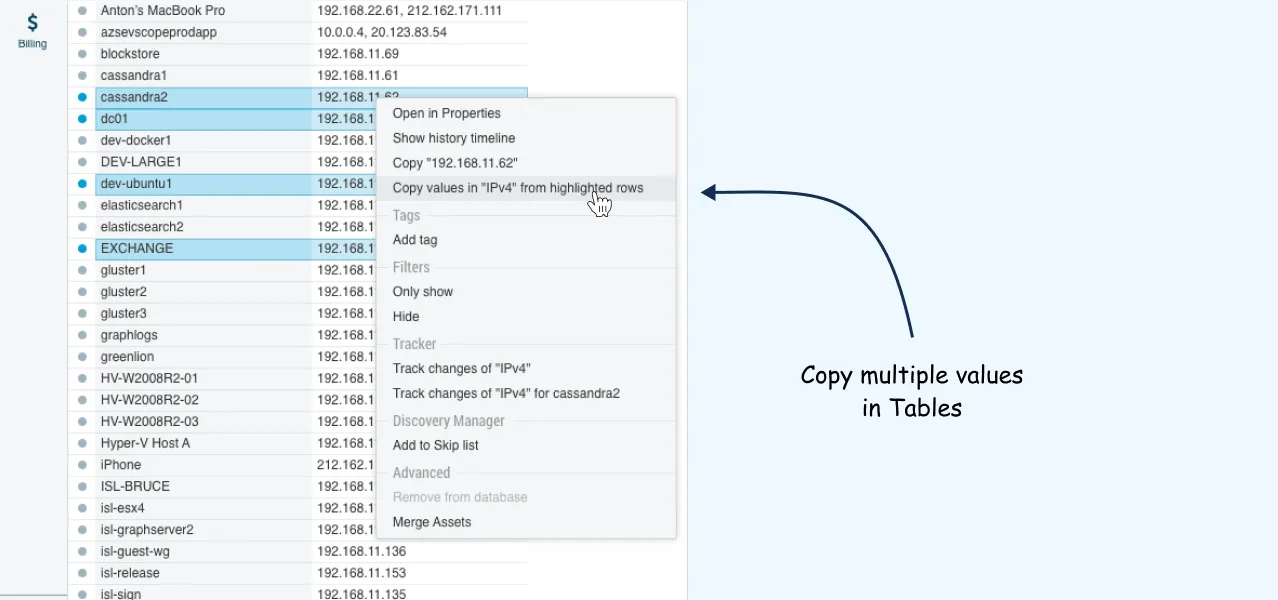
Copy Multiple Values
Improvements
- Pagination
- Tooltip enhancements
- Better backup guides
- Tag descriptions
- Special character support
Bug Fixes
- Duplicate assets from SCCM
- Sidebar fix in Tracker
3.30.7
November 4, 2024
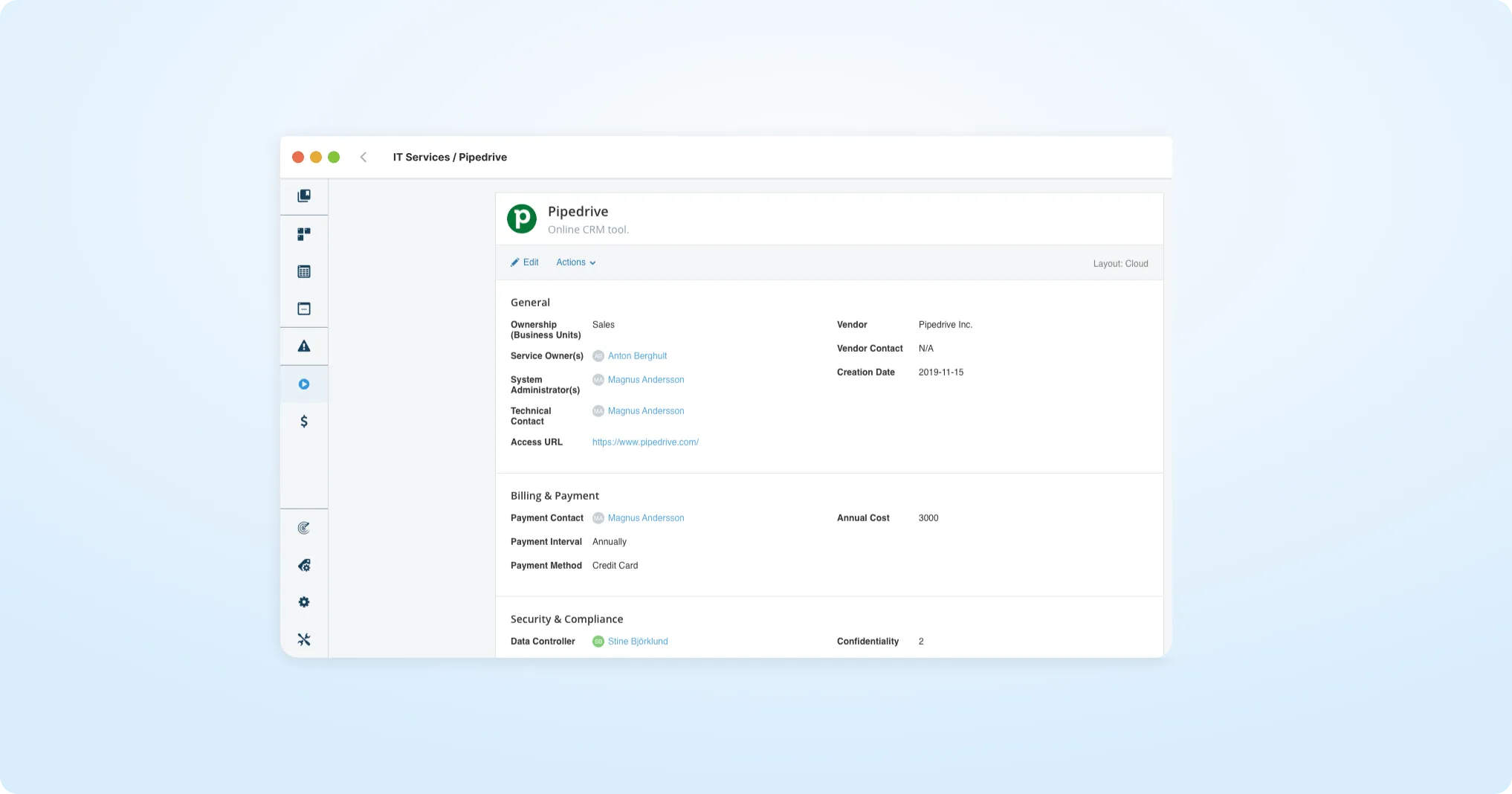
Section Separators
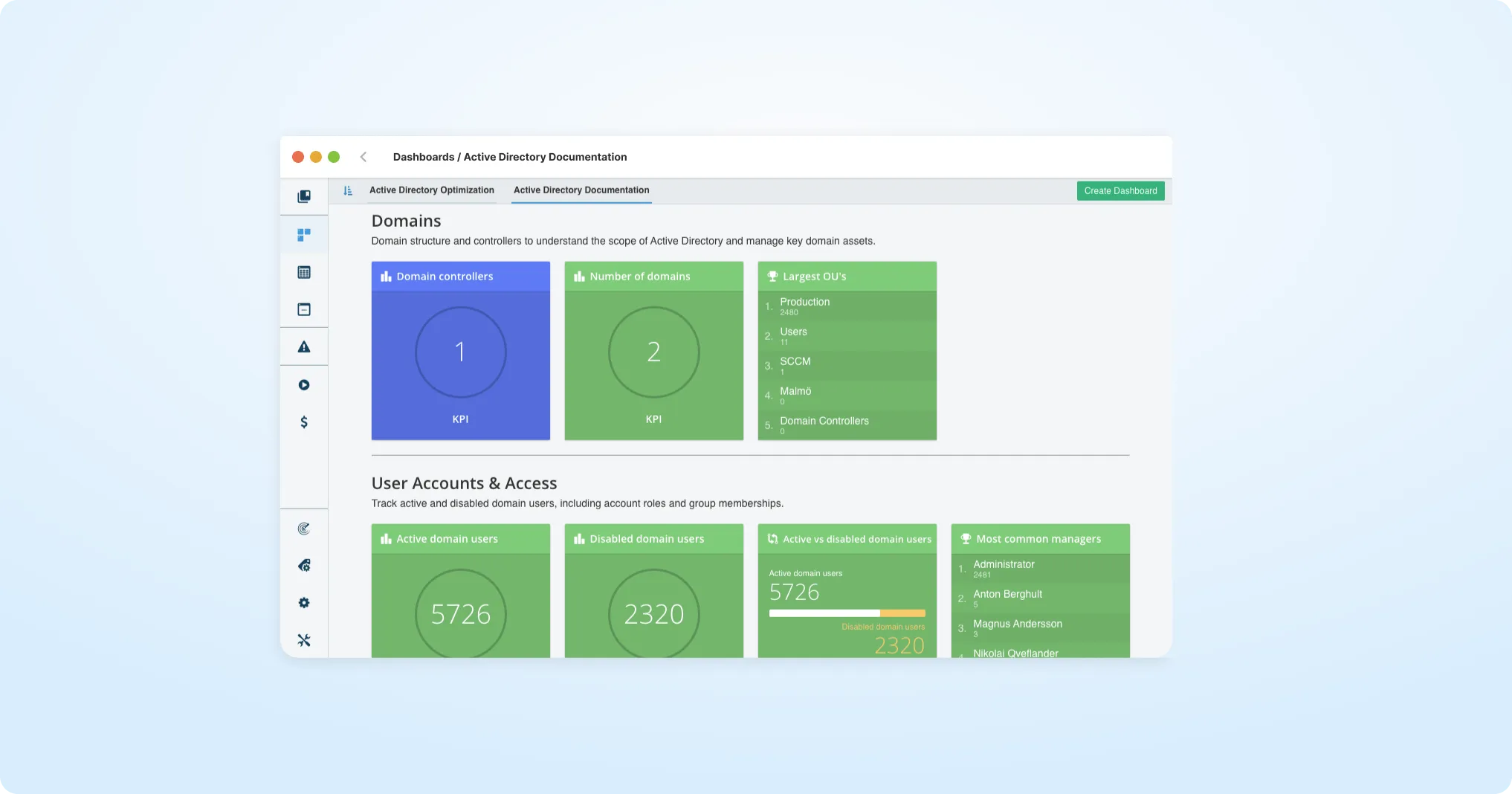
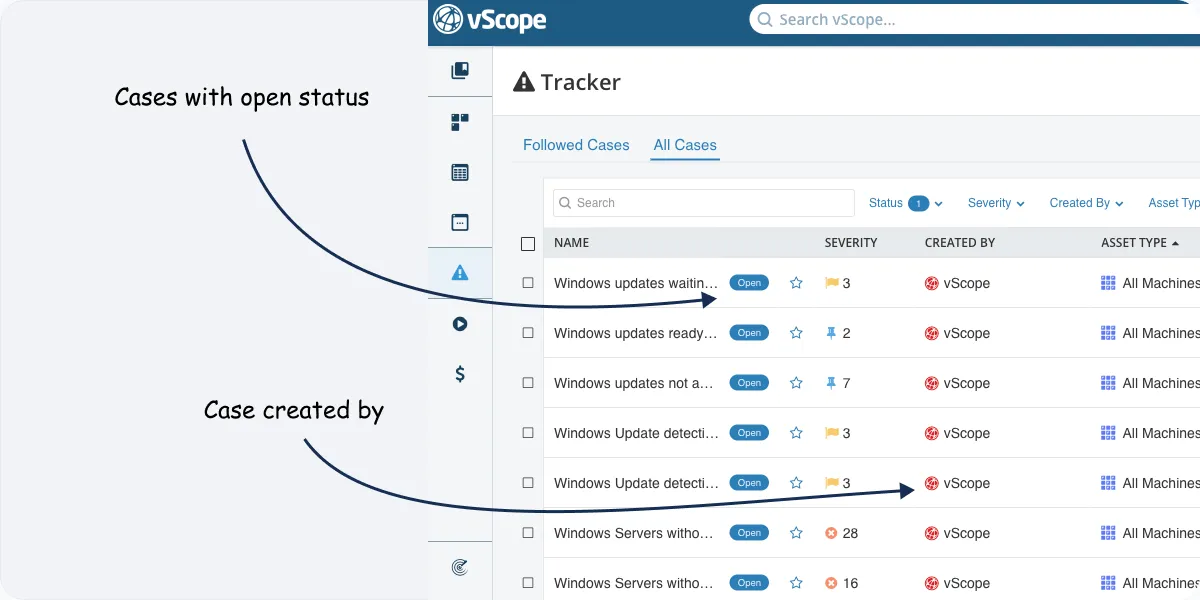
Tracker Overview Updates
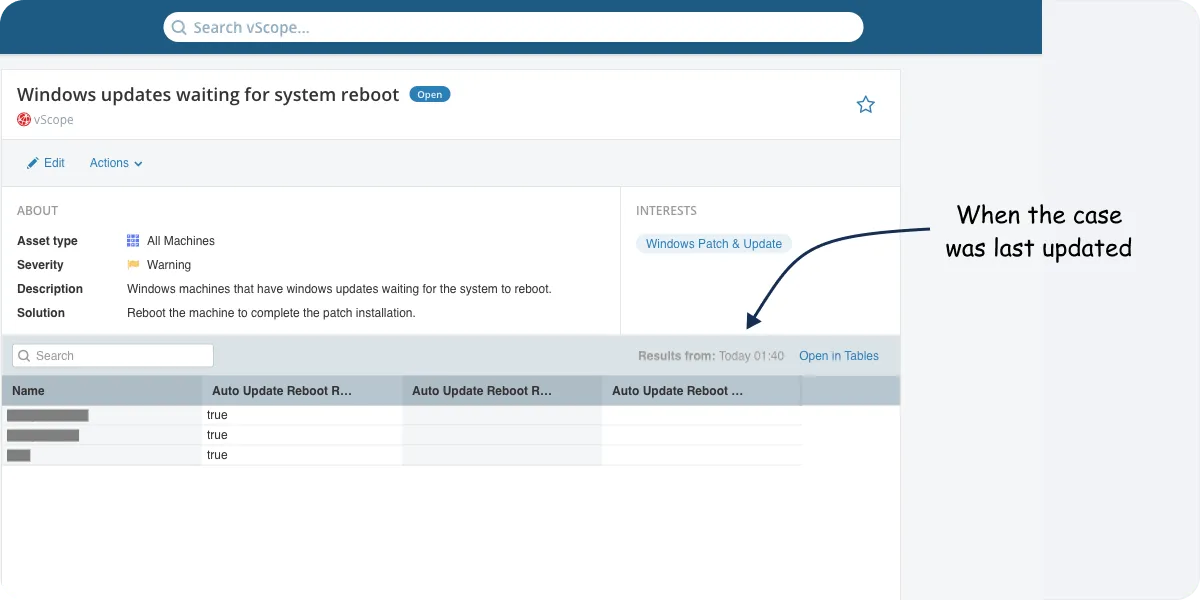
Tracker Run Timestamp
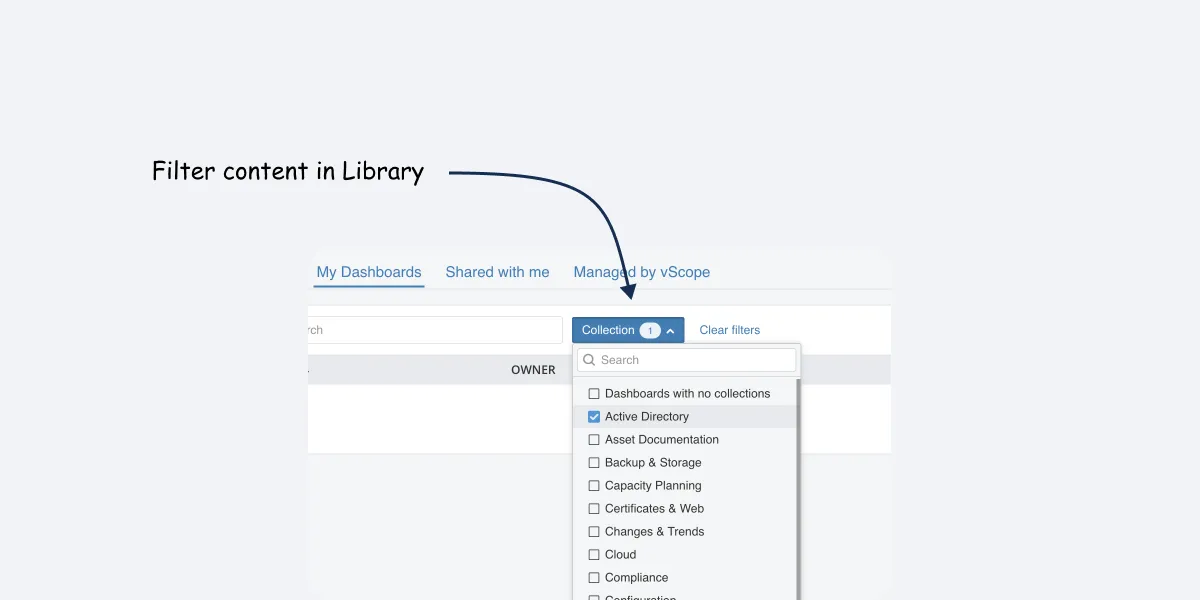
Filters in Library
New Content
Improvements
- Tracker case insensitivity
- Update settings
- Registry update
- Improved UX
Bug Fixes
- Azure 1970 bug
- Tracker tag cleanup
3.30.6
October 23, 2024
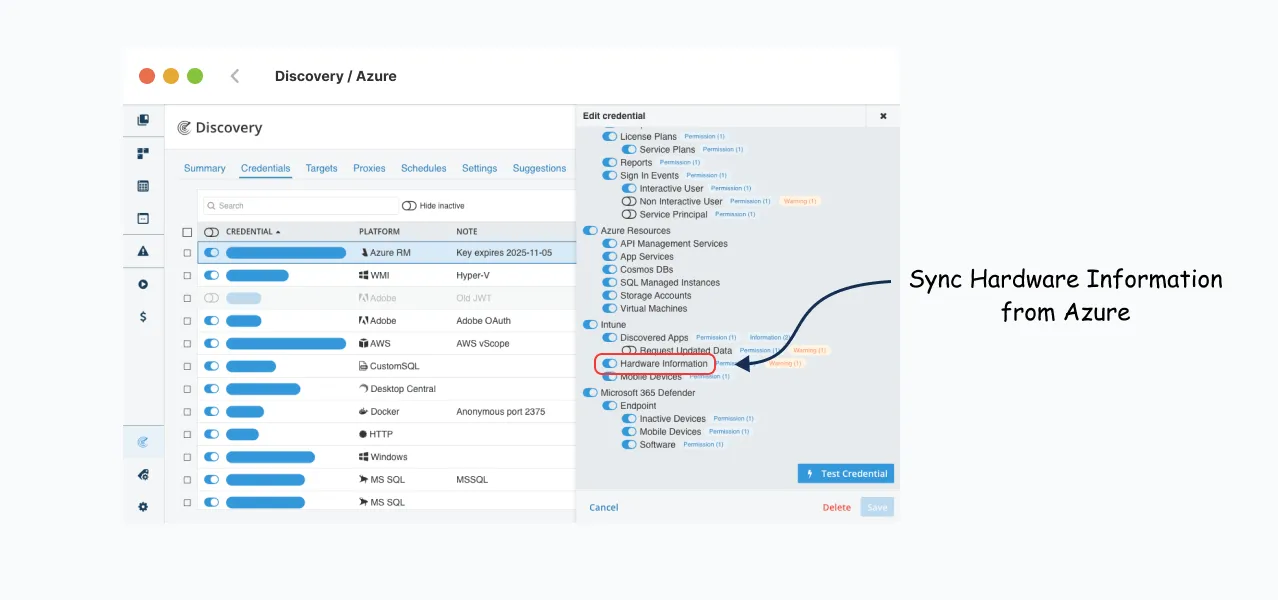
- Fix for syncing hardware info from Azure Intune.
3.30.5
October 16, 2024
- Fix for performance issues syncing sign-in events.
3.30.4
October 14, 2024
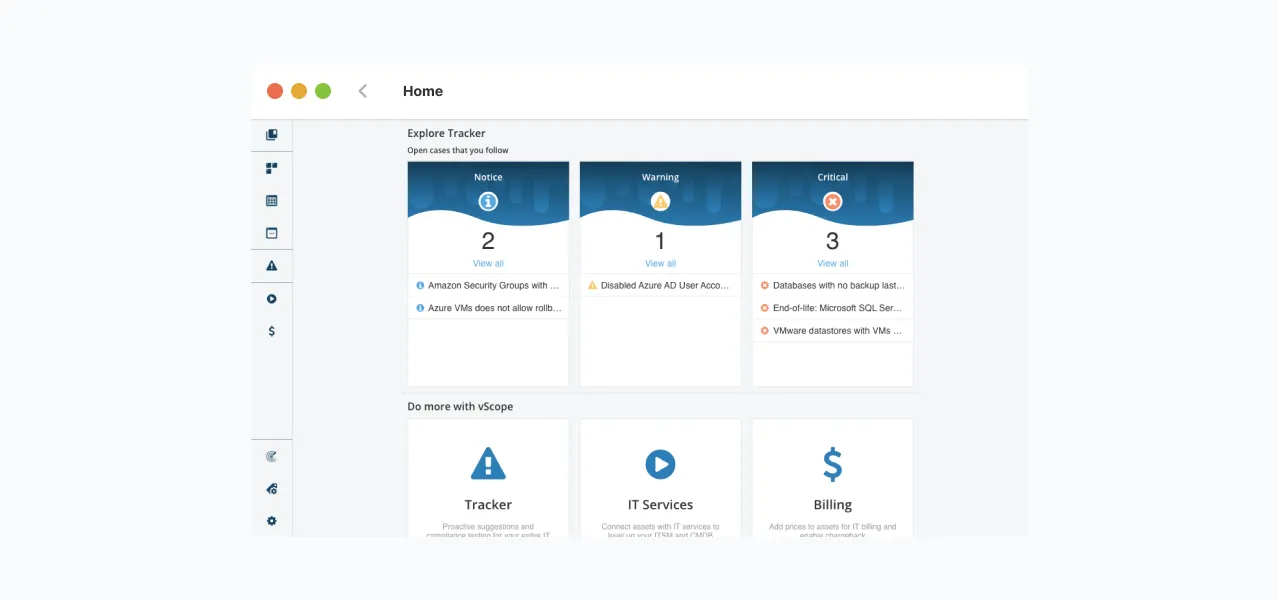
Tracker Cases Shortcut
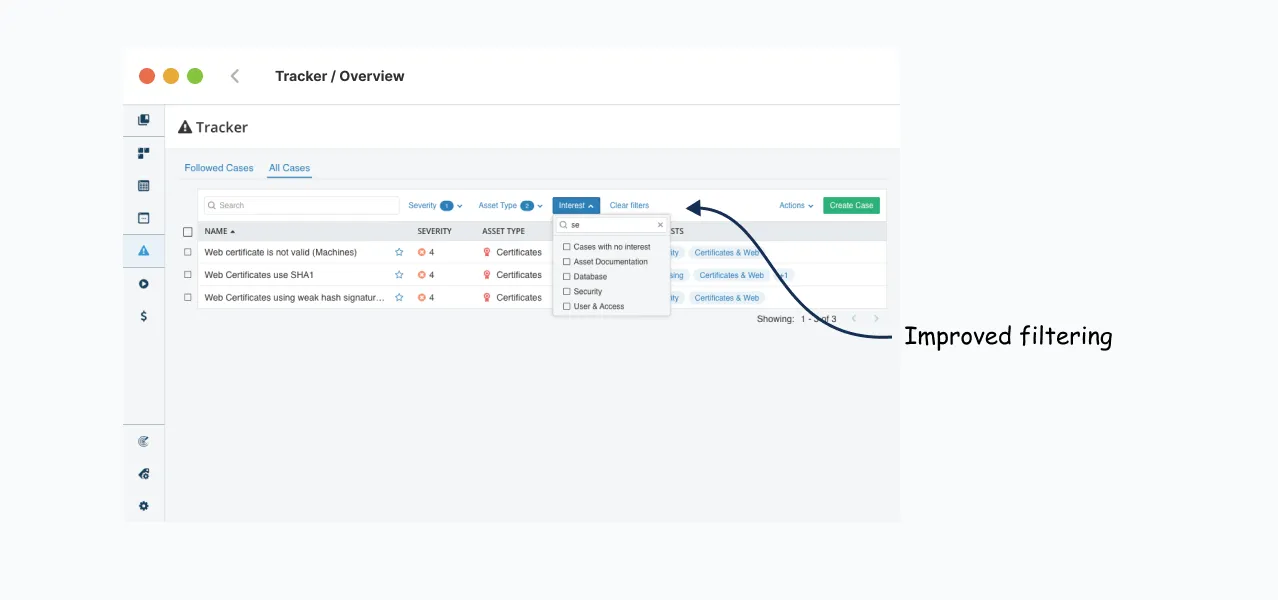
Tracker Filters
PowerShell Custom Inventory
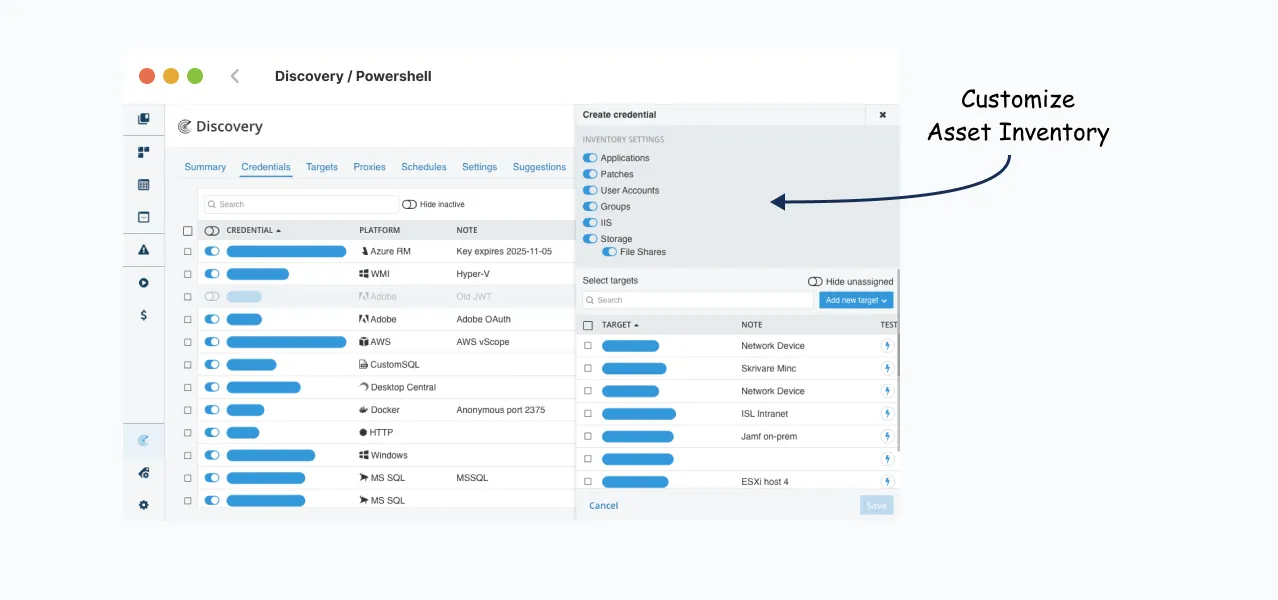
Sync Hardware Info from Intune
3.30.3
September 23, 2024
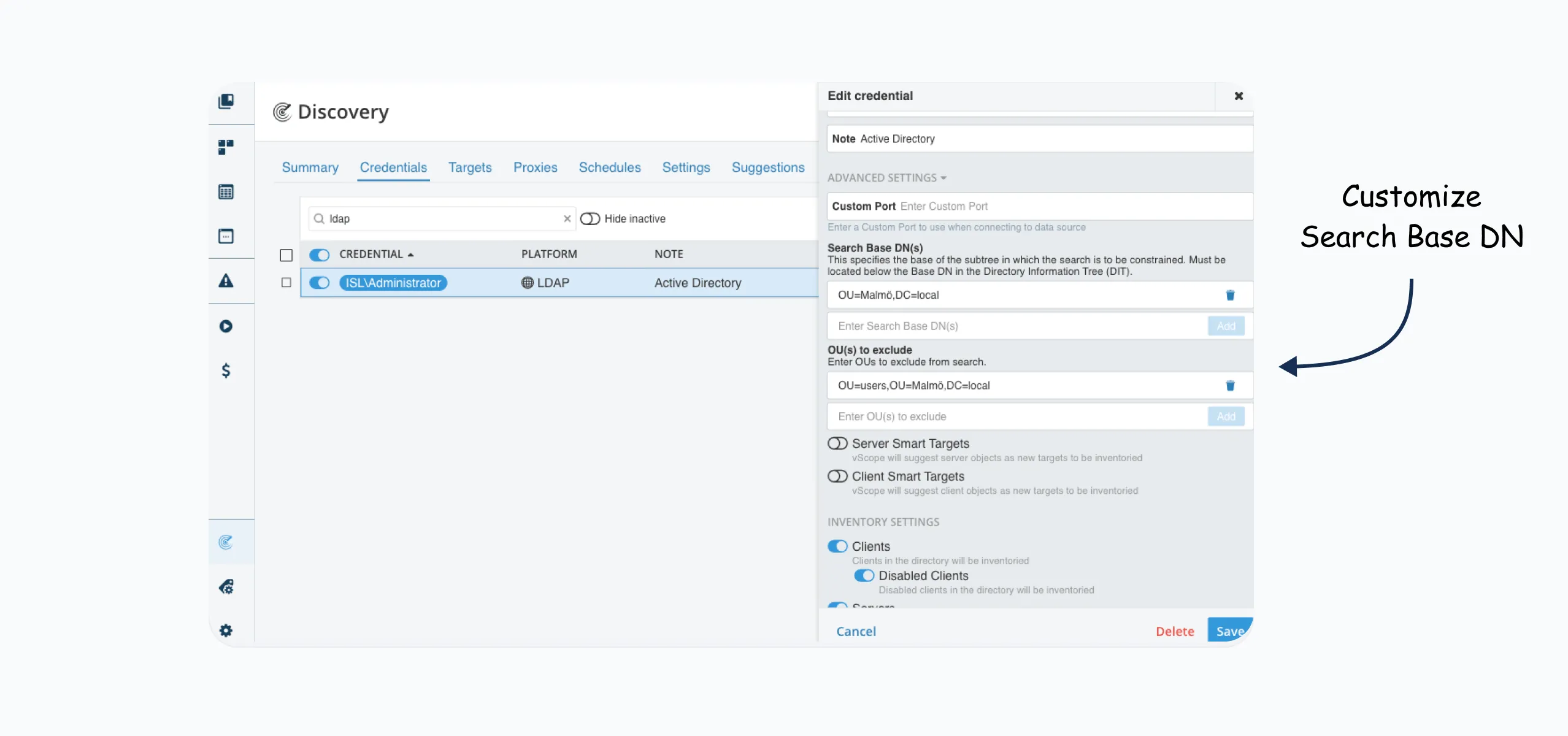
Active Directory Subtree
3.30.2
September 12, 2024
- New Bundled Table: Windows 11 Clients
- Fix for Tracker omnisearch
3.30.1
September 10, 2024
- Fix for Tracker email compatibility
- Fix for Jamf Pro discovery
3.30.0
September 2, 2024
A new look for Tracker
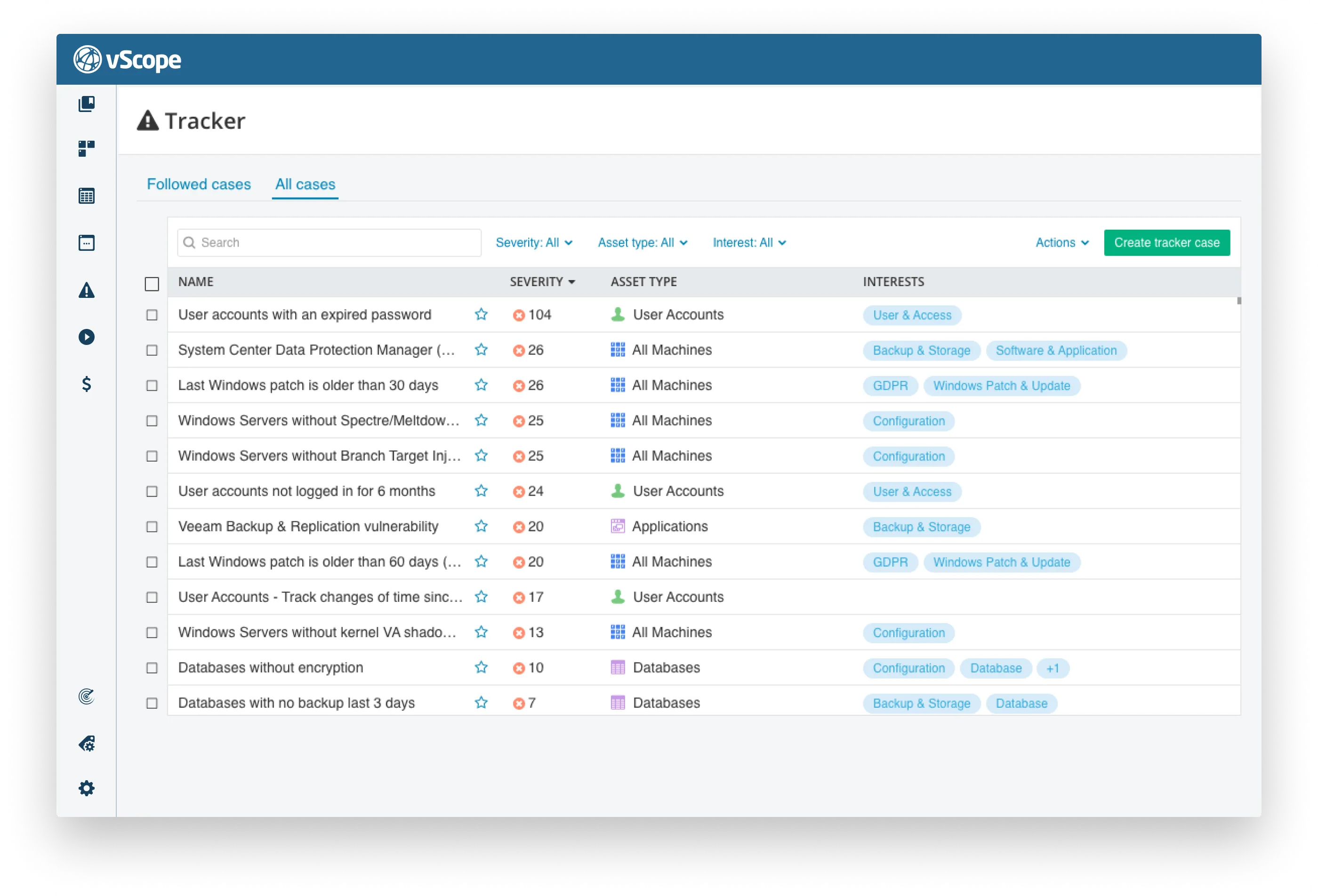
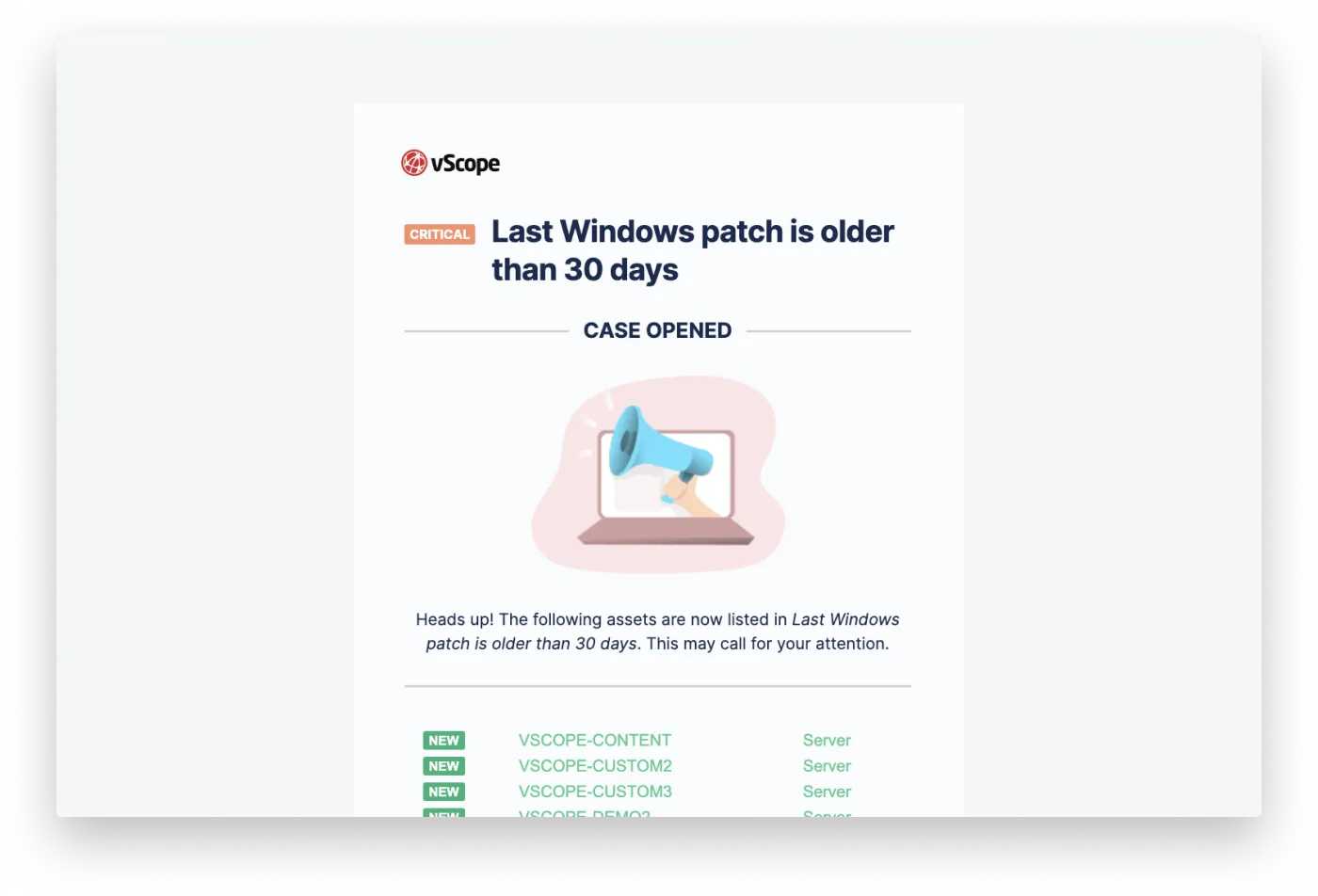
Email Notifications
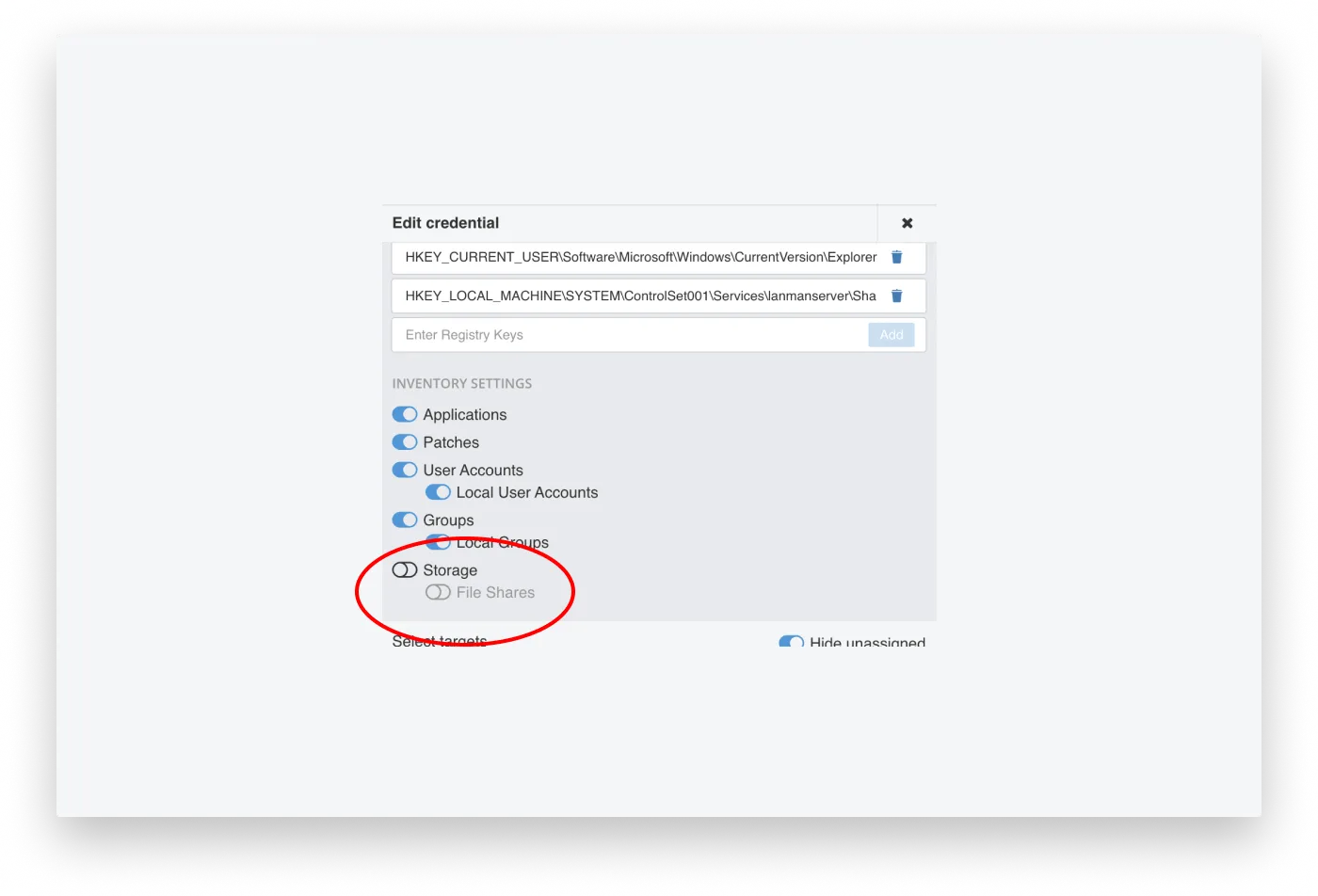
PowerShell: Storage Support
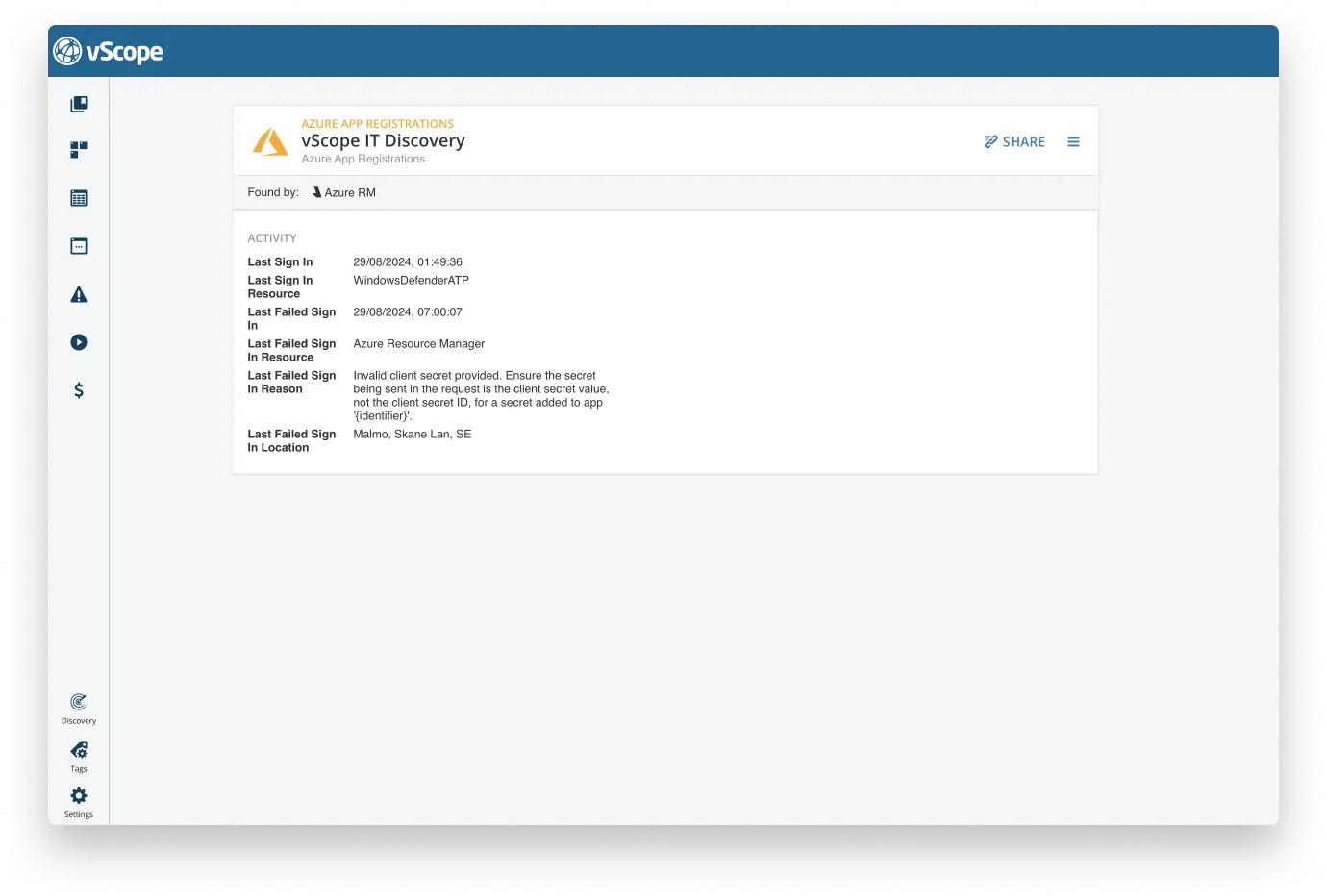
Azure App Registration Usage
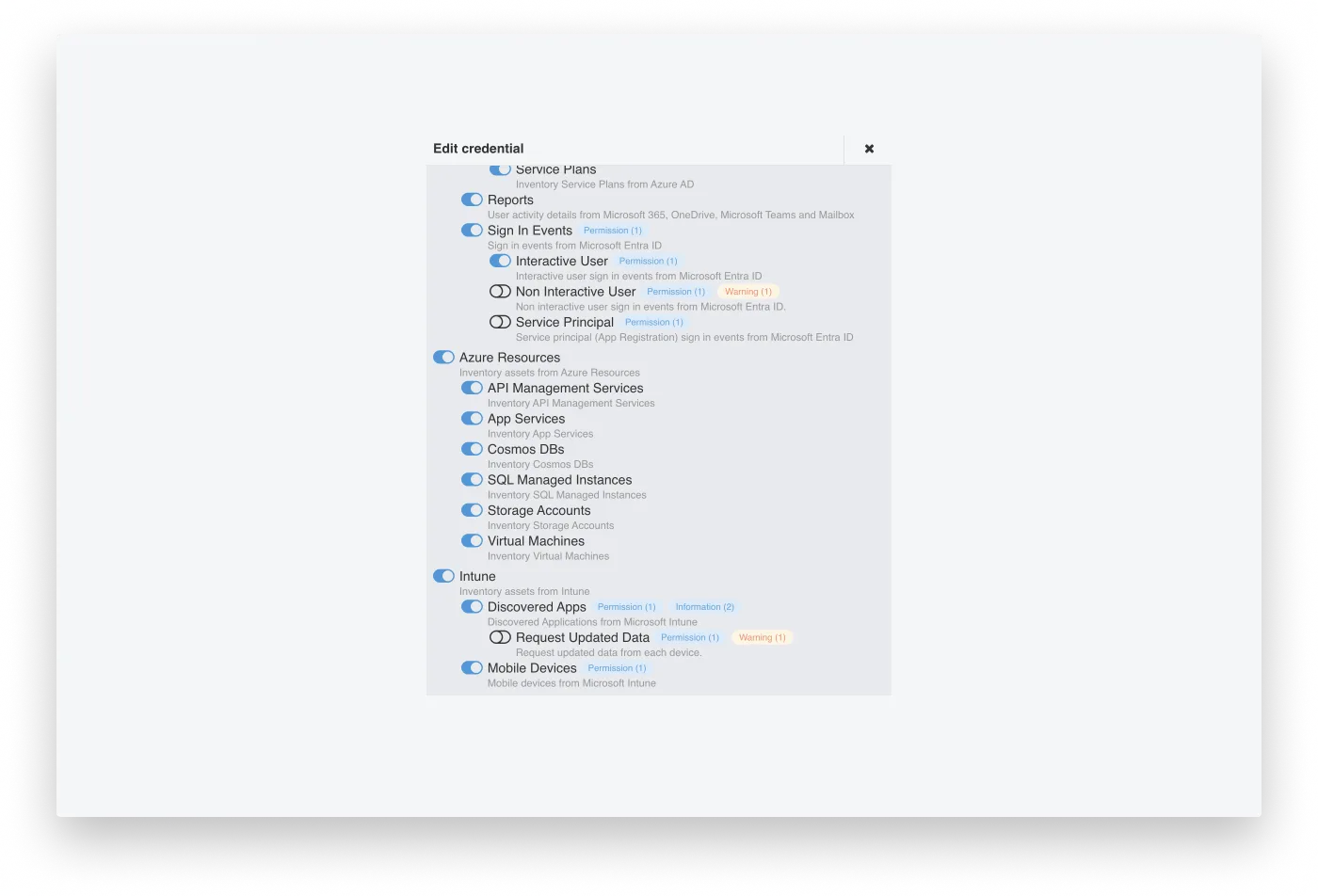
Feedback on Inventory Settings
Bugs & Improvements
- Export individual price lists
- Auto-expiry of stale tag values
- Better proxy handling
- Fix for manual tag issues
- Fix for manual asset table bug
- SCCM config fixes
- Email design alignment
- UX enhancements
Related blog posts
All posts
Less Guessing, More Knowing — Wherever It's Needed
We're releasing several new features that help you get better visibility and collaboration in, and outside of, your IT organization. Asset Health in Properties, Share to Teams, and external report recipients are all really about the same problem: the right data, to the right person, at the right time.
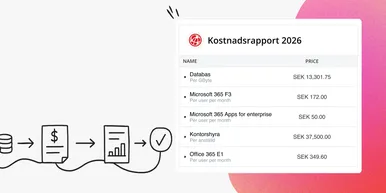
Introducing Split Total Cost: Distribute Shared Costs Fairly Across Billing Accounts
Already know the total cost you want to distribute? With Split Total Cost, vScope handles the split for you — so your cost reports finally reflect reality.

Tracker evolves: from case list to compliance overview
From a list of issues to a clear compliance overview. The latest Tracker update introduces a more structured way to monitor, prioritize, and improve your IT environment. Here's the latest update about vScope Tracker!
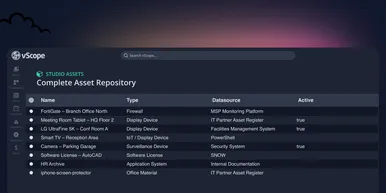
Introducing vScope Studio: Discovery Without Limits
vScope Studio lets you connect new data sources and document more asset types in your asset repository. A great add-on to your asset discovery if you want to take your asset repository to the next level.
Take Control of Adobe Licenses with Cost Reports in Minutes
Stop spending time on manual cost reporting. vScope now includes expanded support in its built-in price list templates for Adobe licenses, making it easier to create clear, reliable cost reports in both SEK and EUR.

New datasource: Proxmox
vScope now discovers Proxmox VE for hosts, VMs, containers, networks, and capacity. This will help you bring full visibility into hosts, VMs, containers, capacity and other Proxmox assets.
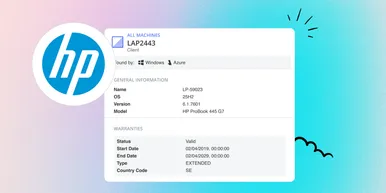
HP Warranty: Deeper lifecycle visibility
Fetch and sync warranty data from HP, directly to vScope for improved planning and control of your assets' life cycle status. In this post I will briefly go through the latest feature in vScope, and how this strengthen the value of your asset repository.
IT Services Become Governance – Put Your Assets in Full Business Context
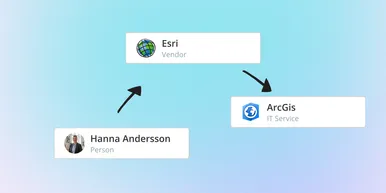
We have renamed IT Services (Service Mapping) to Governance. However, this update is not only about renaming; it expands the feature from 'IT service-only' modeling to supporting any business context – including applications, vendors, ownership, policies, and more. Let's go through what this means for you.

Standardize IT Billing Faster with Built-In Price List Templates
Reduce manual pricing work and get more accurate IT billing in place faster using reusable, best-practice price list templates. Here is the latest feature of vScope Billing