

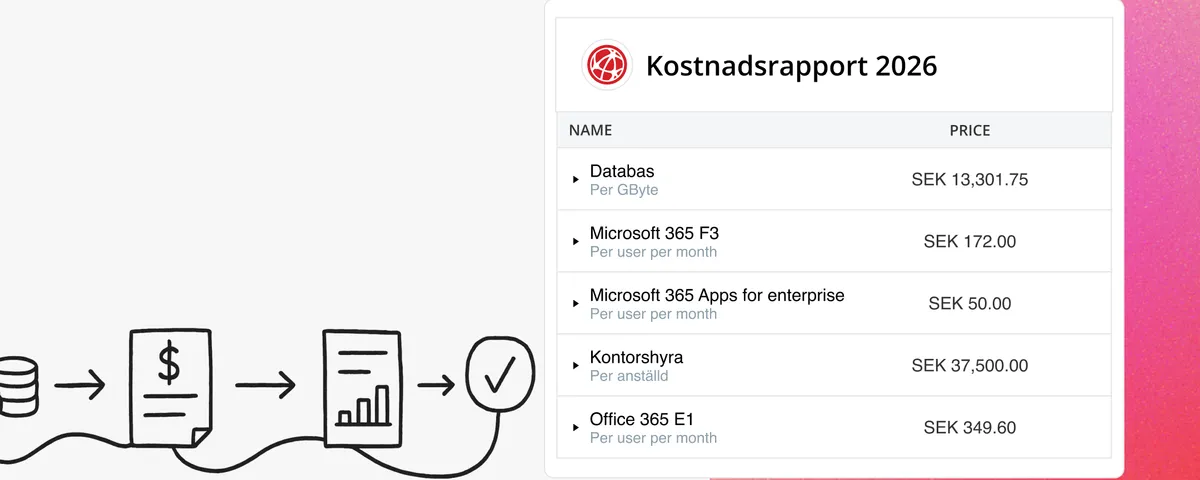
Introducing Split Total Cost: Distribute Shared Costs Fairly Across Billing Accounts
Already know the total cost you want to distribute? With Split Total Cost, vScope handles the split for you — so your cost reports finally reflect reality.
 Anton Berghult •
 First, some context
Many IT costs are hard to pin to a single department or service. Backup, network infrastructure, shared platforms — these are costs consumed by multiple accounts, but they still need to be distributed in a fair and transparent way.
Until now, that usually meant some form of spreadsheet and a fair bit of manual work. With Split Total Cost, vScope can do it for you.
What is Split Total Cost?
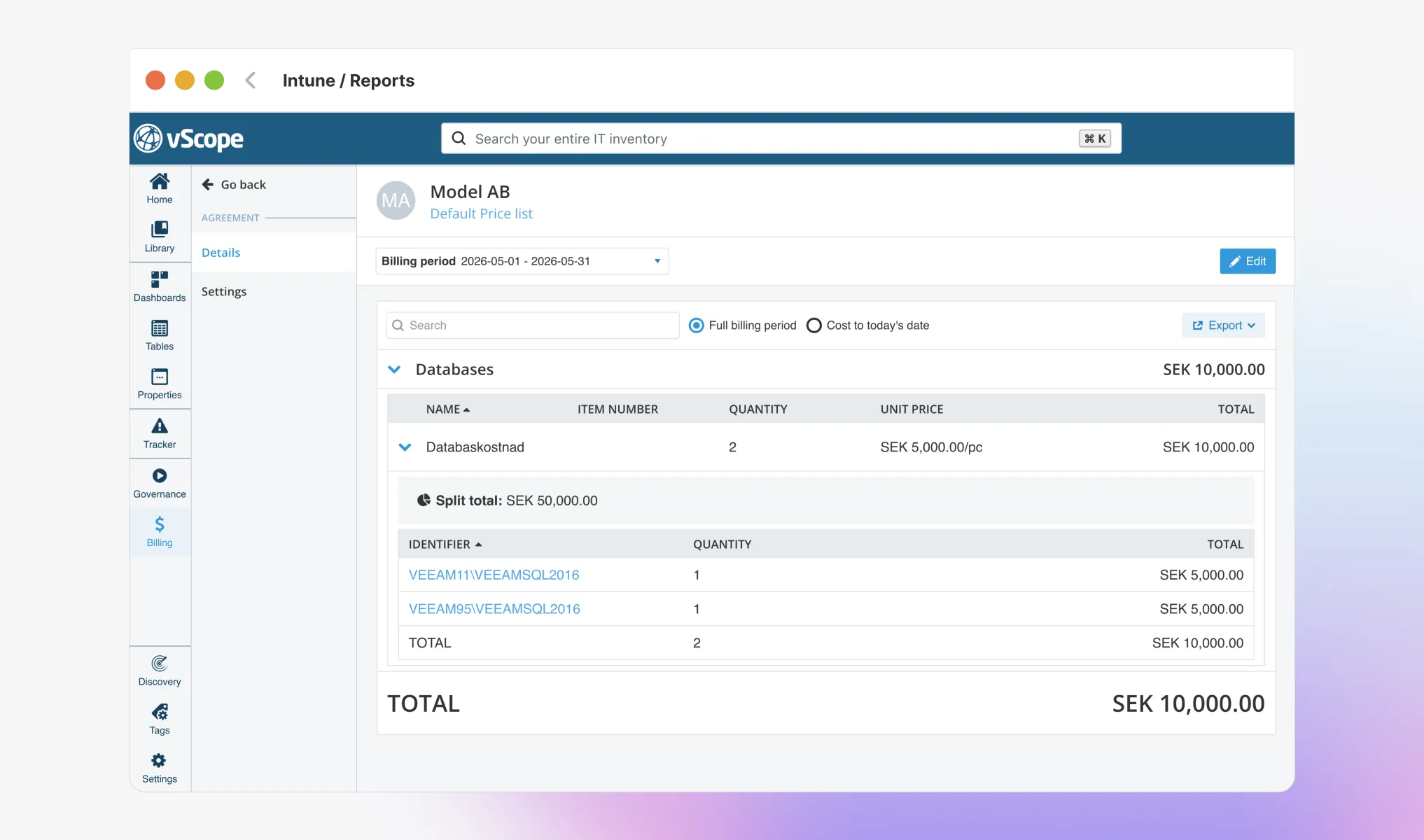
Split Total Cost is a new way to create price items in vScope Billing. Instead of calculating costs from assets and configurations, you enter a known total — and choose how it should be distributed across your accounts.
There are two ways to split:
- Per Asset — The cost is distributed proportionally based on each Billing Account’s share of assets, such as number of users.
- Usage-based — The cost is distributed proportionally based on actual consumption, such as database size per Billing Account.
When should you use it?
Split Total Cost is particularly useful when you have a fixed cost shared across multiple accounts — for example:
- Shared backup or storage infrastructure
- A platform subscription used across multiple departments
- Centralized licenses or overhead costs
Get started
- Open Billing in vScope and go to your price list.
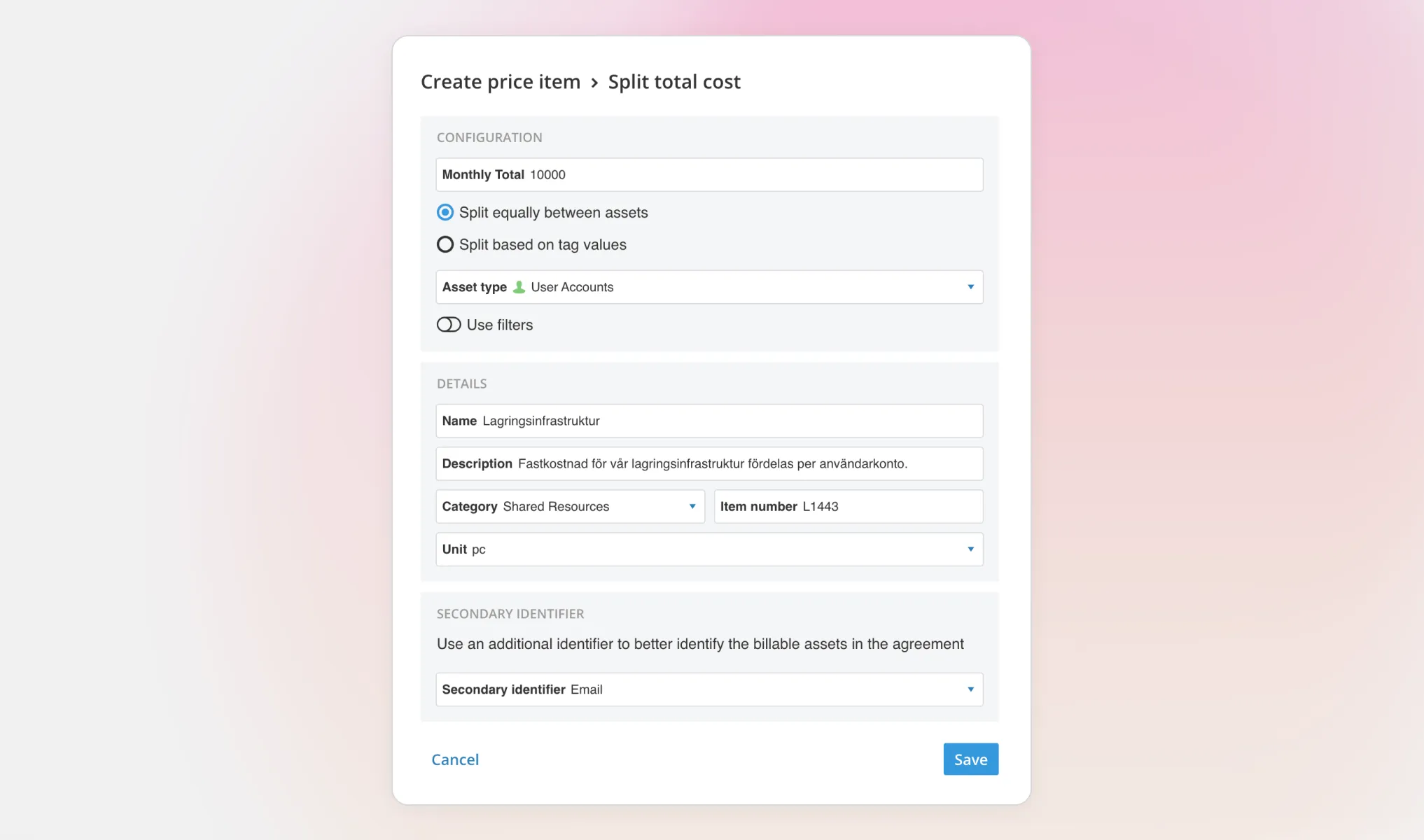
- Add a new price item and select Split Total Cost as the type.
- Enter the total cost and choose your split method.
- Save and you’re done!
vScope Billing will now automatically distribute the cost across the Billing Accounts using the price list.
More details are available in our support article. Want to see it in action? Book a demo and we’ll get you up and running in no time.
Related blog posts
All posts
Less Guessing, More Knowing — Wherever It's Needed
We're releasing several new features that help you get better visibility and collaboration in, and outside of, your IT organization. Asset Health in Properties, Share to Teams, and external report recipients are all really about the same problem: the right data, to the right person, at the right time.

Tracker evolves: from case list to compliance overview
From a list of issues to a clear compliance overview. The latest Tracker update introduces a more structured way to monitor, prioritize, and improve your IT environment. Here's the latest update about vScope Tracker!
Introducing vScope Studio: Discovery Without Limits
vScope Studio lets you connect new data sources and document more asset types in your asset repository. A great add-on to your asset discovery if you want to take your asset repository to the next level.

Take Control of Adobe Licenses with Cost Reports in Minutes
Stop spending time on manual cost reporting. vScope now includes expanded support in its built-in price list templates for Adobe licenses, making it easier to create clear, reliable cost reports in both SEK and EUR.

New datasource: Proxmox
vScope now discovers Proxmox VE for hosts, VMs, containers, networks, and capacity. This will help you bring full visibility into hosts, VMs, containers, capacity and other Proxmox assets.
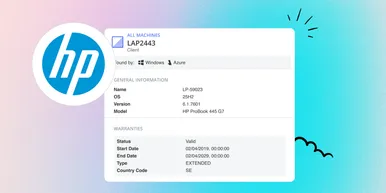
HP Warranty: Deeper lifecycle visibility
Fetch and sync warranty data from HP, directly to vScope for improved planning and control of your assets' life cycle status. In this post I will briefly go through the latest feature in vScope, and how this strengthen the value of your asset repository.
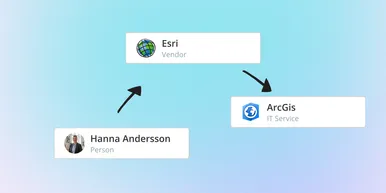
IT Services Become Governance – Put Your Assets in Full Business Context
We have renamed IT Services (Service Mapping) to Governance. However, this update is not only about renaming; it expands the feature from 'IT service-only' modeling to supporting any business context – including applications, vendors, ownership, policies, and more. Let's go through what this means for you.

Standardize IT Billing Faster with Built-In Price List Templates
Reduce manual pricing work and get more accurate IT billing in place faster using reusable, best-practice price list templates. Here is the latest feature of vScope Billing

Introducing Network Port Mapping in vScope: Finally See What’s Connected – and Where
One of the most requested features is now here. With Network Port Mapping for SNMP, IT teams can instantly see how devices are connected across the network, no more remoting into switches, outdated documentation, or guesswork. This update helps you troubleshoot faster, improve documentation, and strengthen overall network security.