

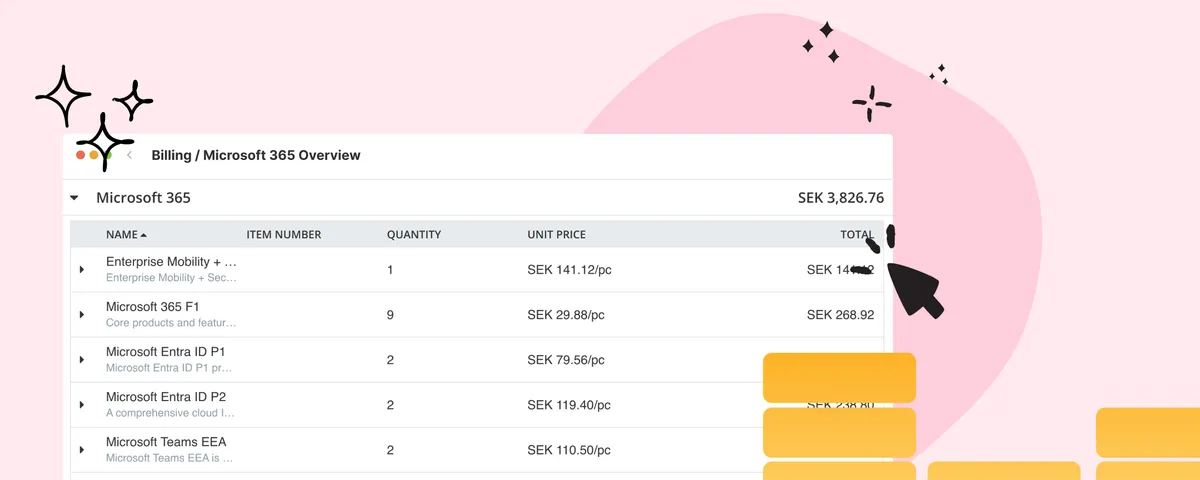
New Price List for Easier Control of Microsoft 365 Costs
With vScope’s new price list for Microsoft 365, it’s easier than ever to understand, monitor, and optimize your license costs. The price list is automatically applied to your asset inventory once vScope is connected to your Microsoft 365 environment.
 Anton Berghult •
 This feature is available from vScope version 3.33.7 and requires access to vScope Billing.
Most organizations today rely on Microsoft 365 as a natural part of their daily operations. But behind emails, Teams meetings, and OneDrive files lies a common challenge many IT departments struggle with: license optimization.
Many licenses. Complex assignments. Limited overview.
As organizations grow, the number of users and licenses increases as well. New employees join, old accounts remain active, and with Microsoft frequently changing its licensing models, the picture quickly becomes complicated. New license types are assigned to new users, while old ones continue to run, often unnoticed.
Sooner or later, questions start to appear:
- How much are we actually paying for Microsoft 365?
- Which licenses are being used - and by whom?
- Are there any unused or wrongly assigned licenses?
Sure, all of this information exists in the Microsoft 365 admin portal. But it’s not always easy to access, understand, or work with.
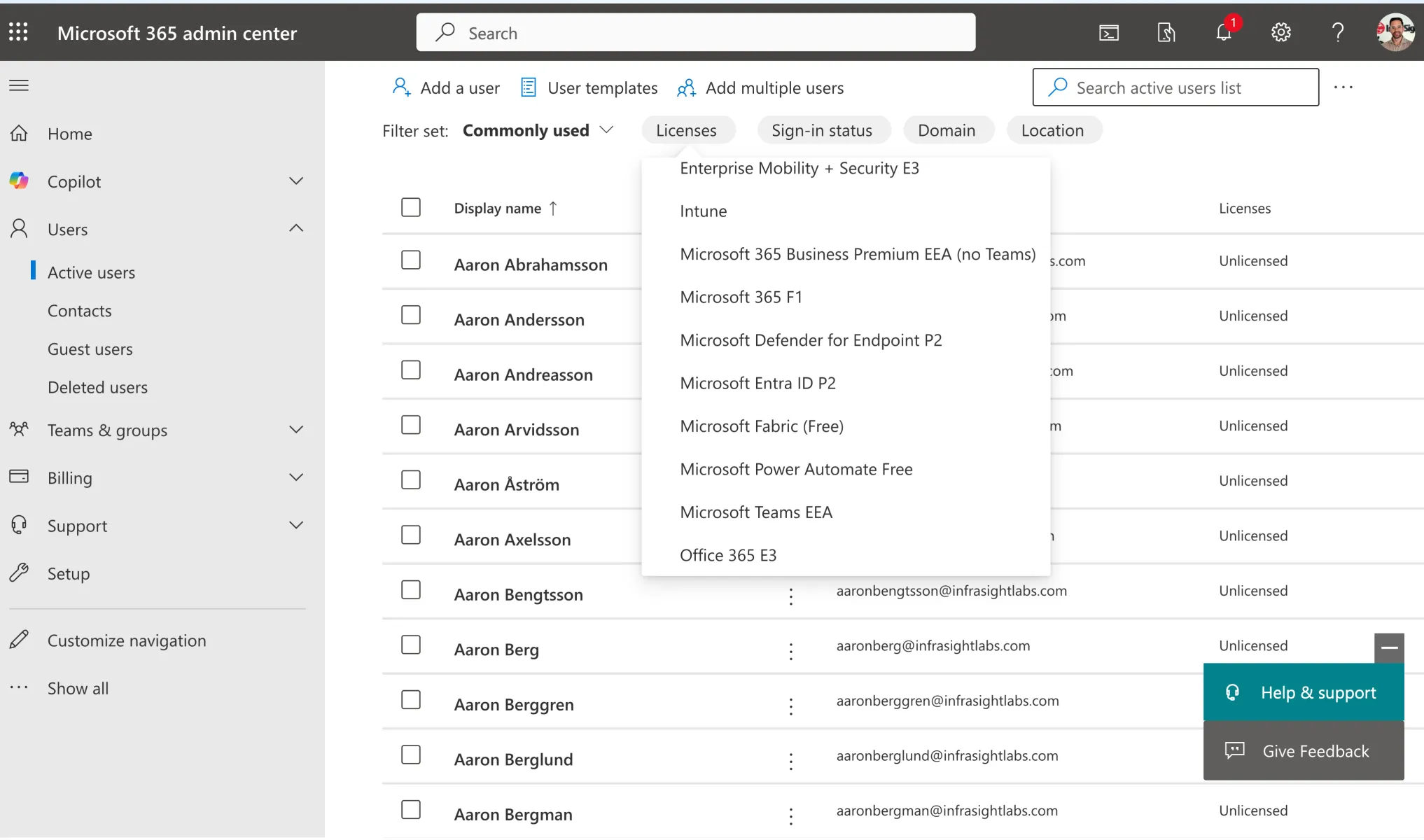
Common challenges
- The person who needs the information doesn’t have admin rights.
- The data is complex and requires manual handling.
- Reports need to be exported, for example to Excel, and sent to the right stakeholders.
- Costs often need to be grouped per customer, department, business unit, or subsidiary - something that rarely happens automatically.
Lack of transparency leads to unnecessary costs
When cost visibility is limited, inefficiency and unnecessary expenses quickly follow.
The real challenge, however, isn’t just about money, it’s about decision basis. Without transparent insights, it becomes difficult to plan, budget, or identify optimization opportunities. This results in slower decisions, poor forecasting, and higher costs over time.
New: A unified overview for IT and finance
To solve this, we’re introducing a new Microsoft 365 price list in vScope Billing.
It builds on vScope’s automatic discovery of accounts, groups, subscriptions, and licenses - and now also adds cost data as an integrated part of your overview.
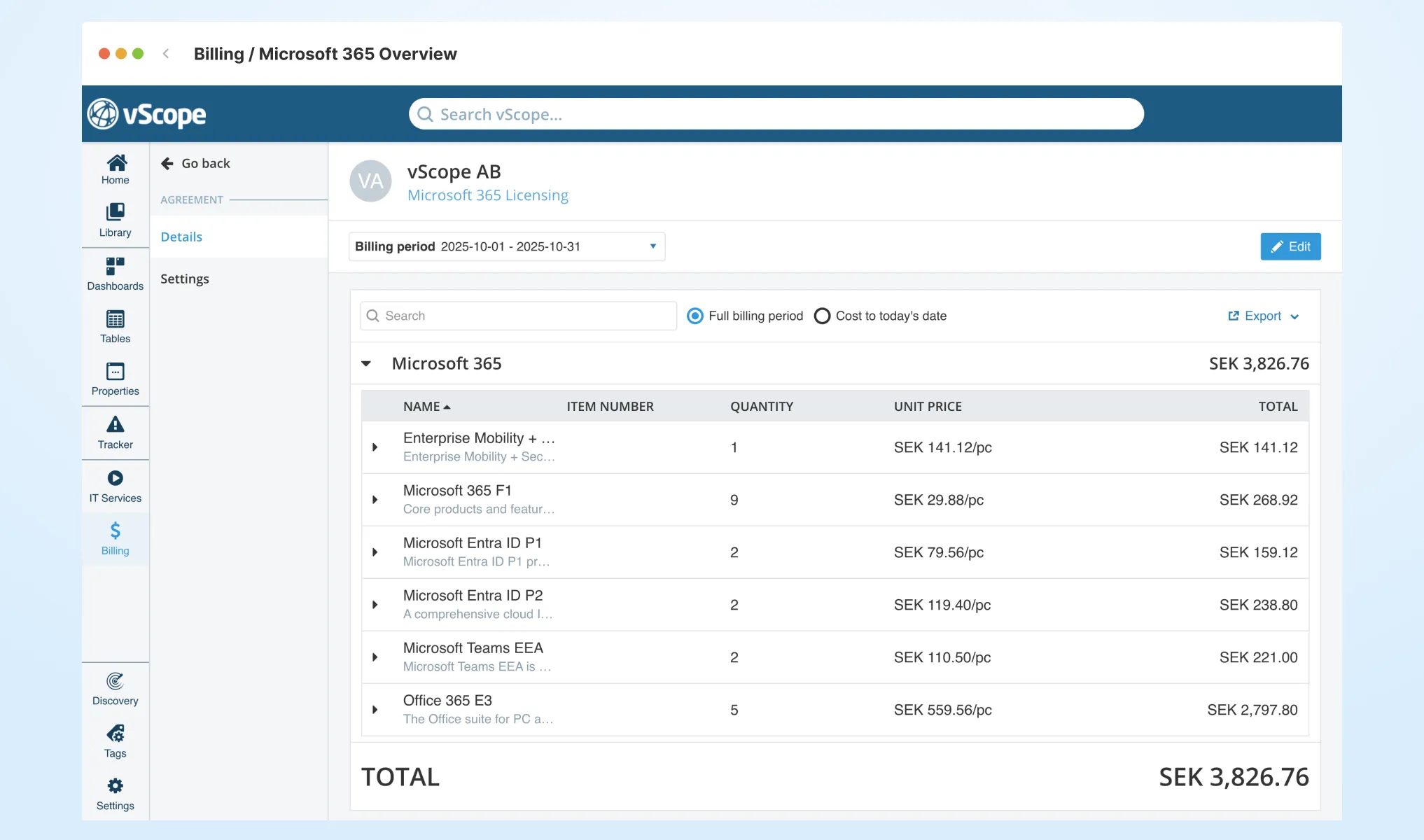
With the new price list, you get:
- A clear cost breakdown per user, group, or department
- The ability to adjust prices based on your own agreements and discounts
- A reliable foundation for internal cost allocation
- A powerful starting point for optimization and savings
Everything happens automatically, directly in your existing asset inventory - no more exports or manual work.
The result is a single source of truth easily shared between IT, finance, and the rest of the organization.
If you’re already using vScope Billing, you can start analyzing your Microsoft 365 costs today.
You’ll find the price list under Billing → Price Lists → Microsoft 365 Licensing, or go to Billing Account → Settings → Create agreement and select Microsoft 365 Licensing.
Remember to assign your assets, in this case user accounts, the Billing Account tag with the name of the department.
Here is a short video clip on how it works:
Want to see it in action? Book a demo and discover how easy it is to take control of your Microsoft 365 license costs.
Related blog posts
All posts
Less Guessing, More Knowing — Wherever It's Needed
We're releasing several new features that help you get better visibility and collaboration in, and outside of, your IT organization. Asset Health in Properties, Share to Teams, and external report recipients are all really about the same problem: the right data, to the right person, at the right time.
Introducing Split Total Cost: Distribute Shared Costs Fairly Across Billing Accounts
Already know the total cost you want to distribute? With Split Total Cost, vScope handles the split for you — so your cost reports finally reflect reality.

Tracker evolves: from case list to compliance overview
From a list of issues to a clear compliance overview. The latest Tracker update introduces a more structured way to monitor, prioritize, and improve your IT environment. Here's the latest update about vScope Tracker!
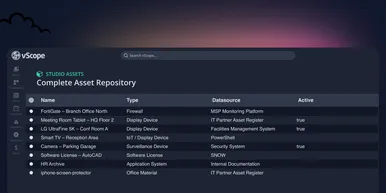
Introducing vScope Studio: Discovery Without Limits
vScope Studio lets you connect new data sources and document more asset types in your asset repository. A great add-on to your asset discovery if you want to take your asset repository to the next level.
Take Control of Adobe Licenses with Cost Reports in Minutes
Stop spending time on manual cost reporting. vScope now includes expanded support in its built-in price list templates for Adobe licenses, making it easier to create clear, reliable cost reports in both SEK and EUR.

New datasource: Proxmox
vScope now discovers Proxmox VE for hosts, VMs, containers, networks, and capacity. This will help you bring full visibility into hosts, VMs, containers, capacity and other Proxmox assets.
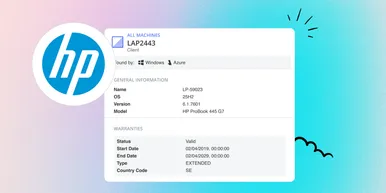
HP Warranty: Deeper lifecycle visibility
Fetch and sync warranty data from HP, directly to vScope for improved planning and control of your assets' life cycle status. In this post I will briefly go through the latest feature in vScope, and how this strengthen the value of your asset repository.
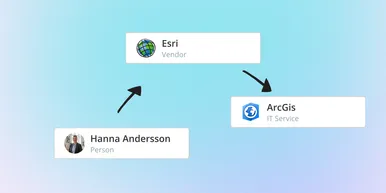
IT Services Become Governance – Put Your Assets in Full Business Context
We have renamed IT Services (Service Mapping) to Governance. However, this update is not only about renaming; it expands the feature from 'IT service-only' modeling to supporting any business context – including applications, vendors, ownership, policies, and more. Let's go through what this means for you.

Standardize IT Billing Faster with Built-In Price List Templates
Reduce manual pricing work and get more accurate IT billing in place faster using reusable, best-practice price list templates. Here is the latest feature of vScope Billing