


Why IT inventory initiatives often fail
IT inventory and discovery promise control, security, and cost clarity—yet many projects stall. Here's why they falter without the right platform, and what reliable discovery should look like.
 Anton Berghult •
 IT inventory (asset discovery) is usually the first step for teams that want tighter control, better security posture, and clearer costs across their estate.
When organizations rely on separate tools, agents, or manual discovery, the same story repeats: the initiative starts with momentum, then slows or is quietly paused. The result is incomplete data, poor data quality, and a slide back to manual work to keep the asset register alive. These are the gaps vScope was built to eliminate.
Here are the most common causes—typically seen before teams adopt vScope, and the consequences when the IT discovery underdelivers.
Common problems and their impact
| Common problem | Impact |
|---|---|
| Limited coverage Discovery only reaches parts of the environment (endpoints, or just cloud). | Gaps in the asset register You never get a complete picture, which erodes confidence in the data. |
| Agents and high upkeep Installs, upgrades, and integrations demand constant effort. | Becomes a project instead of a tool Energy goes into maintaining discovery instead of using the data. |
| No relationship mapping Assets are listed without context. | No holistic view You see what exists but not how it connects, so manual work remains. |
| Snapshots instead of history Point-in-time scans without change tracking. | No traceability Troubleshooting, analysis, and audits become slow—or impossible. |
| Uncertain data handling Asset data is shipped to external cloud services or third parties. | Higher risk, limited adoption Security and compliance requirements stall the initiative. |
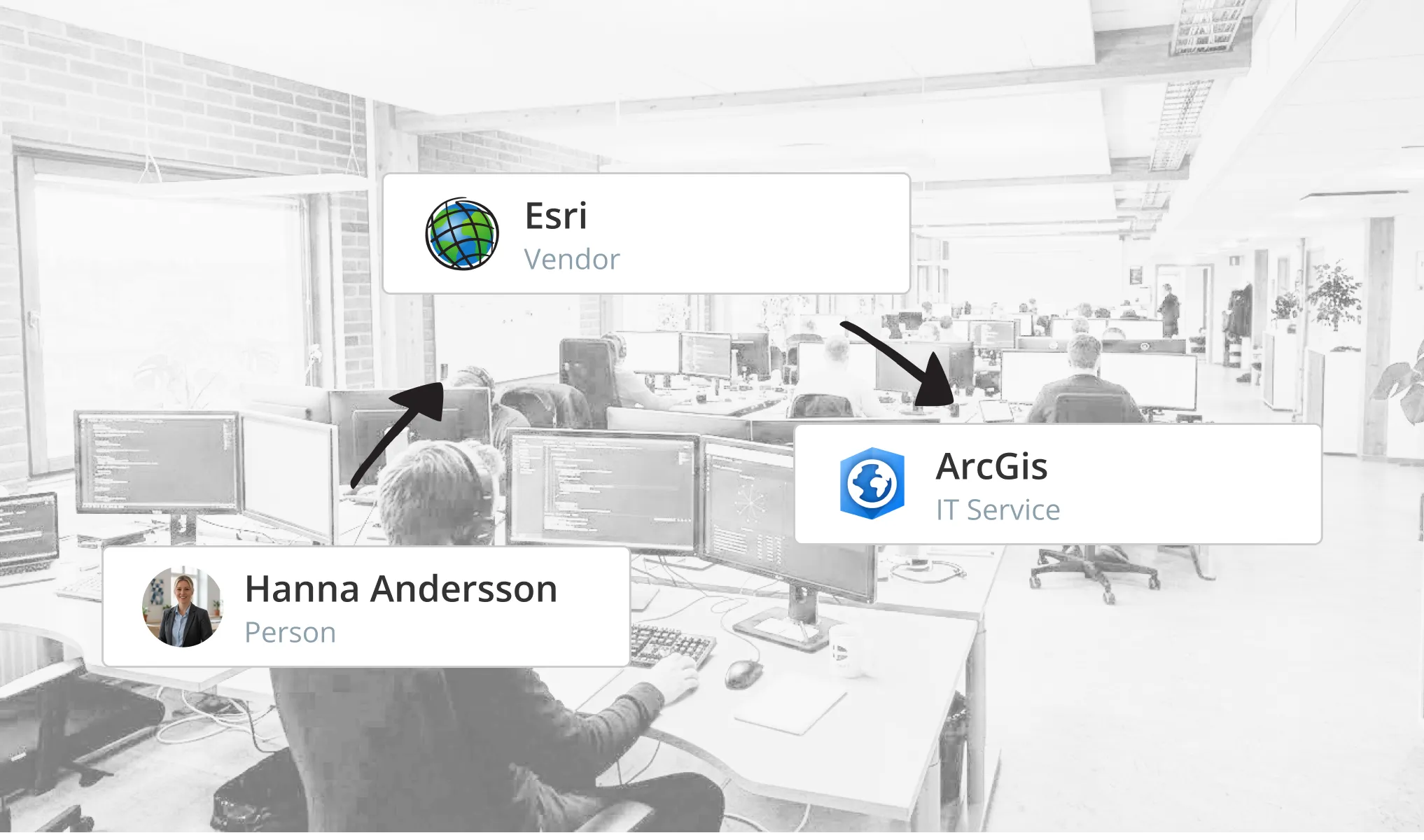
What happens when discovery doesn’t work?
This isn’t theoretical—we see it with teams relying on partial or stale discovery before they switch. When people can’t trust the asset register, something fundamental breaks:
- Users stop opening the system.
- Excel sheets, side lists, and “tribal knowledge” take over—bringing inefficiency and key-person risk.
- Decisions drift toward gut feel instead of facts.
In short: the asset register stops being the central source for information and reporting.
What it takes to succeed
To make IT inventory work in the real world, the platform has to remove the usual blockers:
- Full coverage across on-prem, hybrid, cloud, and remote networks (70+ asset types out of the box, with room to add more).
- Agentless, low-maintenance collection so you spend time using data—not babysitting scanners.
- Relationships and dependency mapping so assets are understood in context.
- Unlimited history and change tracking for audits, troubleshooting, and accountability.
- Control of where data lives (on-prem by default) and how it’s shared.
- Built-in collaboration—unlimited users, share/export/schedule, and 3000+ ready reports and alerts.
That’s the design center for vScope. It’s why teams that move from partial or manual discovery finally get a trustworthy source of truth—and can use it to make better decisions, faster.
Succeeding with discovery ultimately hinges on trust in the data. Without that, nothing else matters—and that’s exactly the problem vScope is built to solve.
Related blog posts

Webinar Recap: How to Work with Modern IT Governance in vScope
We recently hosted a webinar on modern IT governance with vScope Governance. Here are the key takeaways: on why IT environments become complex, how a governance model works in practice, and how your teams can move from scattered spreadsheets to a living asset register.
From Intune to vScope: Why Endpoint Management Alone Is Not Enough
Intune gives you strong endpoint control. vScope turns that data into shared operational context for operations, security, compliance, and finance.
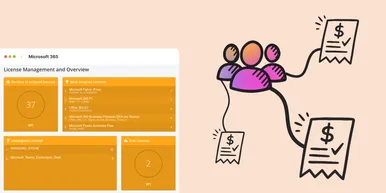
Microsoft 365 Pricing Changes 2026: What It Means for Your Budget
Microsoft is updating pricing and packaging for Microsoft 365 in 2026. Here’s what the currency adjustments and July price increases mean – and how CIOs and M365 admins should respond.
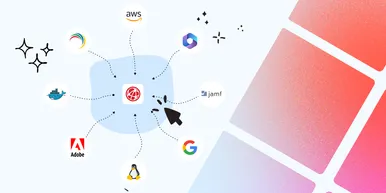
Effective Configuration Management Requires Transparency Across All Systems
In modern IT environments, the gap between reported and actual configuration is bigger than most people realize. In this article, I explain why accurate inventory requires collecting data about each asset from multiple sources – not just one.

How Lifecycle Cost Analysis Helps You Make Smarter IT Decisions
IT teams are under constant pressure to deliver more with less. But without understanding the true cost of every server, license, or laptop, even the most well-planned budgets can spiral out of control.

How Microsoft's New Licensing Model Impacts You - and How to Prepare with vScope
Starting November 2025, Microsoft will remove volume discounts in Enterprise Agreement, MPSA, and OSPA. In this article, we explain what the change means for your organization, and how vScope helps you gain full visibility and control of licenses and costs across your environment.
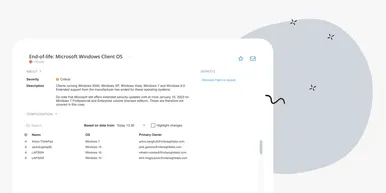
Last Day for Windows 10 - Are Your Clients Ready?
As of October 15, 2025, Microsoft officially ends support for Windows 10. In this article, we explore what that means, why Microsoft is making this change, and how you can use vScope’s inventory and prebuilt insights to stay ahead.
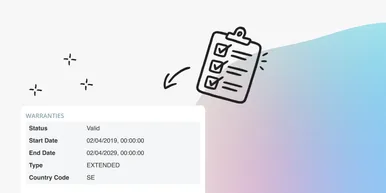
Warranty Management in Practice: Checklist, Pitfalls, and How to Automate with vScope
Learn how to manage device warranties the right way. We walk through a step-by-step checklist for manual warranty tracking and how to automate follow-ups, reports, and alerts with vScope Discovery.
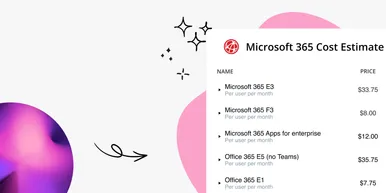
How to Optimize Microsoft Licenses to Save Both Money and Time
Keeping track of Microsoft licenses is one of the biggest challenges for many IT departments. With vScope’s new pre-packaged content, you gain better visibility and can easily identify hidden costs, inactive accounts, and overlapping licenses.