


From Intune to vScope: Why Endpoint Management Alone Is Not Enough
Intune gives you strong endpoint control. vScope turns that data into shared operational context for operations, security, compliance, and finance.
 Simon Håkansson •
 “We already have full control in Intune…”
…is a common response when I ask IT admins if they have connected Intune to vScope.
And they are right. Intune is excellent for endpoint management, configuration, and compliance visibility.
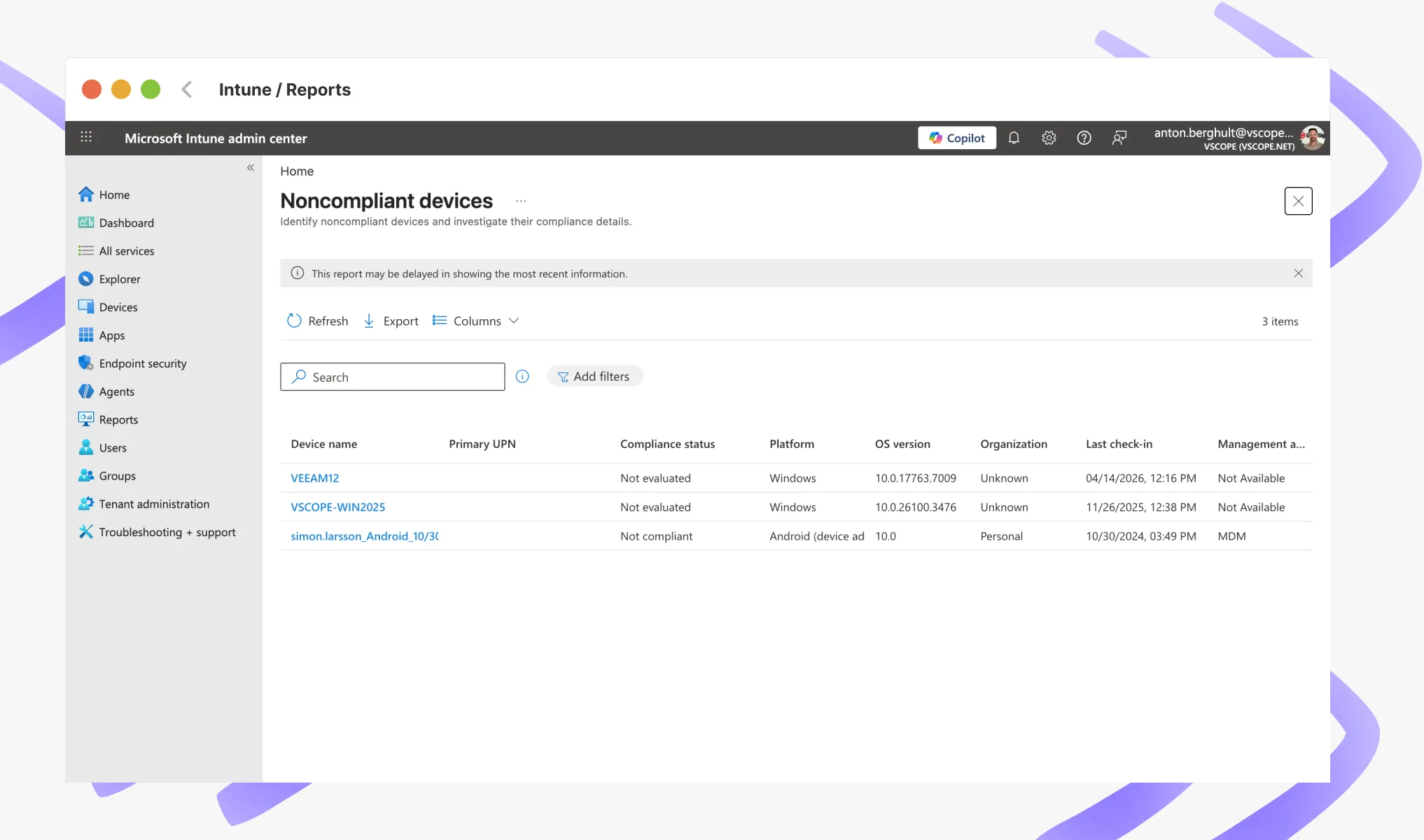
The challenge is that endpoint visibility is only one layer of the bigger picture. Most teams also need ownership, cost allocation, service context, lifecycle history, and accountability in the same place.
The Real Gap: Data Stays in a Silo
Intune is designed for endpoint device management. It does that very well.
But day-to-day IT work usually requires answers that cross systems and responsibilities, such as:
- Which devices exist, and who owns them across teams and locations?
- How has a specific endpoint changed over time?
- Which assets belong to a cost center, service, or customer?
Inside Intune, these answers often depend on manual exports and spreadsheet workflows, which leads to:
- Time-consuming reporting cycles.
- Inconsistent data quality across files.
- Person-dependent knowledge and routines.
The Better Approach: Put Intune Data in Context
When you connect Intune to vScope, you move from a single-system endpoint view to a shared, live asset repository for your wider IT organization.
Below are five practical outcomes teams get from this setup.
1. One Shared Asset Repository
Instead of each tool maintaining its own version of reality, your teams work from one trusted source fed by systems like:
- Intune
- Active Directory
- SCCM
- M365
- Network sources
- Other integrations
Operations, service teams, security, and leadership can now work from the same facts, in one platform.
2. Context That Makes Endpoint Data Actionable
A device record in Intune is valuable, but still isolated.
In vScope, the same endpoint can be connected to:
- warranty status
- ownership and organization
- services and applications
- costs
- customers (for MSP and hosting use cases)
That extra context turns raw data into operational insight.
3. Historical Traceability
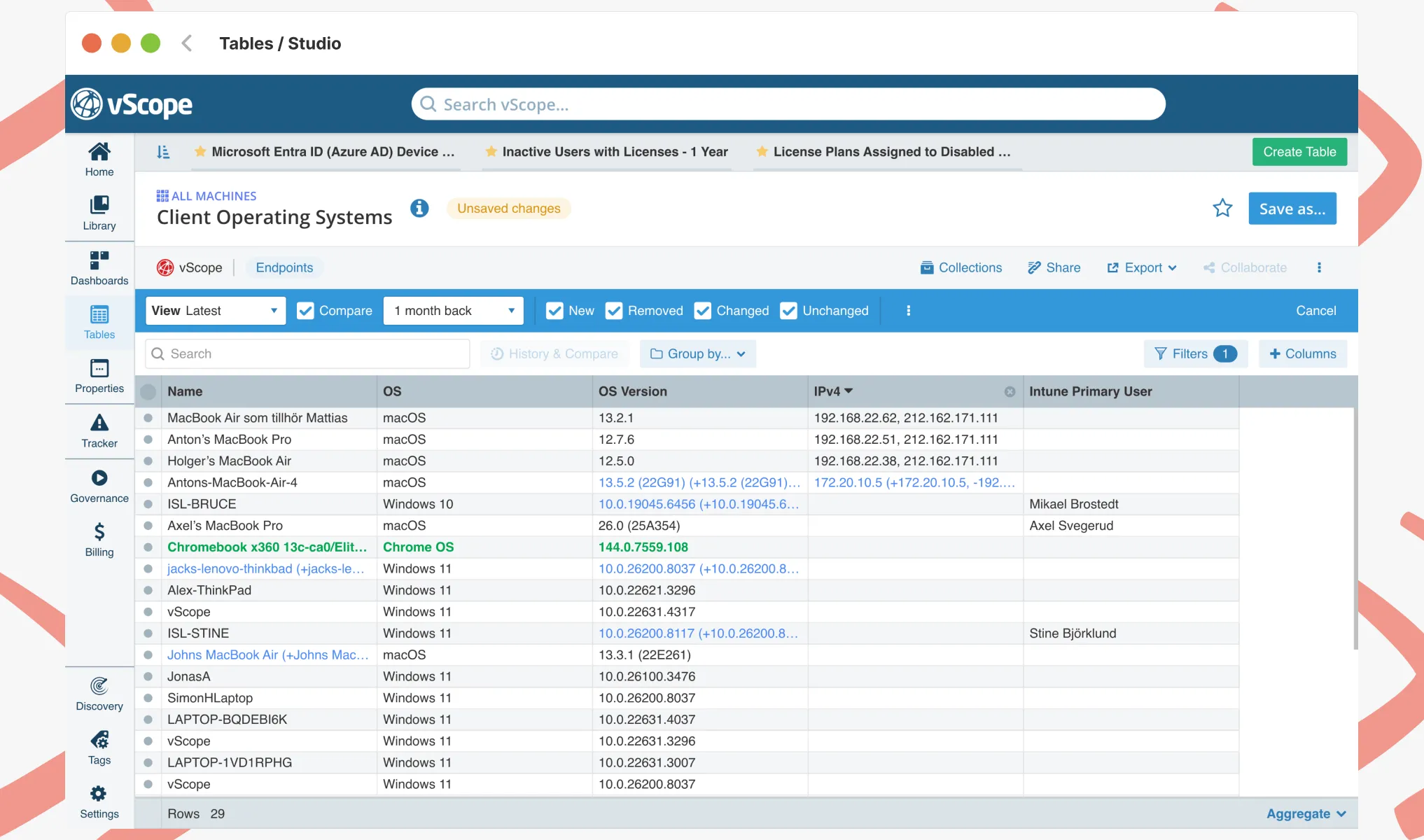
Intune gives you current state. vScope gives you current state plus history.
- Exactly what changed: RAM, BIOS version, owner, warranty, removals, restarts.
- Exactly when it changed.
- Exactly how an endpoint looked at a specific point in time.
This improves troubleshooting speed and provides stronger evidence for audits and frameworks like ISO 27001 and NIS2.
4. Analysis, Not Just Storage
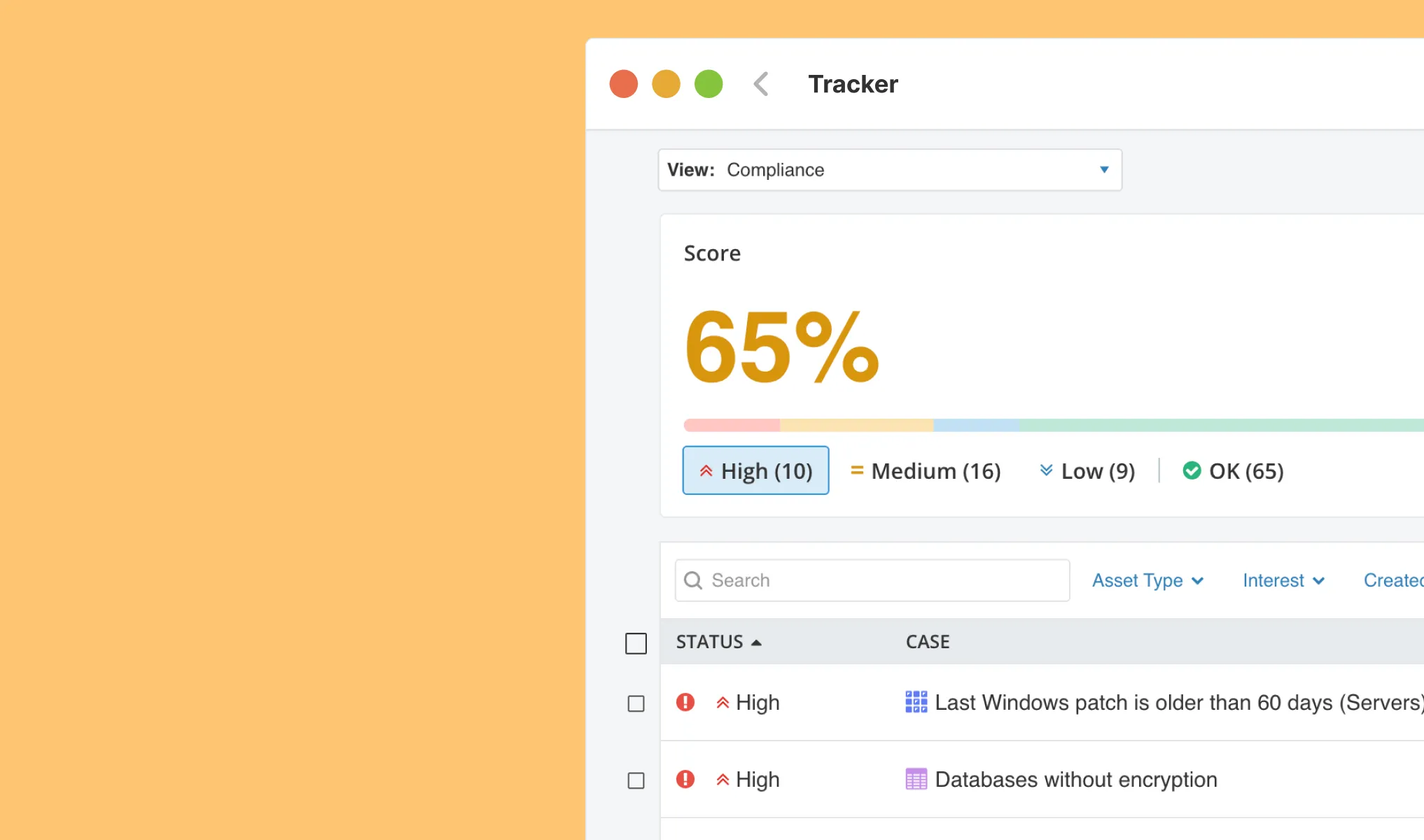 With vScope, you can layer controls and ready-made content on top of discovery data so your team can:
- detect deviations automatically
- follow best-practice checks continuously
- work proactively instead of reactively
That means less manual effort and a faster path from alert to action.
5. Better Decisions Across IT and Business
When Intune data is combined with sources like Active Directory, SCCM, and Defender, you get a more complete view of delivery, risk, and cost.
For example, you can automatically enrich endpoints with warranty status and ownership context.
With that, your team can:
- make decisions based on evidence
- reduce wrong assumptions
- plan improvements with more confidence over time
Role-Based Value
Different roles get different value from the same Intune data in vScope:
- Operations and infrastructure: faster troubleshooting with full history and dependencies.
- Security and compliance: continuous controls and stronger audit evidence.
- IT leadership: clearer decision support for prioritization, risk, and investments.
- Finance and MSP teams: better links between assets, accountability, and cost allocation.
- 70+ asset types.
- 30+ integrations and agentless discovery.
- 3000+ ready-made reports, templates, and alerts.
- Unlimited history and change tracking.
- Unlimited users.
Intune for Control. vScope for Full Visibility.
Intune gives you control of endpoints. vScope gives you broader visibility by connecting the same data to governance, security, compliance, and cost context.
It is not about replacing Intune. It is about making Intune data useful across more teams and decisions.
Want to see it in practice? Book a demo and we will show you how to combine Intune, AD, and other sources into one shared asset repository.
Related blog posts
All posts
Webinar Recap: How to Work with Modern IT Governance in vScope
We recently hosted a webinar on modern IT governance with vScope Governance. Here are the key takeaways: on why IT environments become complex, how a governance model works in practice, and how your teams can move from scattered spreadsheets to a living asset register.

Why IT inventory initiatives often fail
IT inventory and discovery promise control, security, and cost clarity—yet many projects stall. Here's why they falter without the right platform, and what reliable discovery should look like.
Microsoft 365 Pricing Changes 2026: What It Means for Your Budget
Microsoft is updating pricing and packaging for Microsoft 365 in 2026. Here’s what the currency adjustments and July price increases mean – and how CIOs and M365 admins should respond.
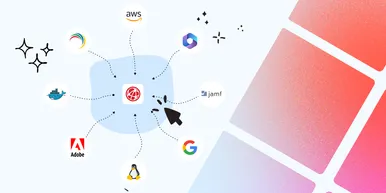
Effective Configuration Management Requires Transparency Across All Systems
In modern IT environments, the gap between reported and actual configuration is bigger than most people realize. In this article, I explain why accurate inventory requires collecting data about each asset from multiple sources – not just one.

How Lifecycle Cost Analysis Helps You Make Smarter IT Decisions
IT teams are under constant pressure to deliver more with less. But without understanding the true cost of every server, license, or laptop, even the most well-planned budgets can spiral out of control.

How Microsoft's New Licensing Model Impacts You - and How to Prepare with vScope
Starting November 2025, Microsoft will remove volume discounts in Enterprise Agreement, MPSA, and OSPA. In this article, we explain what the change means for your organization, and how vScope helps you gain full visibility and control of licenses and costs across your environment.
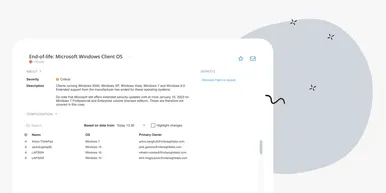
Last Day for Windows 10 - Are Your Clients Ready?
As of October 15, 2025, Microsoft officially ends support for Windows 10. In this article, we explore what that means, why Microsoft is making this change, and how you can use vScope’s inventory and prebuilt insights to stay ahead.
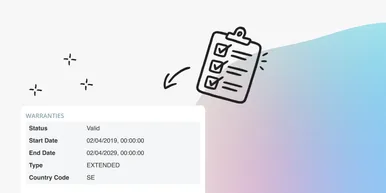
Warranty Management in Practice: Checklist, Pitfalls, and How to Automate with vScope
Learn how to manage device warranties the right way. We walk through a step-by-step checklist for manual warranty tracking and how to automate follow-ups, reports, and alerts with vScope Discovery.
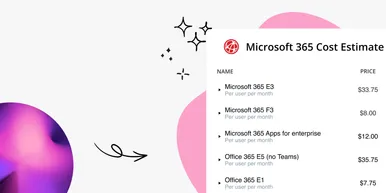
How to Optimize Microsoft Licenses to Save Both Money and Time
Keeping track of Microsoft licenses is one of the biggest challenges for many IT departments. With vScope’s new pre-packaged content, you gain better visibility and can easily identify hidden costs, inactive accounts, and overlapping licenses.