


Webinar Recap: How to Work with Modern IT Governance in vScope
We recently hosted a webinar on modern IT governance with vScope Governance. Here are the key takeaways: on why IT environments become complex, how a governance model works in practice, and how your teams can move from scattered spreadsheets to a living asset register.
 Simon Håkansson •
 We gathered for a webinar on how organizations can take control of their IT environment using vScope Governance. It was a session with plenty of moments of recognition, and I want to share the most important insights with those who couldn’t attend, or as a refresher for those who did.
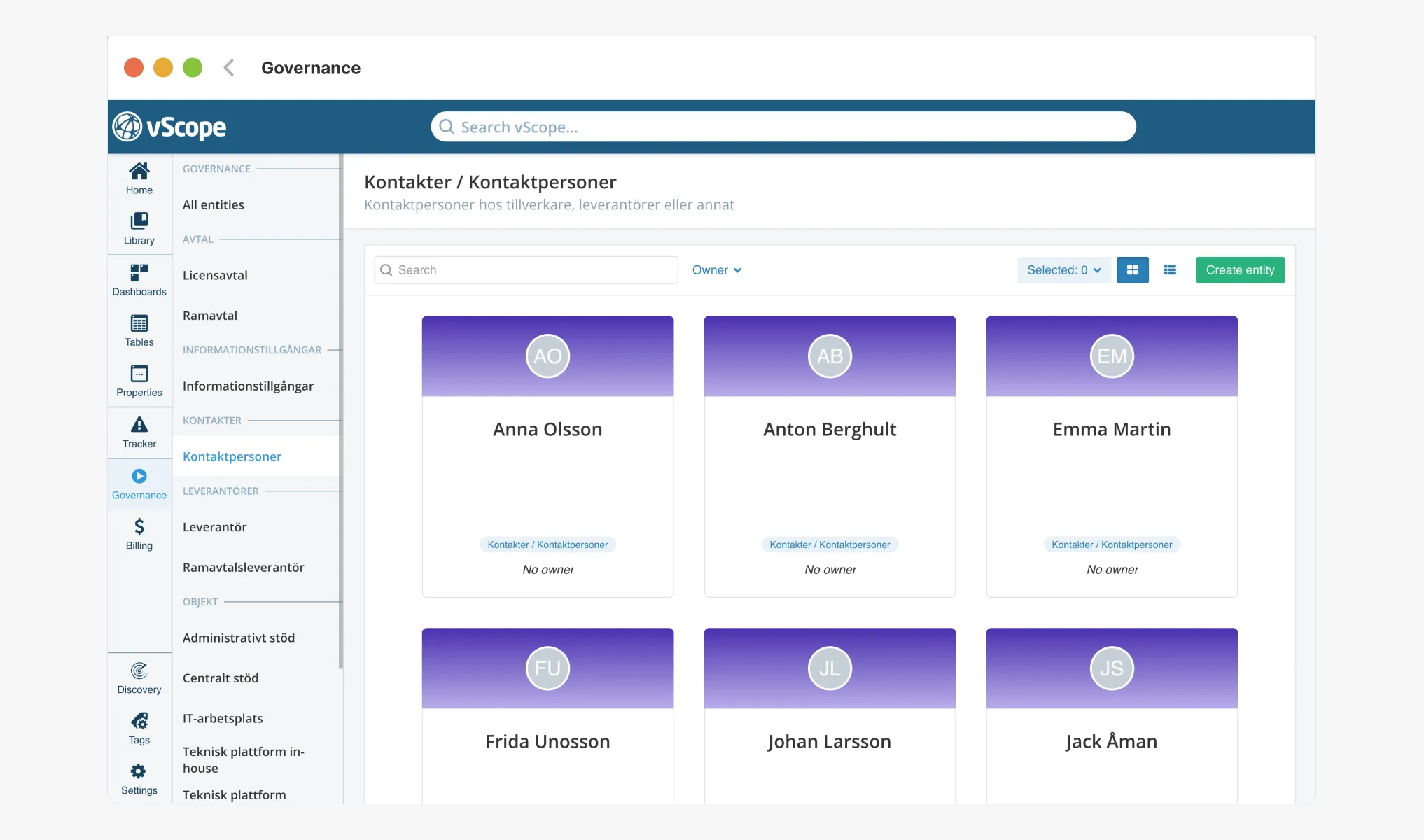
IT environments grow over time - and that’s perfectly normal
One of the most common reactions we hear when talking about IT governance is that the service catalog has become complex, documentation is spread across multiple places, and nobody has a complete picture. This isn’t a sign of poor management, it’s a natural result of IT environments that evolve and change over years and decades. Layer upon layer, system alongside system, built up over time.
It’s rarely a lack of information that’s the problem. Quite the opposite: the information exists, but it’s scattered.
”Like an overfilled filing cabinet”
Here’s an analogy that tends to resonate: getting started with Governance in vScope is like finally tackling that overstuffed filing cabinet in the corner of the office. You know everything is in there somewhere, you just can’t find what you need when you need it.
That’s exactly what vScope Governance is designed to address: giving your organization a shared space where technology teams and business stakeholders can collaborate around IT delivery. It’s not a new system to maintain. It’s a living register that reflects reality, and stays up to date.
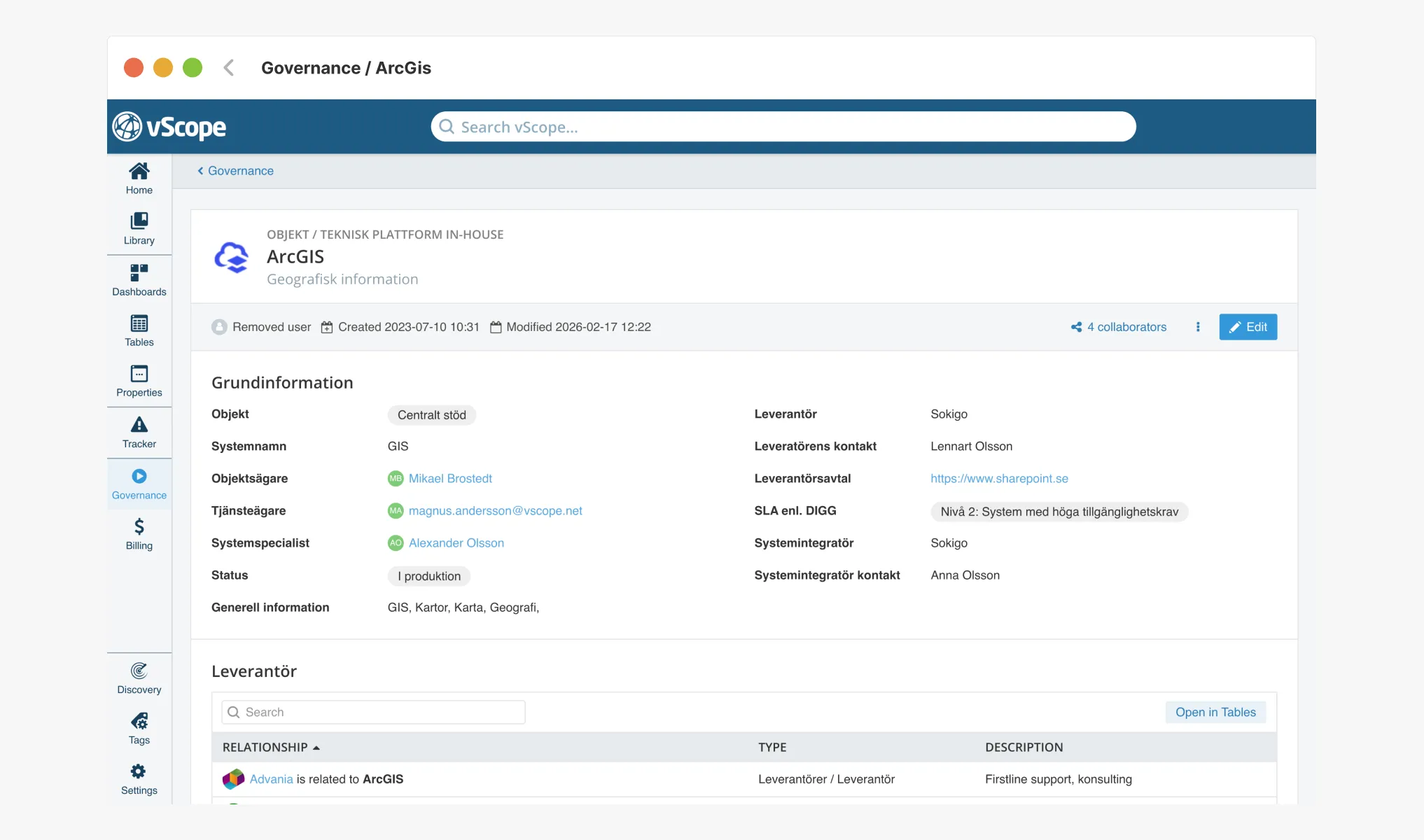
A governance model that actually gets used
Many organizations, particularly in the public sector, already have a well-developed governance model. But as with any well-intentioned plan, it’s rarely followed to the letter. People pick what works for them and adapt the rest.
That’s why governance in vScope is entirely open and configurable. We don’t impose a model on you. You define your own structure, your own roles, and your own workflows. vScope doesn’t change how you work, it supports it.
From spreadsheets to living relationships
The organizations that have made the most progress toward modern IT governance have one thing in common: they’ve moved past the spreadsheet. Instead, they use vScope to document relationships between systems, services, and assets. Technical configurations are kept automatically up to date through vScope Asset Discovery.
For those who still love a good table view, vScope naturally supports that too: full overviews of all services, management areas, vendors, and more, including dashboards with high-level visibility across the entire environment.
The result? Not just better documentation, but genuine control over the service catalog. IT managers and service owners can finally do their jobs without feeling held back by their tooling.
See it in action
Want to learn more about how vScope Governance works in practice? Book a demo and we’ll show you what it looks like in your own environment, with your own data.
Related blog posts
All posts
From Intune to vScope: Why Endpoint Management Alone Is Not Enough
Intune gives you strong endpoint control. vScope turns that data into shared operational context for operations, security, compliance, and finance.

Why IT inventory initiatives often fail
IT inventory and discovery promise control, security, and cost clarity—yet many projects stall. Here's why they falter without the right platform, and what reliable discovery should look like.
Microsoft 365 Pricing Changes 2026: What It Means for Your Budget
Microsoft is updating pricing and packaging for Microsoft 365 in 2026. Here’s what the currency adjustments and July price increases mean – and how CIOs and M365 admins should respond.
Effective Configuration Management Requires Transparency Across All Systems
In modern IT environments, the gap between reported and actual configuration is bigger than most people realize. In this article, I explain why accurate inventory requires collecting data about each asset from multiple sources – not just one.

How Lifecycle Cost Analysis Helps You Make Smarter IT Decisions
IT teams are under constant pressure to deliver more with less. But without understanding the true cost of every server, license, or laptop, even the most well-planned budgets can spiral out of control.

How Microsoft's New Licensing Model Impacts You - and How to Prepare with vScope
Starting November 2025, Microsoft will remove volume discounts in Enterprise Agreement, MPSA, and OSPA. In this article, we explain what the change means for your organization, and how vScope helps you gain full visibility and control of licenses and costs across your environment.
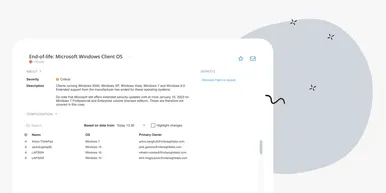
Last Day for Windows 10 - Are Your Clients Ready?
As of October 15, 2025, Microsoft officially ends support for Windows 10. In this article, we explore what that means, why Microsoft is making this change, and how you can use vScope’s inventory and prebuilt insights to stay ahead.
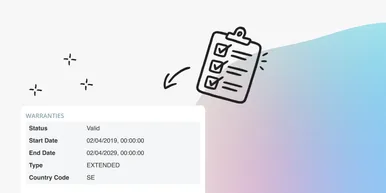
Warranty Management in Practice: Checklist, Pitfalls, and How to Automate with vScope
Learn how to manage device warranties the right way. We walk through a step-by-step checklist for manual warranty tracking and how to automate follow-ups, reports, and alerts with vScope Discovery.
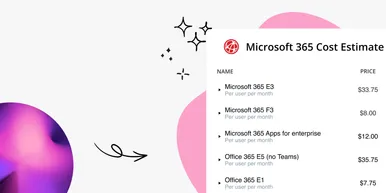
How to Optimize Microsoft Licenses to Save Both Money and Time
Keeping track of Microsoft licenses is one of the biggest challenges for many IT departments. With vScope’s new pre-packaged content, you gain better visibility and can easily identify hidden costs, inactive accounts, and overlapping licenses.