


Why IT inventory initiatives often fail
IT inventory and discovery promise control, security, and cost clarity - yet many projects stall. Here are the usual pitfalls and what unreliable discovery means in practice.
 Anton Berghult •
 IT inventory (asset discovery) is usually the first step for teams that want tighter control, better security posture, and clearer costs across their estate.
But in conversations with IT leaders, operations owners, and technicians, the same story repeats: the initiative starts with momentum, then slows or is quietly paused. The result is incomplete data, poor data quality, and a slide back to manual work to keep the asset register alive.
Here are the most common causes, and the consequences we see when discovery underdelivers.
Common problems and their impact
| Common problem | Impact |
|---|---|
| Limited coverage Discovery only reaches parts of the environment (endpoints, or just cloud). | Gaps in the asset register You never get a complete picture of the environment, which erodes confidence in the data. |
| Agents and high upkeep Installs, upgrades, and integrations demand constant effort. | Becomes a project instead of a tool Energy goes into maintaining discovery instead of using the data. |
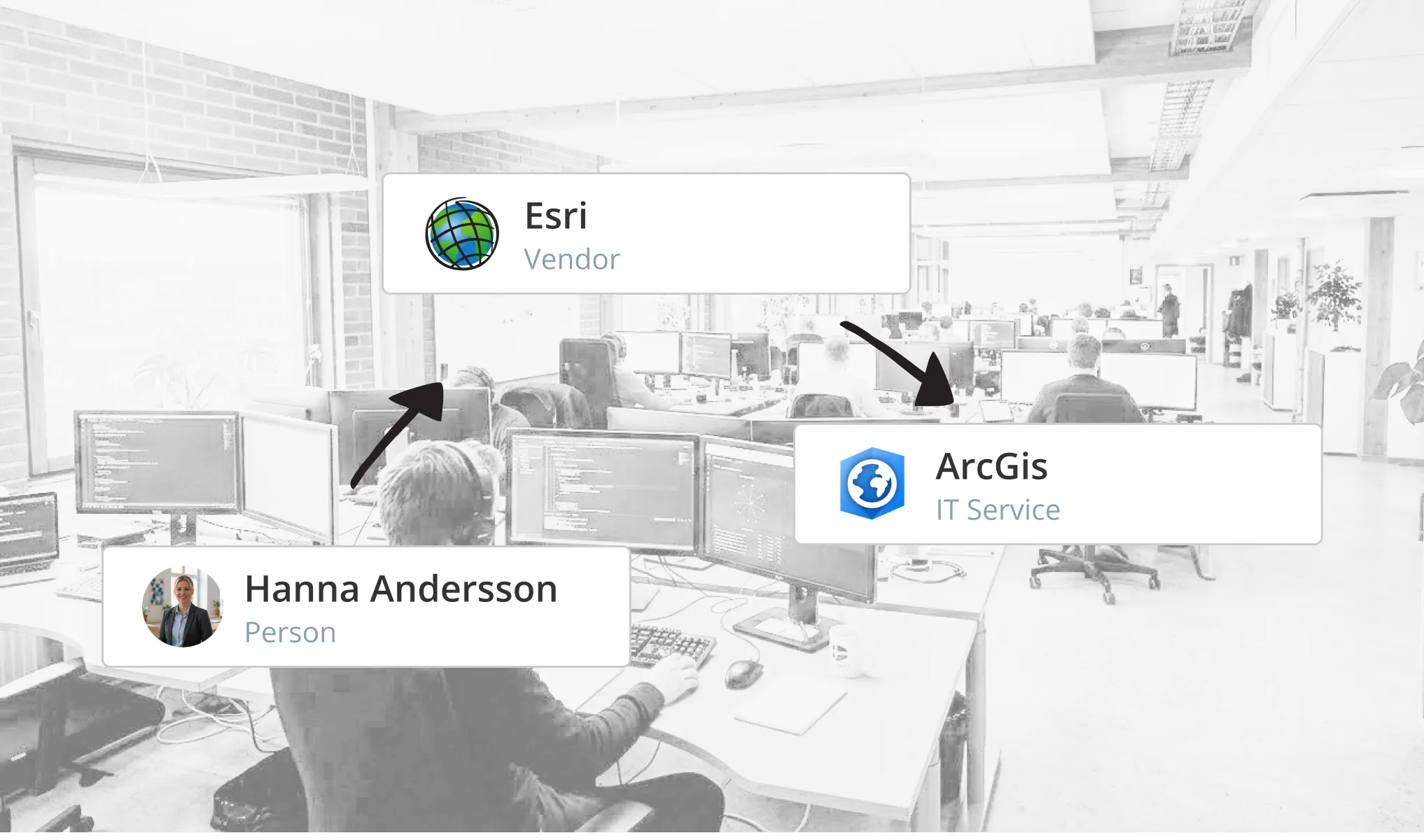
| No relationship mapping Assets are listed without context. | No holistic view You see what exists but not how it connects, so manual work remains. |
| Snapshots instead of history Point-in-time scans without change tracking. | No traceability Troubleshooting, analysis, and audits become slow - or impossible. |
| Uncertain data handling Asset data is shipped to external cloud services or third parties. | Higher risk, limited adoption Security and compliance requirements stall the initiative. |
What happens when discovery doesn’t work?
This isn’t theoretical, I see it with teams that rely on partial or stale discovery. When people can’t trust the asset register, something fundamental breaks:
- Users stop opening the system.
- Excel sheets, side lists, and “tribal knowledge” take over - bringing inefficiency and key-person risk.
- Decisions drift toward gut feel instead of facts.
In short: the asset register stops being the central source for information and reporting.
What it takes to succeed
To make IT inventory work in the real world, the tool must do more than “collect data.” It needs:
- Full coverage across on-prem, cloud, and remote networks.
- Minimal run and upkeep, that includes no ongoing consulting projects just to stay current.
- Relationships and context, not just lists.
- History and traceability over time.
- Control of where data lives and who owns it (on-prem, agentless by design).
Only then does discovery become something you can rely on - and build on. That’s how teams become genuinely data-driven, empower colleagues, and create a more productive organization that collaborates, solves problems, and ships value instead of compiling information.
Succeeding with discovery ultimately hinges on trust in the data. Without that, nothing else matters.
Related blog posts
All posts
Microsoft 365 Pricing Changes 2026: What It Means for Your Budget
Microsoft is updating pricing and packaging for Microsoft 365 in 2026. Here’s what the currency adjustments and July price increases mean – and how CIOs and M365 admins should respond.
 Simon Håkansson March 2, 2026
Effective Configuration Management Requires Transparency Across All Systems
In modern IT environments, the gap between reported and actual configuration is bigger than most people realize. In this article, I explain why accurate inventory requires collecting data about each asset from multiple sources – not just one.
Simon Håkansson November 18, 2025 
How Lifecycle Cost Analysis Helps You Make Smarter IT Decisions
IT teams are under constant pressure to deliver more with less. But without understanding the true cost of every server, license, or laptop, even the most well-planned budgets can spiral out of control.
 Anton Berghult November 4, 2025
How Microsoft's New Licensing Model Impacts You - and How to Prepare with vScope
Starting November 2025, Microsoft will remove volume discounts in Enterprise Agreement, MPSA, and OSPA. In this article, we explain what the change means for your organization, and how vScope helps you gain full visibility and control of licenses and costs across your environment.
Anton Berghult October 29, 2025 
Last Day for Windows 10 - Are Your Clients Ready?
As of October 15, 2025, Microsoft officially ends support for Windows 10. In this article, we explore what that means, why Microsoft is making this change, and how you can use vScope’s inventory and prebuilt insights to stay ahead.
 Axel Svegerud October 14, 2025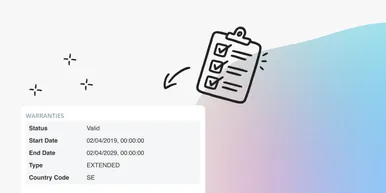
Warranty Management in Practice: Checklist, Pitfalls, and How to Automate with vScope
Learn how to manage device warranties the right way. We walk through a step-by-step checklist for manual warranty tracking and how to automate follow-ups, reports, and alerts with vScope Discovery.
Anton Berghult September 4, 2025 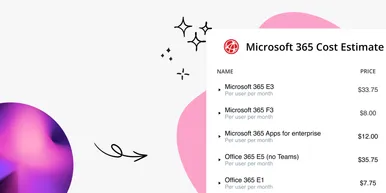
How to Optimize Microsoft Licenses to Save Both Money and Time
Keeping track of Microsoft licenses is one of the biggest challenges for many IT departments. With vScope’s new pre-packaged content, you gain better visibility and can easily identify hidden costs, inactive accounts, and overlapping licenses.
 Tim Hansson August 21, 2025
Optimize Your Database Environment: Pre-Built Content for Performance and Savings
Databases are the backbone of nearly every modern organization. From customer data to transactions and internal systems, your business relies on their performance and availability. In this post, we explore new content in vScope that helps you simplify and succeed in database management.
 Jacob Brodd August 21, 2025
Tackling Application Chaos: Why Comprehensive Windows Application Inventory Matters
Managing software and applications across an IT environment is often more complicated than it seems. IT teams regularly face challenges such as uncertainty about which applications are actually in use, outdated inventories, or inefficient manual tracking processes. The larger and more dynamic your IT environment, the harder it becomes to keep track of software, leading to inefficiencies, higher costs, and potential security vulnerabilities.
Anton Berghult March 21, 2025