

Asset Discovery Without Limits
vScope Studio is a toolkit for custom discovery. Configure your own collectors – over HTTP, PowerShell, SNMP, SSH, or CSV file upload – and bring any system or data source into your asset repository, integrated alongside your existing vScope data.
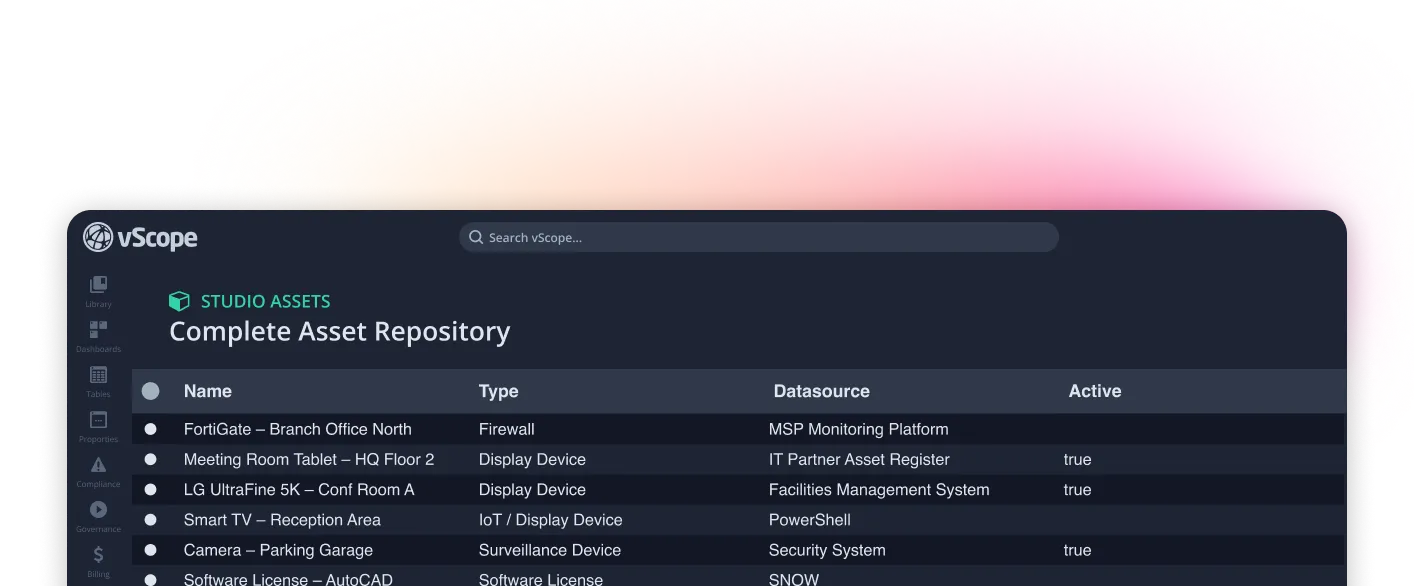
When your asset repository needs to include the full reality
Standard vScope discovery covers the most common platforms automatically. Studio fills the gaps – a built-in configuration module inside vScope where you define your own collectors, decide what to collect, and feed it all back into the same asset repository. Everything lands in vScope: indexed, searchable, and ready to use alongside your existing data.
An asset repository without gaps
Ensure your entire IT environment is actually inventoried and documented in vScope.
Tailored to your organization
No two organizations are the same. With vScope Studio, your asset repository can better reflect your systems, structures, and needs.
Configured inside vScope – no extra tools
Studio lives inside vScope Discovery Manager. Set up collectors, credentials, targets, and schedules in the same place you manage everything else.
– Application Manager @ Swedish Bank
For operations & delivery
A shared asset repository that reflects the full environment you're responsible for.
- Less reliance on manual lists, spreadsheets, and one-off workarounds in other tools.
- Extend the asset repository with additional asset types and systems that matter in daily operations.
- A more complete asset repository, without waiting for new integrations or product support.

For the business & service owners
A broader, more relevant foundation for follow-up, reporting, and decisions – kept in one place.
- Include more assets and data points in vScope reports and decision-making dashboards.
- A more complete view of the IT environment makes collaboration between IT and the business easier.
- Expand discovery coverage yourself as new needs emerge.

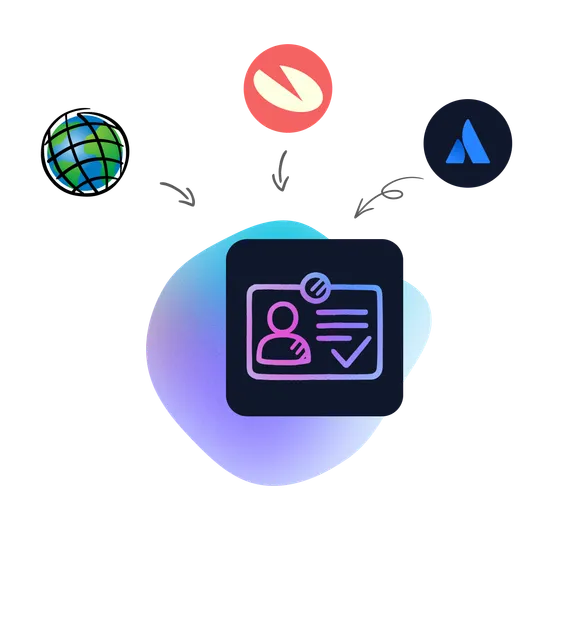
Enrich your asset repository with more relevant data
Add additional attributes and context to existing assets – everything from classification and status to business and security data that matters to your organization.
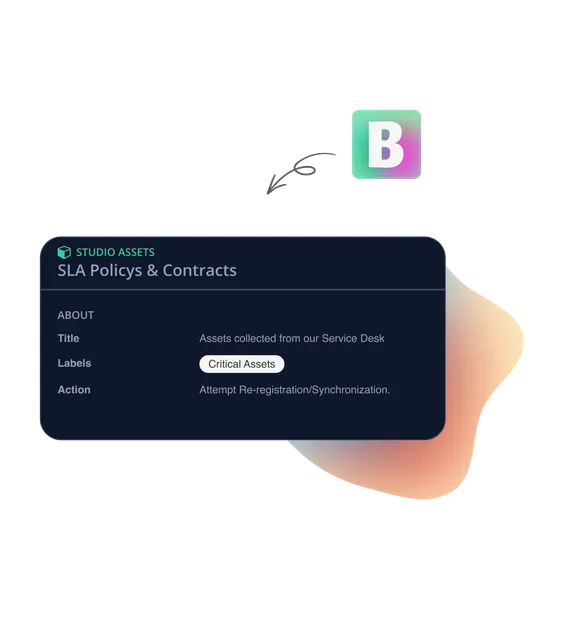
Document more types of assets in the same repository
Extend your asset repository with additional asset types – whether it's systems, devices, contracts, or anything else.
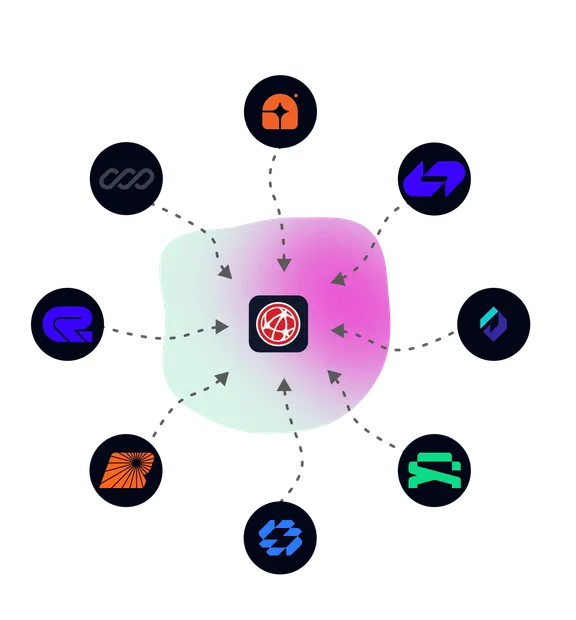
Connect more data sources – via SNMP, SSH, PowerShell, or HTTP
Create your own collectors to pull data from any system. Studio supports a broad range of protocols so you can reach virtually any source.
- SNMP – Discover and collect from switches, routers, firewalls, printers, and other SNMP-enabled devices.
- SSH – Run commands on Linux servers, Unix systems, and SSH-accessible devices to collect asset data.
- HTTP/REST – Pull JSON, XML, or CSV from any API, file, or web endpoint.
- Windows PowerShell – Execute scripts to collect data from Windows environments and third-party systems.
- File (CSV) – Upload a CSV file to vScope's local storage via the REST API and use it as a discovery source. No extra infrastructure needed – data stays on-prem.
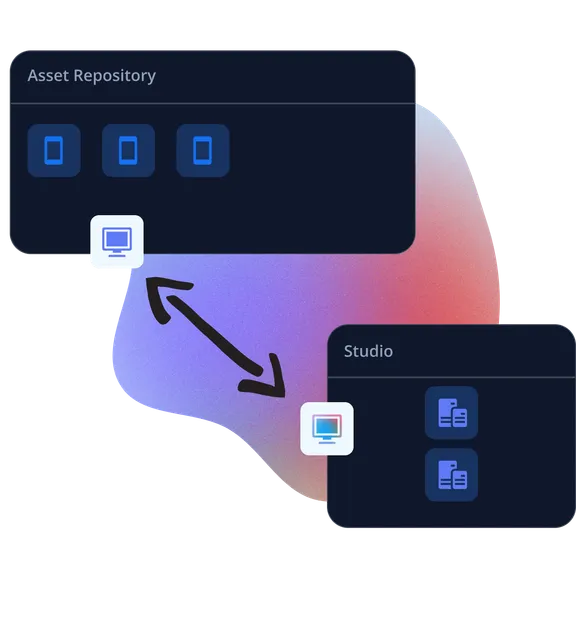
Connect Studio with vScope's asset repository
Identify and automatically link assets that are discovered both in vScope's asset repository and Studio.
- Automatic alerts when assets “on the shelf” are enrolled into your environment.
- Identify discrepancies between expected and actual status.
- Retrieve tags from Studio and apply them to assets in your asset repository.
A broader asset repository for more use cases
Custom-built systems and services
Include in-house applications, internal services, and specialized systems in the asset repository.
Technical equipment from external systems
Bring OT devices and technical equipment already tracked in other systems into vScope to make them visible in your asset repository.
Physical and offline assets
Inventory equipment and assets that aren't connected – yet still matter for security, traceability, or governance.
Compliance and governance
Link policies, encryption status, and vendor information to assets for a more complete compliance picture.
Security classification and risk levels
Show security classifications and risk context on assets by pulling data from external systems.
Contracts, SLAs, and service levels
Connect contract details and SLA classifications to assets and services for clearer follow-up and accountability.
Billing and cost foundations
Create a more detailed and accurate billing foundation by including more relevant assets.
Service management and documentation
Extend your service documentation with additional assets and data for a more complete picture.
Easy to get started
Decide what should be included
Define which assets and which data points should complement your asset repository.
Connect your data sources
Pull data from the systems and sources where it already lives – using HTTP, PowerShell, SNMP, SSH, and more.
Structure and validate
Review the results, ensure the right structure, and add tags where needed.
Available across vScope
The result becomes part of the asset repository and can be used in search, reports, and documentation – alongside your existing discovery data.
Common Questions
Which protocols can Studio Collectors use?
Studio supports HTTP/REST (JSON, XML, CSV), Windows PowerShell, SNMP, SSH, and CSV file upload . This covers anything from network devices, Linux/Unix systems, APIs, manual spreadsheets. We're continuously expanding coverage.
Can I use a CSV file as a discovery source?
Yes. Studio File lets you upload CSV files directly to vScope's local storage via the REST API. Once uploaded, the file works like any other Studio connector. No extra infrastructure is needed and all data stays on-prem.
Where is the data stored?
Together with the rest of your vScope data – locally in your vScope installation, on a server in your environment.
Ready for vScope Studio?
Get in touch to see how vScope Studio can extend your discovery.