

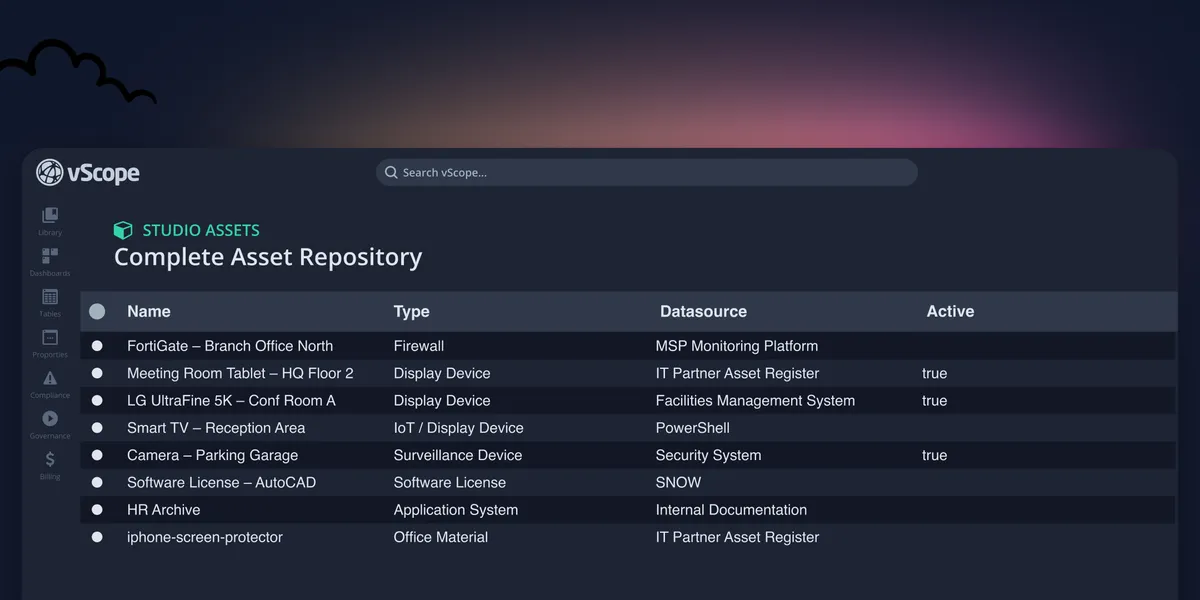
Introducing vScope Studio – Discovery Without Limits
vScope Studio lets you connect new data sources and document more asset types in your asset repository. A great add-on to your asset discovery if you want to take your asset repository to the next level.
 Anton Berghult •
 Discovery without limits
Out of the box, vScope inventories 70+ asset types with agentless probes to give you a complete view of your IT landscape. Still, some teams need to cover edge cases, homegrown systems, or offline equipment. That is why we built vScope Studio, an extension to your asset repository to better reflect the full reality of your IT environment.
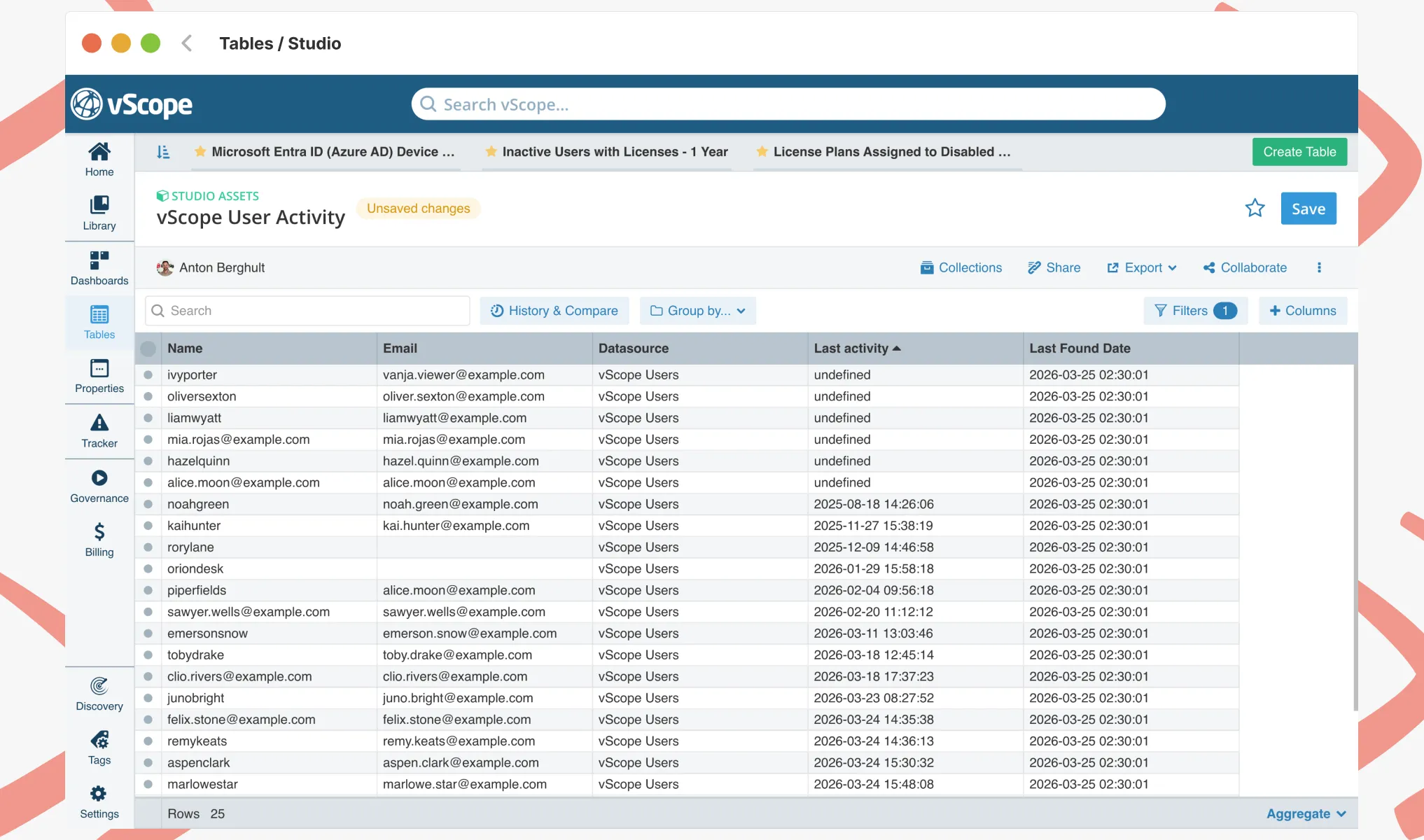
What you can do with Studio
With Studio, you extend vScope’s asset repository, including
- Connecting additional systems and data sources using files, APIs, or databases
- Document more asset types: devices, contracts, sites, services, and more
- Enrich existing assets with business, security, or lifecycle attributes
- Link Studio data with the main asset repository so reports stay consistent
All data collection runs on‑prem, fully agentless, and all data stays, as always, in your datacenter for data privacy. Every Studio asset becomes a natural part of vScope, making them available in dashboards, Tracker, and Billing as any asset.
Why it matters
By closing any gaps in the asset discovery, Studio makes vScope relevant for more teams and more decisions:
- Compliance & Governance: Keep NIS2, DORA, and ISO 27001 evidence current with end‑to‑end traceability and full change history.
- Custom-built systems: Inventory in‑house apps or bespoke services that native probes miss.
- Offline or shelf equipment: Track items that are not currently connected but still matter for security and lifecycle planning.
- Contracts and classifications: Bring in SLAs, service tiers, and risk tags from external systems.
- Billing & cost allocation: Add priced assets to your cost base so MSPs and finance get transparent chargeback and billing.
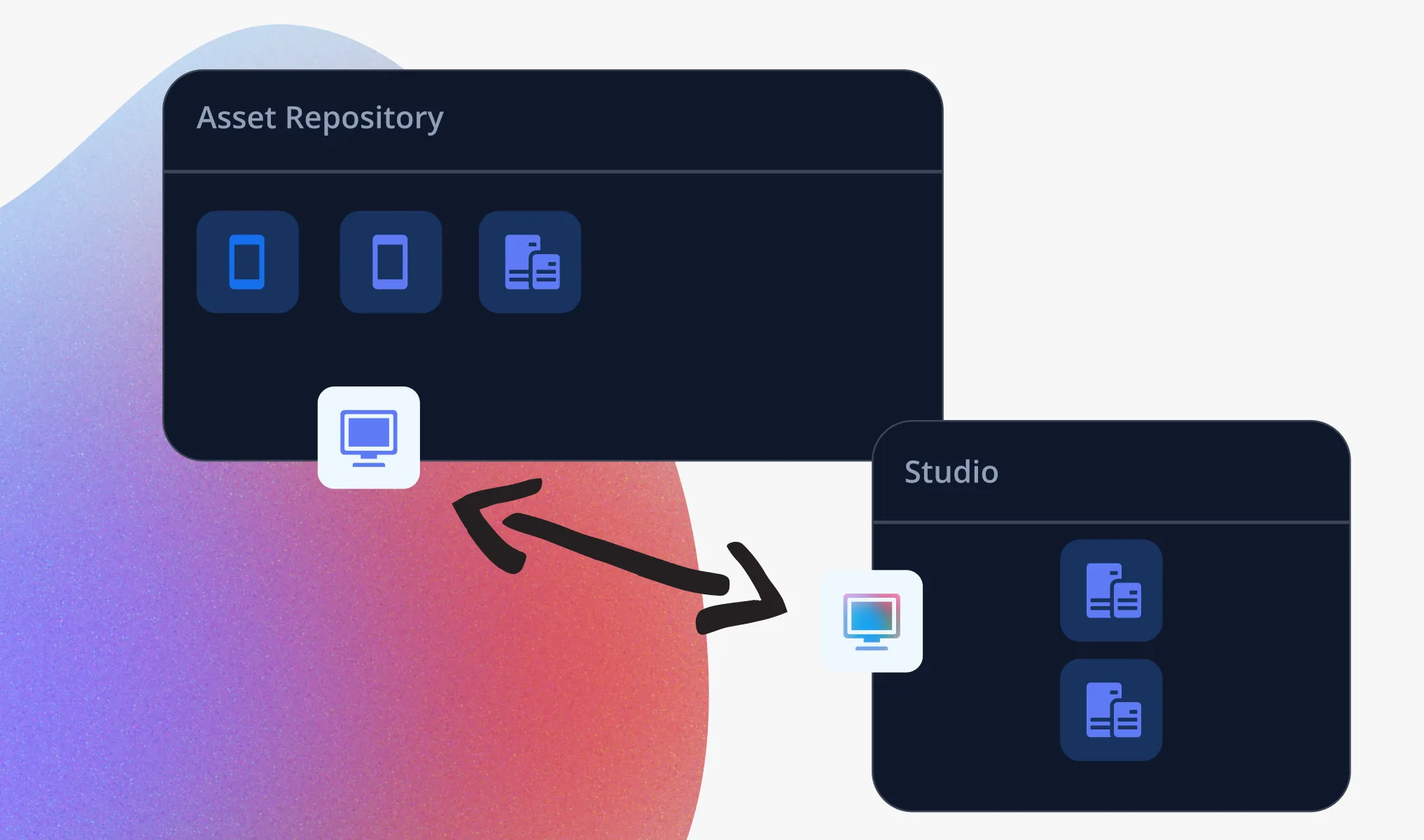
Easy to get started
Studio is plug‑and‑play. You define what data you need, connect your sources, and start building a more complete asset repository – without changing your existing setup. Our team is ready to support you increasing coverage of your asset discovery, just let us know! Finally, here are some additional resources if you want to drill down and learn more about vScope Studio:
- Explore Studio on the platform page: /platform/asset-discovery/studio/
- See how it works in our support guide: Support - About Studio
- Want to see how it works in practice? Book a demo
Related blog posts
All posts
Tracker evolves: from case list to compliance overview
From a list of issues to a clear compliance overview. The latest Tracker update introduces a more structured way to monitor, prioritize, and improve your IT environment. Here's the latest update about vScope Tracker!
 Anton Berghult March 30, 2026
Take Control of Adobe Licenses with Cost Reports in Minutes
Stop spending time on manual cost reporting. vScope now includes expanded support in its built-in price list templates for Adobe licenses, making it easier to create clear, reliable cost reports in both SEK and EUR.
 Axel Svegerud March 20, 2026
New datasource: Proxmox
vScope now discovers Proxmox VE for hosts, VMs, containers, networks, and capacity. This will help you bring full visibility into hosts, VMs, containers, capacity and other Proxmox assets.
Anton Berghult February 24, 2026 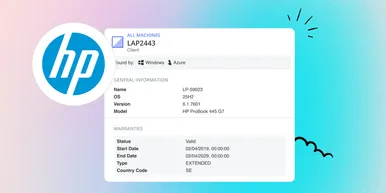
HP Warranty: Deeper lifecycle visibility
Fetch and sync warranty data from HP, directly to vScope for improved planning and control of your assets' life cycle status. In this post I will briefly go through the latest feature in vScope, and how this strengthen the value of your asset repository.
Anton Berghult February 23, 2026 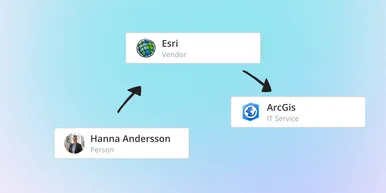
IT Services Become Governance – Put Your Assets in Full Business Context
We have renamed IT Services (Service Mapping) to Governance. However, this update is not only about renaming; it expands the feature from 'IT service-only' modeling to supporting any business context – including applications, vendors, ownership, policies, and more. Let's go through what this means for you.
Anton Berghult February 20, 2026 
Standardize IT Billing Faster with Built-In Price List Templates
Reduce manual pricing work and get more accurate IT billing in place faster using reusable, best-practice price list templates. Here is the latest feature of vScope Billing
Anton Berghult January 26, 2026 
Introducing Network Port Mapping in vScope: Finally See What’s Connected – and Where
One of the most requested features is now here. With Network Port Mapping for SNMP, IT teams can instantly see how devices are connected across the network, no more remoting into switches, outdated documentation, or guesswork. This update helps you troubleshoot faster, improve documentation, and strengthen overall network security.
Anton Berghult November 26, 2025 
New in vScope: A More Personal Experience with Interest Profiles
We’re introducing Interest Profiles in vScope, a new way to make vScope more relevant and helpful for every user. Get a home screen and library experience tailored to your interests, responsibilities, and daily work.
Anton Berghult November 20, 2025 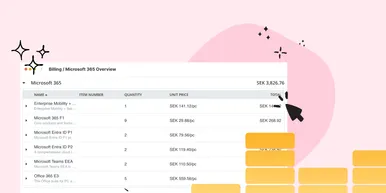
New Price List for Easier Control of Microsoft 365 Costs
With vScope’s new price list for Microsoft 365, it’s easier than ever to understand, monitor, and optimize your license costs. The price list is automatically applied to your asset inventory once vScope is connected to your Microsoft 365 environment.
Anton Berghult October 22, 2025