

Try vScope in your environment
Fill in the form and we will be in touch shortly
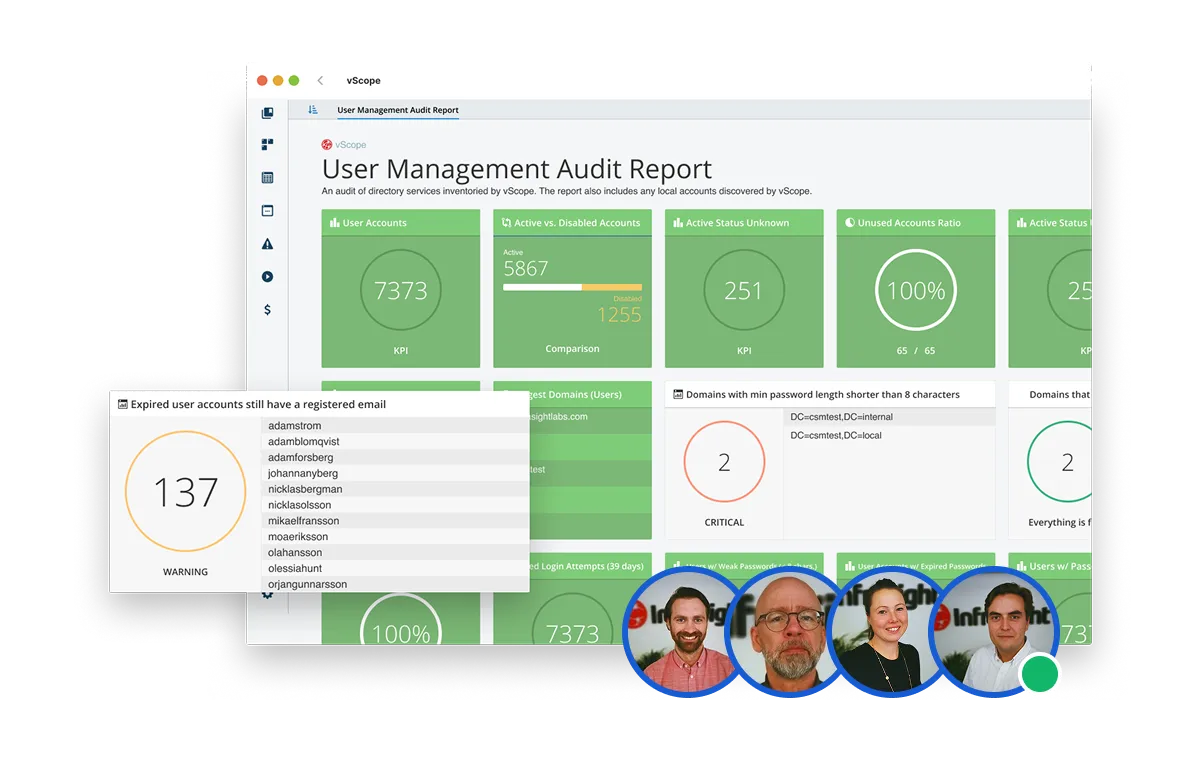
A vScope Assisted Trial gives you and your organization the opportunity to try out vScope in your own IT environment and experience how it can improve your work.
What you can expect:
- Workshops based on examples from your IT environment.
- Insights, IT documentation, and reports with lasting value.
- Guided installation and configuration.
- Personal guidance and support from our Customer Success team.




What value does a vScope Trial add?
Bring total visibility into your IT landscape and optimize your processes to ensure operational excellence.
1. Installation
Working together with one of our product experts, you can set up vScope in your environment, adapted to fit your needs, in 30-60 minutes.
2. Workshop
During workshops, we'll explore your organization's use of vScope and offer advice on how to improve and maximize its implementation.
3. Follow up
We continuously follow the entire process and make customizations based on your requests and needs.
Here's how it works
Close collaboration to ensure maximum value.
Full IT Audit
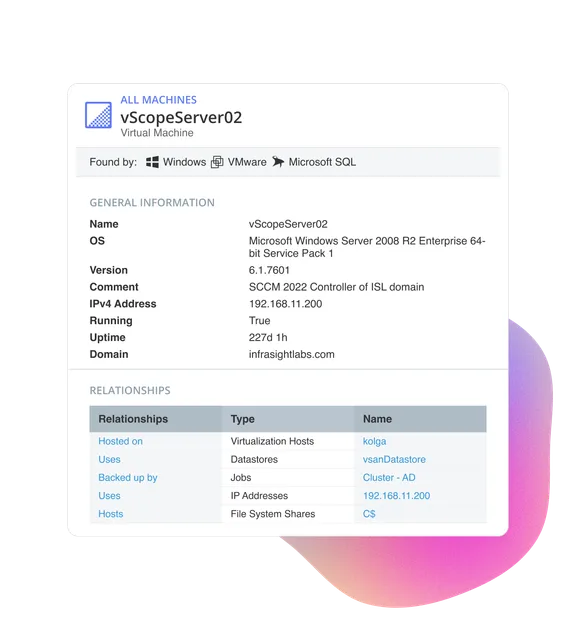
Automatically discover and organize all your IT assets, from on-premises infrastructure to cloud environments, in one continuously updated repository.
- Comprehensive IT documentation covering the entire environment.
- To-Do lists for quick improvements, such as identifying inactive accounts and administrators.
- Suggested cost savings, like unused licenses in Microsoft O365.
- Specific actions to enhance security across your IT environment.
- Education and workshops with our vScope experts to help your team succeed.
Operational Excellence
Automatically discover and organize all your IT assets, from on-premises infrastructure to cloud environments, in one continuously updated repository.
- Quick and easy overview of your IT for everyone in the IT department, eliminating bottlenecks.
- Rapid retrieval of crucial information whenever needed.
- A common platform for reporting and documentation.
- Transition from reactive to proactive management with improvement suggestions from vScope Tracker.
Recent blog posts
All posts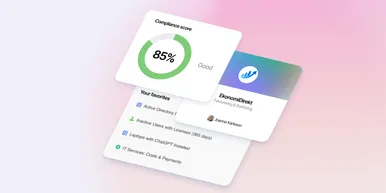
Less Guessing, More Knowing — Wherever It's Needed
We're releasing several new features that help you get better visibility and collaboration in, and outside of, your IT organization. Asset Health in Properties, Share to Teams, and external report recipients are all really about the same problem: the right data, to the right person, at the right time.

New in vScope: Track Microsoft 365 Copilot Usage Across Your Organization
Know exactly how Copilot is used across your organization. By who, and where. vScope now has extended its coverage of ready-made reports about Copilot adoption, license utilization, and usage patterns. Immediately visible, and easy to share.
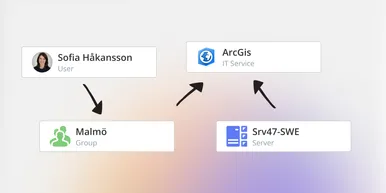
See How Your IT Environment Actually Fits Together
vScope has always mapped the relationships in your IT environment automatically. Now you can explore them visually. The Relationship Map is a new view in Properties and Governance – always current, no manual work required.