

Complete Windows asset inventory – without agents
Automatically discover Windows servers, clients and virtual machines and build a continuously updated inventory of your entire Windows environment.





Automated Windows inventory software
vScope provides automated inventory of Windows servers and clients across your IT infrastructure. Through secure connections, the platform collects information about operating systems, hardware, services and installed applications.
All information is stored in a continuously updated asset repository running on-prem in your own environment, giving you a reliable view of how your Windows infrastructure actually looks and how it evolves over time.
Solutions like this are often referred to as Windows inventory software – tools designed to automatically discover and structure information about Windows devices across an organization.
Popular Features
- Inventory of Windows servers, clients and virtual machines
- Operating system and version tracking
- Installed applications and services
- Easy reporting and data sharing
- Historical tracking and change visibility
Example Content
- Windows systems running unsupported operating systems
- File system size and storage growth
- Non-business applications installed on endpoints
- Windows machines approaching end-of-life
Complete inventory of your Windows environment
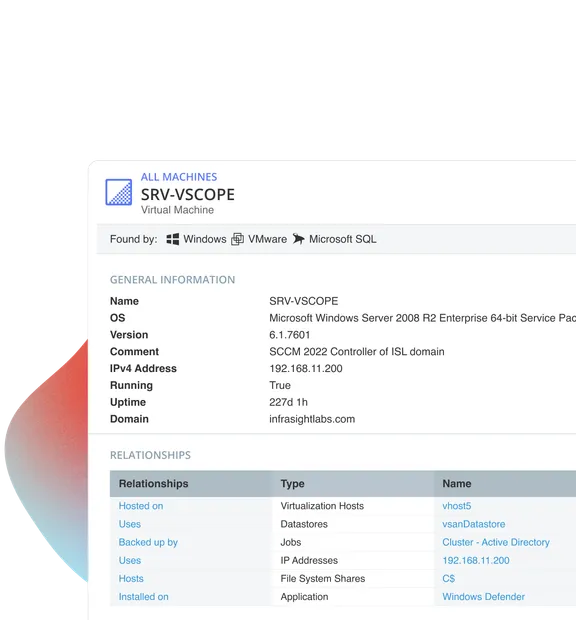
vScope automatically discovers Windows servers, clients and virtual machines across your infrastructure. Operating systems, hardware specifications, services and installed applications are collected and presented in a unified asset repository.
- Automatically inventory Windows servers, clients and virtual machines.
- Collect OS versions, hardware specifications and configurations.
- See installed applications, services and system roles.
- Maintain a continuously updated view of your entire Windows environment.
Secure Windows discovery without agents
vScope performs Windows discovery without installing agents on your systems. The platform uses well-established security mechanisms to ensure safe data collection while keeping all information stored securely in your own data center.
- Just Enough Administration (JEA) for minimal privileges
- Local Administrator Password Solution (LAPS)
- Group Managed Service Accounts (gMSA)
- Kerberos authentication (SASL/GSSAPI)
- No agents installed on servers or clients

Track the lifecycle of every Windows system
Continuous inventory makes it easier to manage the lifecycle of Windows systems. Identify outdated operating systems, missing patches and inactive devices so you can take action before they become operational or security risks.
- Identify unsupported Windows versions and end-of-life systems.
- Detect systems missing updates or patching.
- Find inactive devices that can be decommissioned.
- Understand warranty status across multiple hardware vendors.
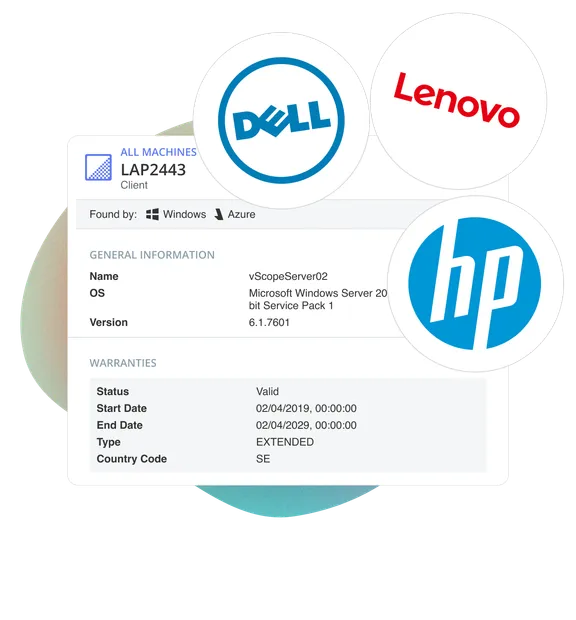
Stop switching between portals and management tools
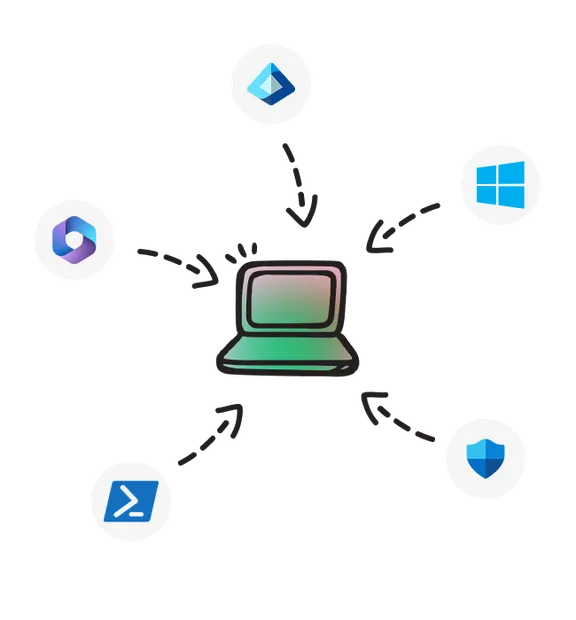
Information about Windows systems is often scattered across multiple tools such as SCCM, Intune, VMware, Active Directory and Defender. vScope collects and normalizes this data into a unified asset repository so you can understand your infrastructure from a single place.
- Combine discovery from multiple data sources into one view.
- Normalize data across Windows, virtualization, cloud and directory services.
- Reduce reliance on multiple portals like SCCM, Intune and VMware.
Make Windows data useful for the entire organization
When Windows inventory data is enriched with ownership, cost and operational context it becomes valuable for more than just IT operations. Security teams, finance and leadership gain a clearer understanding of how infrastructure evolves over time.
- Track infrastructure changes with full historical visibility.
- Use reports and alerts to identify risks early.
- Link Windows systems to owners, costs and SLAs.
- Share insights across teams without user limitations.
Common Questions
Does vScope require agents for Windows inventory?
No. vScope performs Windows inventory without installing agents on servers or clients. Data is collected securely through protocols such as PowerShell, WMI and WinRM while all information remains stored on-prem in your environment.
What is Windows inventory software?
Windows inventory software automatically discovers and documents servers and client devices in a Windows environment. It collects information about operating systems, hardware, installed software and configurations to give organizations a clear overview of their infrastructure.
Can vScope discover systems in isolated networks?
Yes. Using discovery proxies, vScope can inventory systems located in isolated or segmented networks without installing agents on endpoints.
The Ultimate IT Inventory Software
A practical checklist for evaluating IT inventory solutions and choosing the right platform.
Get full visibility of your Windows environment
Book a demo and see how vScope inventories your Windows systems
Recent blog posts
All posts
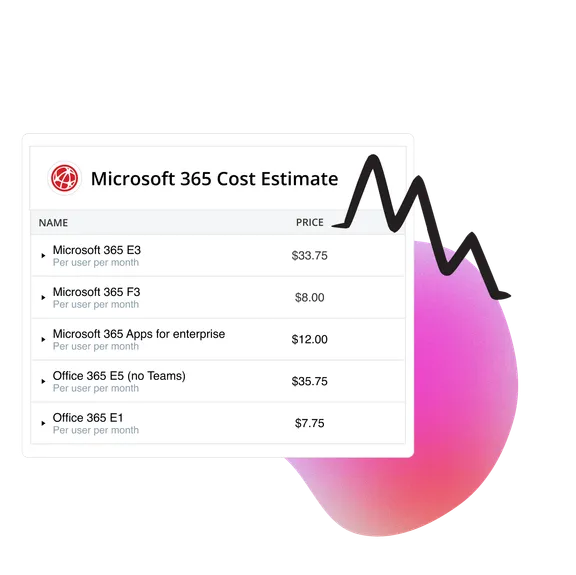
Microsoft 365 Pricing Changes 2026: What It Means for Your Budget
Microsoft is updating pricing and packaging for Microsoft 365 in 2026. Here’s what the currency adjustments and July price increases mean – and how CIOs and M365 admins should respond.
 Simon Håkansson March 2, 2026
New datasource: Proxmox
vScope now discovers Proxmox VE for hosts, VMs, containers, networks, and capacity. This will help you bring full visibility into hosts, VMs, containers, capacity and other Proxmox assets.
 Anton Berghult February 24, 2026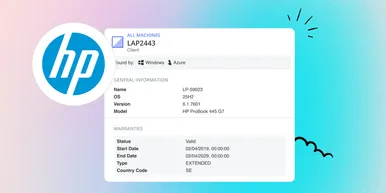
HP Warranty: Deeper lifecycle visibility
Fetch and sync warranty data from HP, directly to vScope for improved planning and control of your assets' life cycle status. In this post I will briefly go through the latest feature in vScope, and how this strengthen the value of your asset repository.
Anton Berghult February 23, 2026