

Life Cycle Management Based on Real Infrastructure Data
vScope automatically documents your IT landscape and stores everything securely on-prem in your own environment. Replace manual spreadsheets with continuously updated infrastructure data.


Effective IT Asset Life Cycle Management
IT environments constantly evolve. New assets are deployed, configurations change, and older systems eventually reach end-of-life. Without accurate visibility, planning upgrades, controlling costs, and managing risk becomes difficult.
vScope continuously collects infrastructure data and stores it in a centralized Asset Repository. This allows you to follow every asset through its full life cycle – from procurement and operation to replacement and retirement.
Use accurate asset data to track depreciation, optimize software usage, and proactively plan hardware replacements and warranty renewals.
Popular Features
- Warranty tracking
- Alerts for outdated operating systems
- Software version documentation
- Hardware end-of-life visibility
- Continuous asset discovery
- Cost tracking and budgeting
Example Content
- End-of-life: Operating System Older Than 5 Years
- End-of-life: Adobe Software Detected
- Devices Without Active Warranty
– A. Holmkvist, IT Team Lead @ SYSAV
Track Hardware Through Its Life Cycle
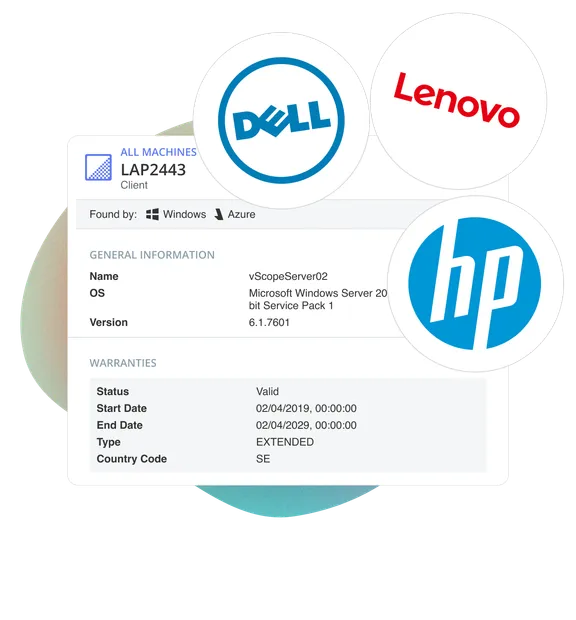
Gain full visibility into the hardware assets in your environment – including model, vendor, warranty status, configuration, and historical changes.
- Inventory devices "on the shelf", and not yet enrolled in your environment.
- Automatically normalize and classify hardware from multiple platforms.
- Create custom rules to define asset status and lifecycle stages.
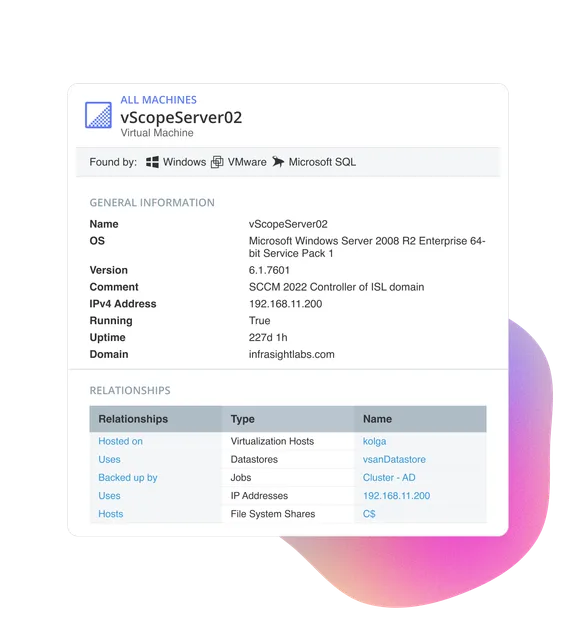
Plan Maintenance, Upgrades, and Replacements
Follow the operational status and life cycle of your assets to plan upgrades, maintenance, and replacements more effectively.
- Identify inactive devices and improve asset utilization.
- Use built-in alerts to detect policy deviations and configuration issues.
- Visualize infrastructure status through dashboards and reports for better planning.
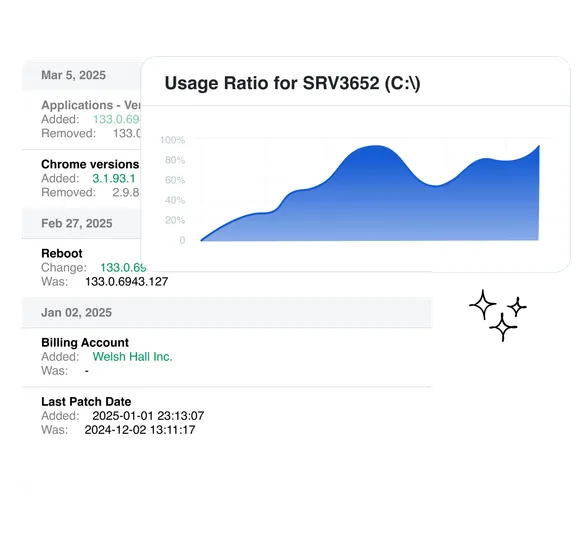
Automated Warranty Insights
Collect warranty information for your hardware assets in one place to support lifecycle planning and replacement decisions.
- Automatic warranty checks for vendors such as Dell, Lenovo, and HP.
- Built-in analysis notifies you of upcoming warranty expirations.
- Share reports with procurement, finance, and operations to support replacement planning.
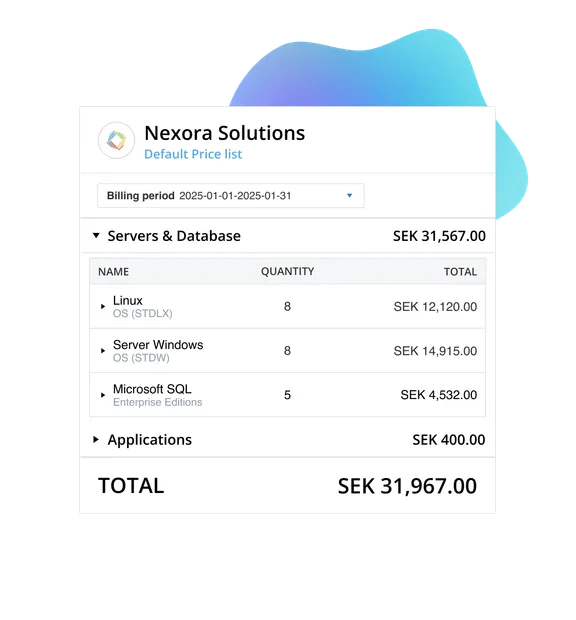
Understand Asset Costs Across the Life Cycle
Attach cost data to assets to gain financial visibility across the entire asset life cycle.
- Continuous discovery ensures reliable infrastructure data for cost estimation.
- Use asset data as a foundation for budgeting and cost allocation.
- Categorize asset costs per department, customer, or organization.
The Ultimate IT Inventory Software
Explore a complete checklist of the most important capabilities to consider when choosing IT inventory software, so you can make a confident buying decision.
Recent blog posts
All posts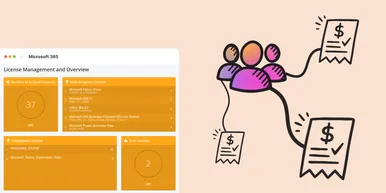
Microsoft 365 Pricing Changes 2026: What It Means for Your Budget
Microsoft is updating pricing and packaging for Microsoft 365 in 2026. Here’s what the currency adjustments and July price increases mean – and how CIOs and M365 admins should respond.
 Simon Håkansson March 2, 2026
New datasource: Proxmox
vScope now discovers Proxmox VE for hosts, VMs, containers, networks, and capacity. This will help you bring full visibility into hosts, VMs, containers, capacity and other Proxmox assets.
 Anton Berghult February 24, 2026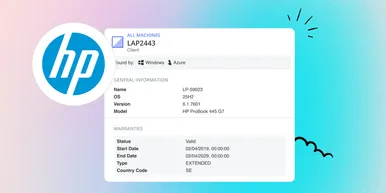
HP Warranty: Deeper lifecycle visibility
Fetch and sync warranty data from HP, directly to vScope for improved planning and control of your assets' life cycle status. In this post I will briefly go through the latest feature in vScope, and how this strengthen the value of your asset repository.
Anton Berghult February 23, 2026