

Details
Discover NetApp arrays, volumes, LUNs, and storage pools in vScope. Get a centralized and continuously updated view of your storage infrastructure and its utilization.
-
NetApp storage inventory
Collect detailed information about NetApp systems, volumes, LUNs, file systems, and storage pools using NetApp Agent or SMI-S.
-
Capacity and utilization overview
Monitor storage allocation and usage across volumes and pools to maintain control over available capacity.
-
Snapshot visibility
Track snapshot status and age to support storage hygiene and backup verification.
Asset Types
- Disks
- LUNs
- SAN File Systems
- SAN Snapshots
- SAN Systems
- SAN Storage Pools
Example of Bundled Content
- NetApp volume snapshot reserve exhausted
- NetApp snapshots are older than 30 days
- NetApp Backup snapshot still in VMware after one day
Get Visibility.
Recent blog posts
All posts
Tracker evolves: from case list to compliance overview
From a list of issues to a clear compliance overview. The latest Tracker update introduces a more structured way to monitor, prioritize, and improve your IT environment. Here's the latest update about vScope Tracker!
 Anton Berghult March 30, 2026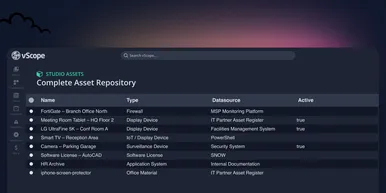
Introducing vScope Studio – Discovery Without Limits
vScope Studio lets you connect new data sources and document more asset types in your asset repository. A great add-on to your asset discovery if you want to take your asset repository to the next level.
Anton Berghult March 27, 2026 
Why IT inventory initiatives often fail
IT inventory and discovery promise control, security, and cost clarity—yet many projects stall. Here's why they falter without the right platform, and what reliable discovery should look like.
Anton Berghult March 24, 2026