

Take Control of Adobe Licenses with Cost Reports in Minutes
Stop spending time on manual cost reporting. vScope now includes expanded support in its built-in price list templates for Adobe licenses, making it easier to create clear, reliable cost reports in both SEK and EUR.
 Axel Svegerud •
 Understanding the cost of Adobe licenses is often harder than it should be.
- Which users have which licenses?
- What does it actually cost?
- Which department should be charged for them?
In many organizations, this means manual work, exports from multiple systems, and uncertainty about data quality. If the report is intended for someone within the business, that person often has limited access to up-to-date information about both actual license assignments and the real costs behind them. That also makes it harder to optimize licensing based on what it actually costs.
New: Fast cost reporting for Adobe licenses
In the latest vScope update, you can now quickly create tailored cost reports for Adobe licensing directly from your actual user data.
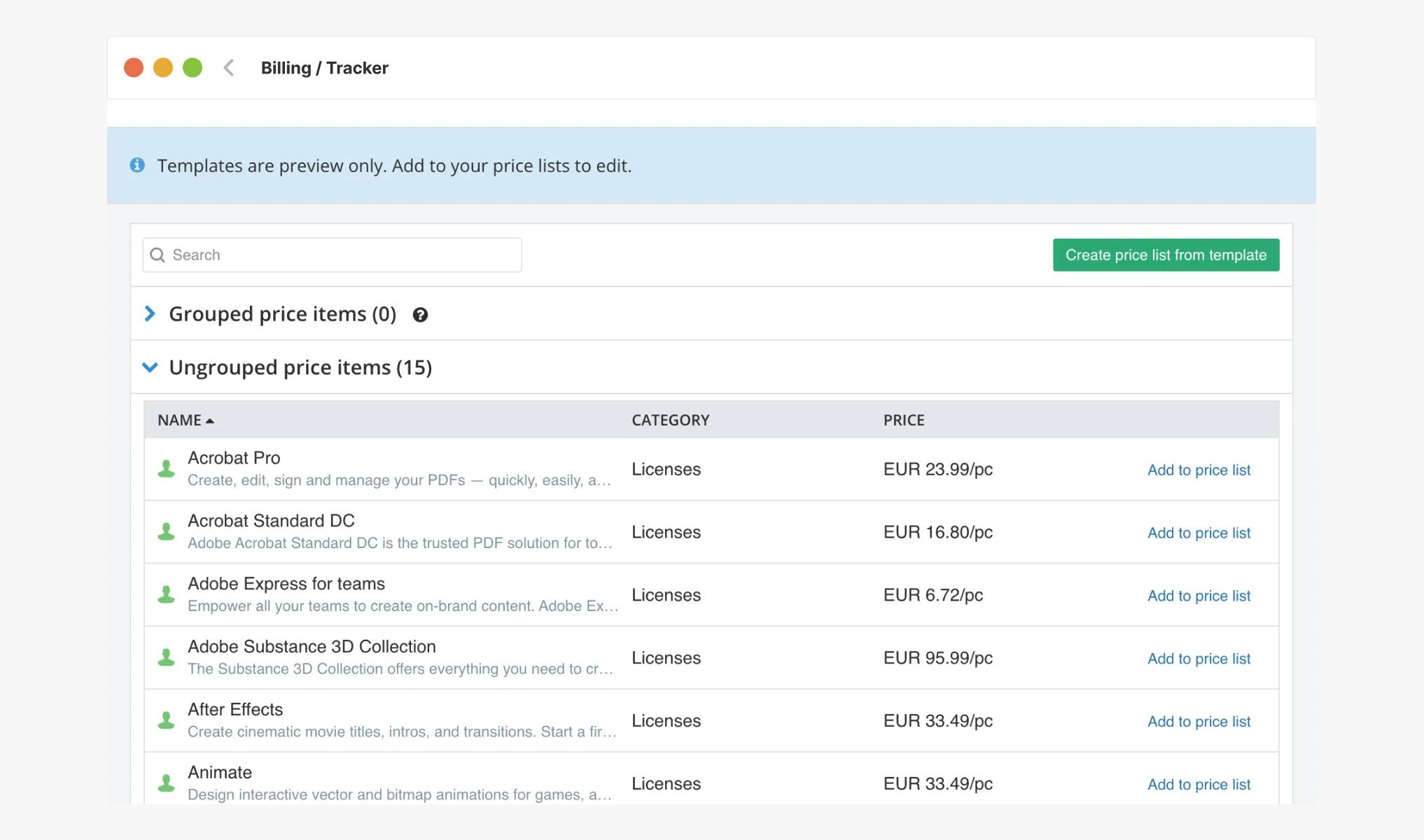
Instead of chasing information across systems, you get a ready-made foundation built on your current asset inventory. In vScope Billing, you now have access to new price list templates that you can easily add to the price lists used for your billing accounts.
-
See exactly who has which license
Connect Adobe licenses directly to users and organizational context. -
Automatic cost basis
Generate reports without manual steps or external exports. -
Support for SEK and EUR
Select the currency that matches your need.
From uncertainty to actionable insights
When factual license data and cost are connected, it becomes easier to:
- Identify unnecessary or unused licenses
- Allocate costs correctly across departments or customers
- Produce reporting that is actually useful in business discussions
This is not just about reporting. It is about making better decisions, faster.
Faster answers, less manual work
With built-in Adobe price list templates in vScope Billing, you go from fragmented data to a clear cost overview in just a few minutes. All data is collected automatically with vScope Discovery, while the pricing logic is already available in vScope Billing and Price List Templates.
No more manual work. No uncertainty around the data. Just up-to-date, reliable reporting when you need it.
Want to see how it works in practice? Get in touch and I will show you how!
Related blog posts
All posts
Tracker evolves: from case list to compliance overview
From a list of issues to a clear compliance overview. The latest Tracker update introduces a more structured way to monitor, prioritize, and improve your IT environment. Here's the latest update about vScope Tracker!
 Anton Berghult March 30, 2026
Introducing vScope Studio – Discovery Without Limits
vScope Studio lets you connect new data sources and document more asset types in your asset repository. A great add-on to your asset discovery if you want to take your asset repository to the next level.
Anton Berghult March 27, 2026 
New datasource: Proxmox
vScope now discovers Proxmox VE for hosts, VMs, containers, networks, and capacity. This will help you bring full visibility into hosts, VMs, containers, capacity and other Proxmox assets.
Anton Berghult February 24, 2026 
HP Warranty: Deeper lifecycle visibility
Fetch and sync warranty data from HP, directly to vScope for improved planning and control of your assets' life cycle status. In this post I will briefly go through the latest feature in vScope, and how this strengthen the value of your asset repository.
Anton Berghult February 23, 2026 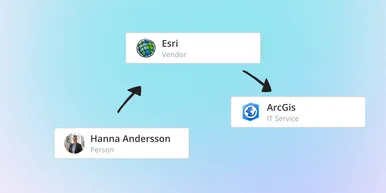
IT Services Become Governance – Put Your Assets in Full Business Context
We have renamed IT Services (Service Mapping) to Governance. However, this update is not only about renaming; it expands the feature from 'IT service-only' modeling to supporting any business context – including applications, vendors, ownership, policies, and more. Let's go through what this means for you.
Anton Berghult February 20, 2026 
Standardize IT Billing Faster with Built-In Price List Templates
Reduce manual pricing work and get more accurate IT billing in place faster using reusable, best-practice price list templates. Here is the latest feature of vScope Billing
Anton Berghult January 26, 2026 
Introducing Network Port Mapping in vScope: Finally See What’s Connected – and Where
One of the most requested features is now here. With Network Port Mapping for SNMP, IT teams can instantly see how devices are connected across the network, no more remoting into switches, outdated documentation, or guesswork. This update helps you troubleshoot faster, improve documentation, and strengthen overall network security.
Anton Berghult November 26, 2025 
New in vScope: A More Personal Experience with Interest Profiles
We’re introducing Interest Profiles in vScope, a new way to make vScope more relevant and helpful for every user. Get a home screen and library experience tailored to your interests, responsibilities, and daily work.
Anton Berghult November 20, 2025 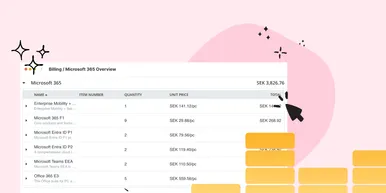
New Price List for Easier Control of Microsoft 365 Costs
With vScope’s new price list for Microsoft 365, it’s easier than ever to understand, monitor, and optimize your license costs. The price list is automatically applied to your asset inventory once vScope is connected to your Microsoft 365 environment.
Anton Berghult October 22, 2025