


New datasource: Proxmox
 Anton Berghult •
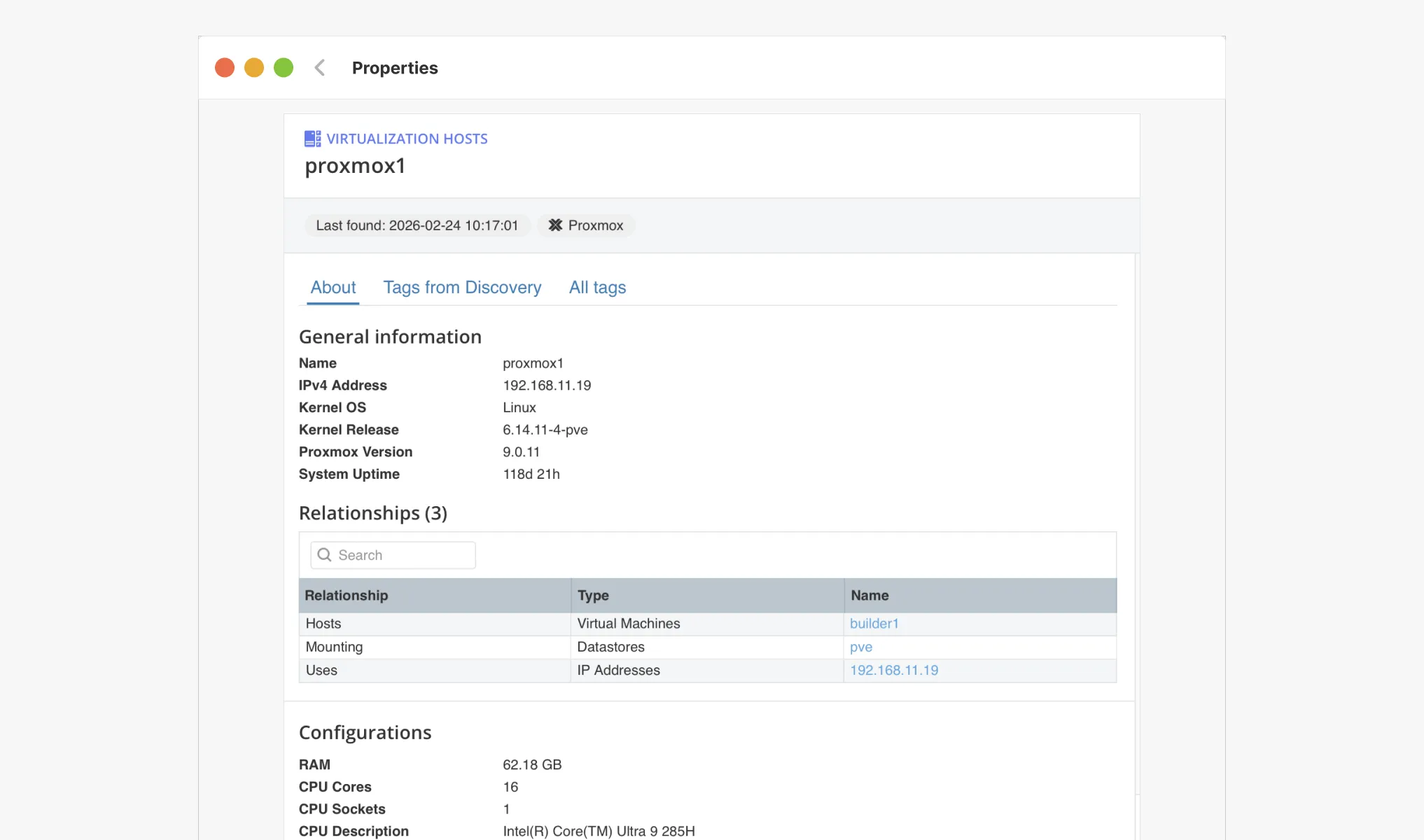
 vScope now discovers Proxmox VE for hosts, VMs, containers, networks, and capacity. This will help you bring full visibility into hosts, VMs, containers, capacity and other Proxmox assets.
What’s new
We have now added native, agentless discovery of Proxmox VE to vScope, so you can keep your virtualization clusters, workloads, and capacity metrics documented in the same on-prem asset repository. Proxmox has been one of the most requested data sources as organizations increasingly re-evaluate their virtualization strategy, and we are pleased to announce that it is now publicly available in vScope.
What’s included
- Agentless discovery of hosts, VMs, and containers (KVM + LXC) with e.g. CPU, memory, storage.
- Capacity & health signals: detect idle workloads and overcommitment to optimize capacity before performance degradation.
- Unlimited history: every change is stored in vScope, so you can compare trends and changes in Proxmox VE over time.
- Custom Discoveru: with Tags from Discovery, you can extend and customize the discovery of Proxmox VE.
Like all vScope integrations, Proxmox discovery is agentless and quick to deploy.
Why it matters
- IT organizations gain enhanced visibility of its virtual infrastructure.
- Connect Proxmox assets to Governance context for improved compliance reporting.
- Give IT teams and service owners faster troubleshooting with shared views for VMs, networks, containers, and storage.
- Share reports and documentation to any stakeholder in your organization.
Get started
- Create a read-only credential in Proxmox VE
- Add the Proxmox credential in vScope Discovery.
- Schedule or trigger a Discovery.
- Explore the new Proxmox dashboards, reports, and alerts in the content library.
Need a walkthrough? Book a demo or get started by following the setup guide in our support article.
Related blog posts
All posts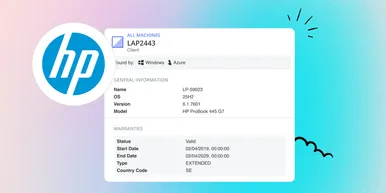
HP Warranty: Deeper lifecycle visibility
Fetch and sync warranty data from HP, directly to vScope for improved planning and control of your assets' life cycle status. In this post I will briefly go through the latest feature in vScope, and how this strengthen the value of your asset repository.
 Anton Berghult February 23, 2026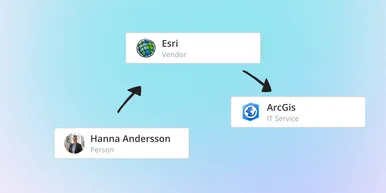
IT Services Become Governance – Put Your Assets in Full Business Context
We have renamed IT Services (Service Mapping) to Governance. However, this update is not only about renaming; it expands the feature from 'IT service-only' modeling to supporting any business context – including applications, vendors, ownership, policies, and more. Let's go through what this means for you.
Anton Berghult February 20, 2026 
Standardize IT Billing Faster with Built-In Price List Templates
Reduce manual pricing work and get more accurate IT billing in place faster using reusable, best-practice price list templates. Here is the latest feature of vScope Billing
Anton Berghult January 26, 2026 
Introducing Network Port Mapping in vScope: Finally See What’s Connected – and Where
One of the most requested features is now here. With Network Port Mapping for SNMP, IT teams can instantly see how devices are connected across the network, no more remoting into switches, outdated documentation, or guesswork. This update helps you troubleshoot faster, improve documentation, and strengthen overall network security.
Anton Berghult November 26, 2025 
New in vScope: A More Personal Experience with Interest Profiles
We’re introducing Interest Profiles in vScope, a new way to make vScope more relevant and helpful for every user. Get a home screen and library experience tailored to your interests, responsibilities, and daily work.
Anton Berghult November 20, 2025 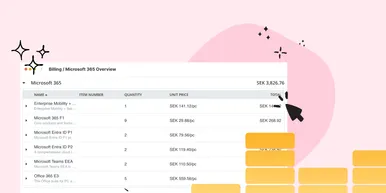
New Price List for Easier Control of Microsoft 365 Costs
With vScope’s new price list for Microsoft 365, it’s easier than ever to understand, monitor, and optimize your license costs. The price list is automatically applied to your asset inventory once vScope is connected to your Microsoft 365 environment.
Anton Berghult October 22, 2025 
News in vScope: Smarter Filters, a Fresh Tables Experience & 200+ New Content Items
Discover the all-new Filters, redesigned Tables view, and powerful new content for Microsoft 365, Active Directory, and SQL databases, here is the latest update of vScope.
 vScope August 25, 2025
 vScope 3.32
Explore all the updates and improvements in vScope 3.32, including new Microsoft 365 management, Jira integration, AWS asset support, and smarter lifecycle management with warranty collection.
vScope May 26, 2025 vScope 3.31
History & Changes have been introduced in Tracker, making it easier to track and understand how assets evolve over time. You can now select from recent Tracker runs, and vScope will automatically highlight changes from the previous Tracker run (i.e. when Tracker cases were last evaluated).
Anton Berghult February 11, 2025