

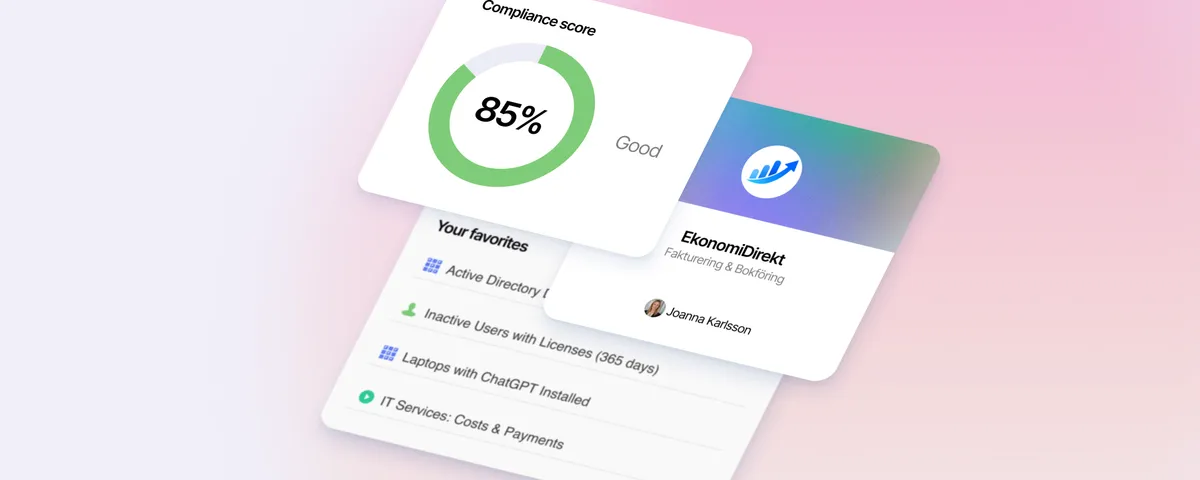
Less Guessing, More Knowing — Wherever It's Needed
We're releasing several new features that help you get better visibility and collaboration in, and outside of, your IT organization. Asset Health in Properties, Share to Teams, and external report recipients are all really about the same problem: the right data, to the right person, at the right time.
 Anton Berghult •
 See how your assets are doing
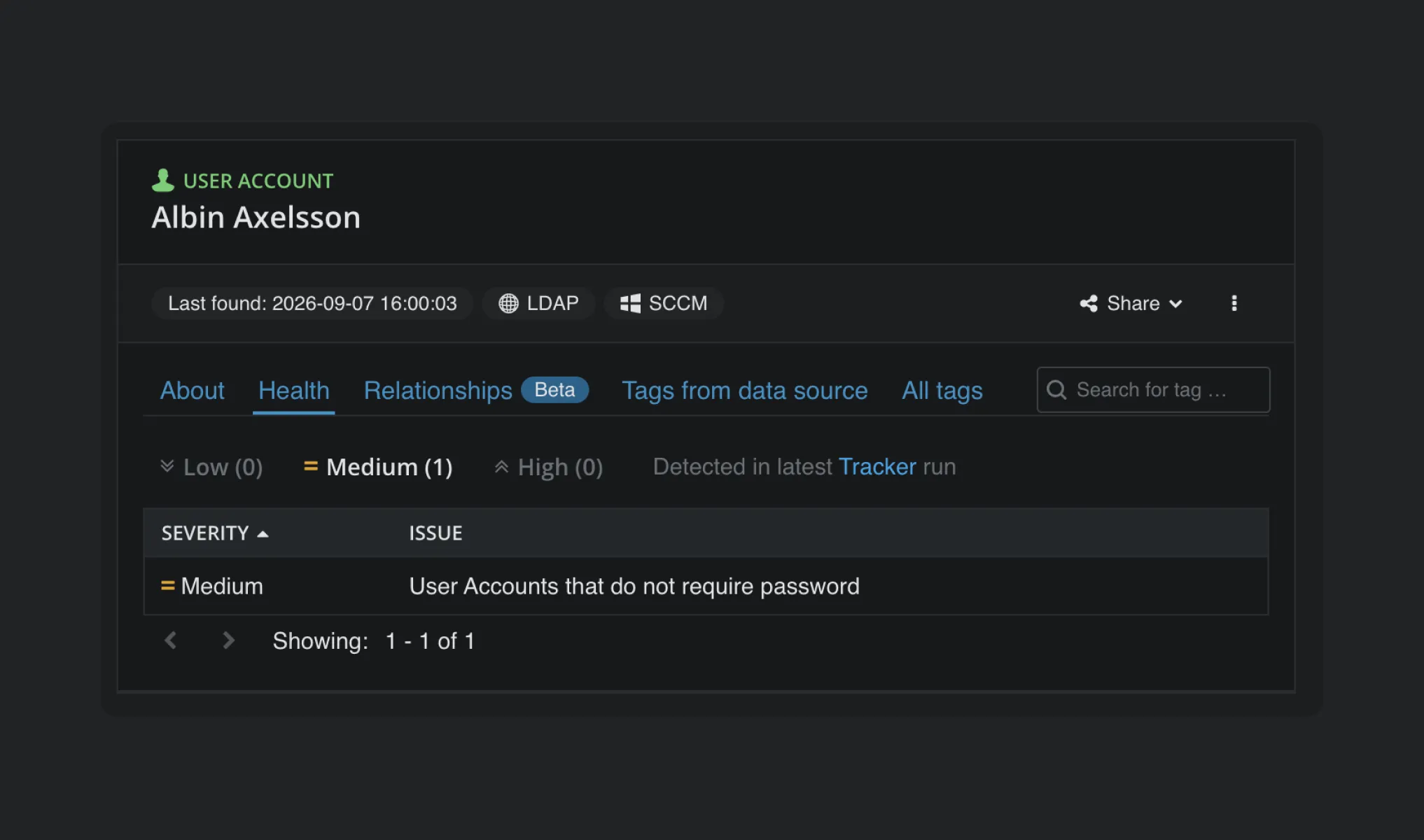
We’re introducing Asset Health in Properties, making it easier to spot problems — or things worth improving. The Health tab lists results from Tracker wherever something isn’t quite right.
Easier collaboration in Teams
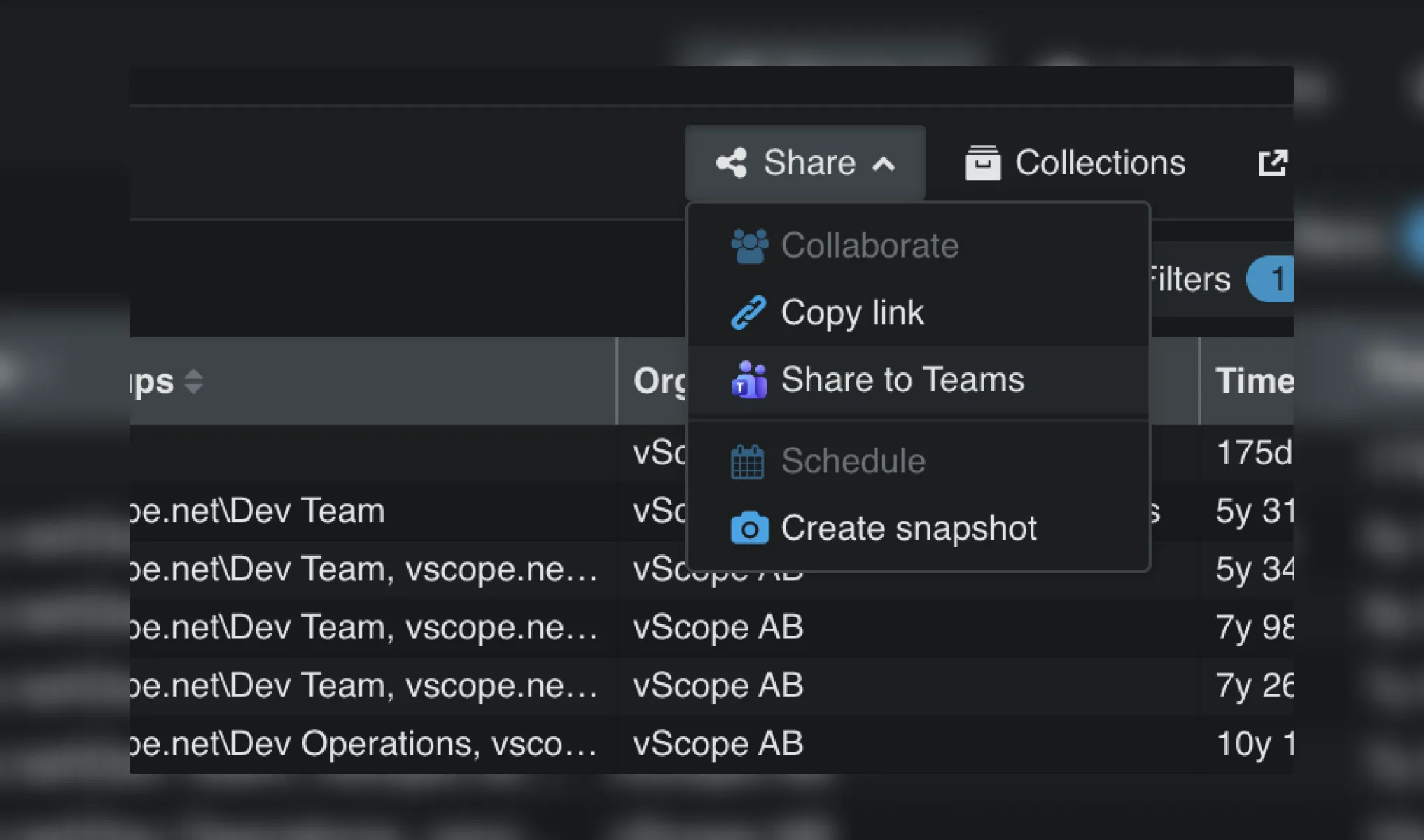
With Share to Teams, you can quickly share insights from vScope straight into Microsoft Teams. It makes it easier for your team to collaborate around the documentation and reports already in your asset repository.
Share insights externally
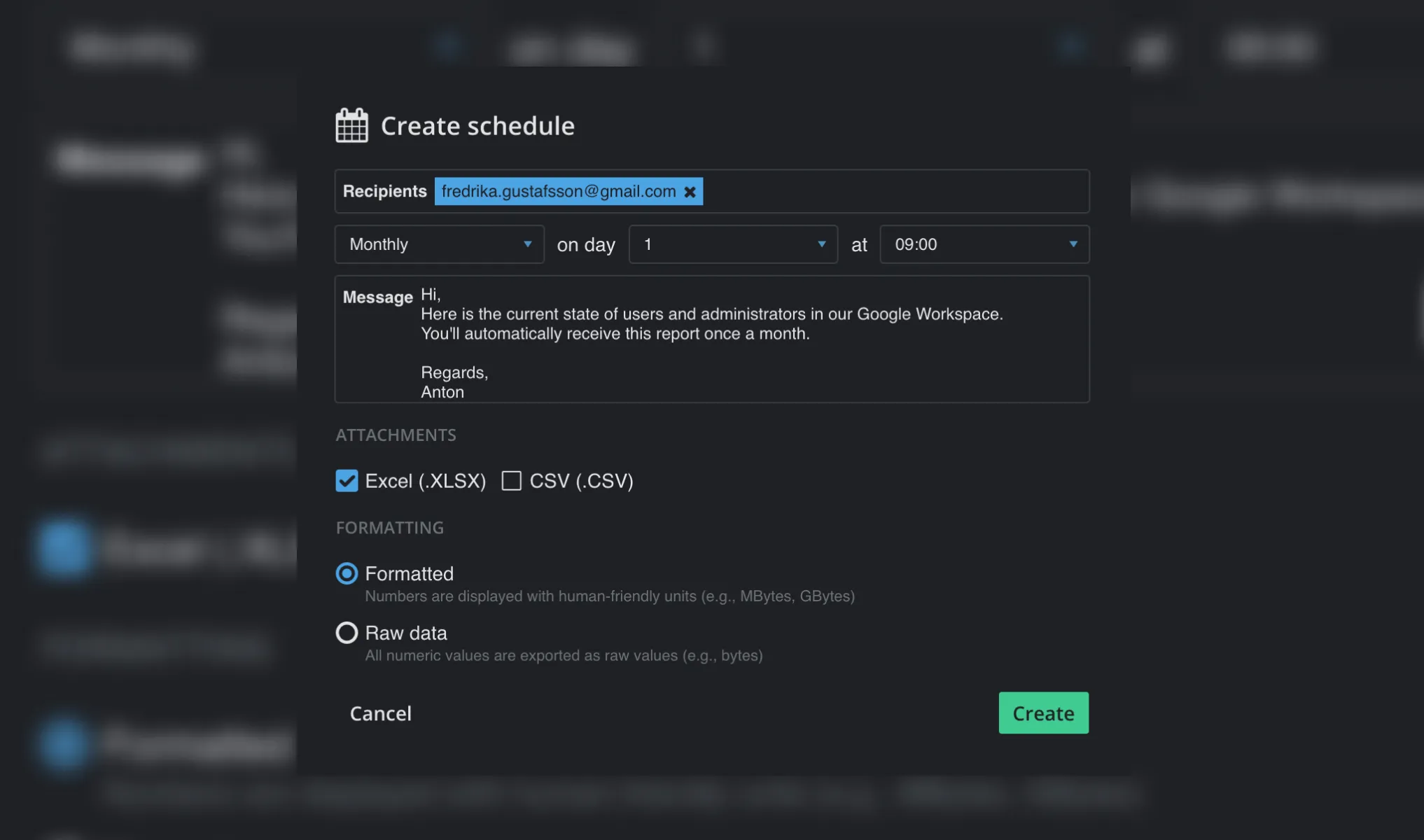
Now you can schedule exports to customers, partners, vendors, other departments, or anyone else who needs the information in vScope. Automate the workflow and stop spending time maintaining Excel sheets by hand.
Less Guessing. More Knowing.
With these updates, vScope strengthens your organization’s visibility and collaboration even further. They give you new ways to understand what’s actually happening in your IT environment — and make better decisions because of it.
The right data, to the right person, at the right time. That’s vScope.
- Read about all the latest updates.
Fler inlägg
Visa alla inlägg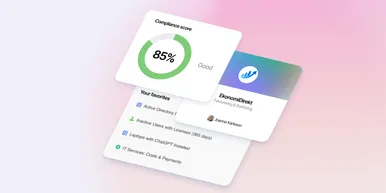
Andra gissar. Du vet – oavsett var.
Nu släpper vi flera nya funktioner som hjälper dig att få bättre visibilitet och samarbete i, och utanför IT-organisationen. Asset Health i Properties, Share to Teams och externa rapportmottagare fokuserar egentligen alla på att lösa samma problem: Rätt data, till rätt person, vid rätt tidpunkt.
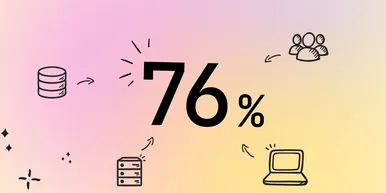
Nyheter i Tracker: från ärendelista till compliance-översikt
Från lista till överblick. I vår senaste uppdatering av Tracker hittar du nu vyer bättre anpassade för efterlevnad och revision av din IT-miljö. Det gör det enklare för dig och ditt team att förstå och förbättra konfigurationer och inställningar.
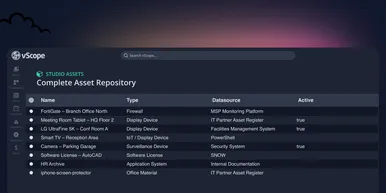
vScope Studio: Ta din discovery till nästa nivå
Nu släpper vi vScope Studio – för organisationer som vill utöka sin discovery med egna datakällor, fler assettyper och data som är relevant för fler användare i organisationen. Med Studio får du ett heltäckande assetregister som alltid speglar verkligheten i din IT-miljö
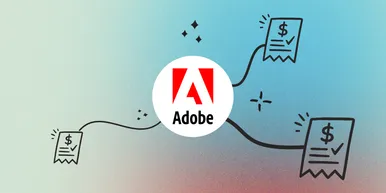
Få kontroll på Adobe-licenser: skapa kostnadsrapporter på några minuter
Slipp manuellt arbete för att sammanställa kostnadsrapporter. Nu får vScope utökat stöd i sina färdiga prismallar för Adobe-licenser. Det gör det enklare för dig att snabbt skapa tydliga och tillförlitliga kostnadsrapporter – i både SEK och EUR.

Ny datakälla: Proxmox
Nu kan du inventera Proxmox VE med vScope för att bättre dokumentera dina värdar, virtuella maskiner, containers och nätverk. Detta ger dig full överblick över dina Proxmox-assets och gör vScope till ett ännu mer heltäckande assetregister. Proxmox har varit en av de mest efterfrågade datakällorna i och med att organisationer ser över sin strategi för virtualiserad infrastruktur. Låt oss gå igenom några highlights!
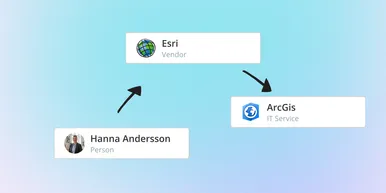
IT Services blir Governance: Se dina assets ur ett verksamhetsperspektiv
I vår senaste uppdatering hittar du utökad funktionalitet för att skapa valfritt kontext för dina assets. Exempelvis applikationer, leverantörer, ägarskap, policyer och mer. Det gör det möjligt för dig att dokumentera hela din förvaltningsmodell i vScope.
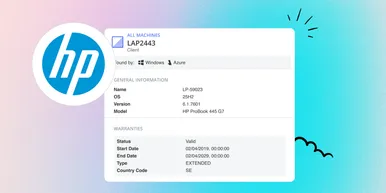
HP Warranty: Djupare insyn i enheters livscykel
Hämta och synka garantidata från HPs garantiportal, direkt till vScopes assetregister för bättre hantering, planering och kontroll över era enheters livscykel.
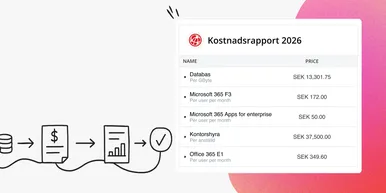
Förbättra din kostnadsrapportering med färdiga prismallar
Minska manuellt arbete kring prissättning och få snabbare ett korrekt och tillförlitligt underlag för kostnadsrapportering. Prismallar i vScope Billing gör det enklare för dig att hålla prislogiken för din rapportering uppdaterad och relevant för dina mottagare.

Nyhet: Network Port Mapping i vScope – Se vad som är anslutet, och var
En av de mest efterfrågade funktionerna är äntligen här. Med Network Port Mapping för SNMP kan du direkt se hur enheter är anslutna i nätverket, utan att behöva logga in på switchar eller leta efter utdaterad dokumentation. Uppdateringen hjälper dig att felsöka snabbare, förbättra dokumentationen och stärka nätverkssäkerheten.