


New datasource: Proxmox
 Anton Berghult •
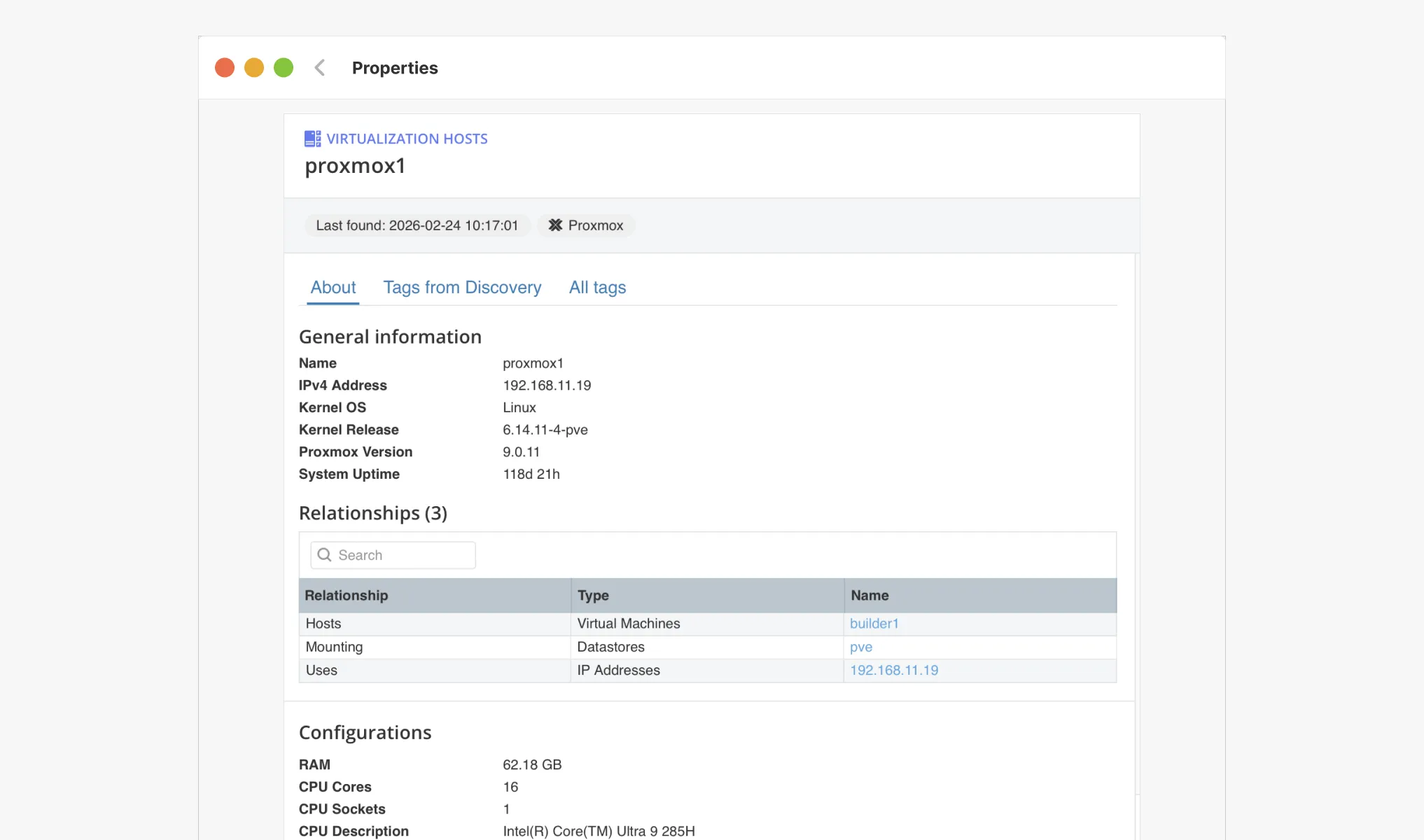
 vScope now discovers Proxmox VE for hosts, VMs, containers, networks, and capacity. This will help you bring full visibility into hosts, VMs, containers, capacity and other Proxmox assets.
What’s new
We have now added native, agentless discovery of Proxmox VE to vScope, so you can keep your virtualization clusters, workloads, and capacity metrics documented in the same on-prem asset repository. Proxmox has been one of the most requested data sources as organizations increasingly re-evaluate their virtualization strategy, and we are pleased to announce that it is now publicly available in vScope.
What’s included
- Agentless discovery of hosts, VMs (KVM) and containers (LXC).
- Capacity & health signals: detect idle workloads and overcommitment to optimize capacity before performance degradation.
- Unlimited history: every change is stored in vScope, so you can compare trends and changes in Proxmox VE over time.
- Custom Discoveru: with Tags from Discovery, you can extend and customize the discovery of Proxmox VE.
Like all vScope integrations, Proxmox discovery is agentless and quick to deploy.
Why it matters
- IT organizations gain enhanced visibility of its virtual infrastructure.
- Connect Proxmox assets to Governance context for improved compliance reporting.
- Give IT teams and service owners faster troubleshooting with shared views for VMs, networks, containers, and storage.
- Share reports and documentation to any stakeholder in your organization.
Get started
- Create a read-only credential in Proxmox VE
- Add the Proxmox credential in vScope Discovery.
- Schedule or trigger a Discovery.
- Explore the new Proxmox dashboards, reports, and alerts in the content library.
Need a walkthrough? Book a demo or get started by following the setup guide in our support article.
Fler inlägg
Visa alla inlägg
Ny datakälla: Proxmox
Nu kan du inventera Proxmox VE med vScope för att bättre dokumentera dina värdar, virtuella maskiner, containers och nätverk. Detta ger dig full överblick över dina Proxmox-assets och gör vScope till ett ännu mer heltäckande assetregister. Proxmox har varit en av de mest efterfrågade datakällorna i och med att organisationer ser över sin strategi för virtualiserad infrastruktur. Låt oss gå igenom några highlights!
 Anton Berghult 24 februari 2026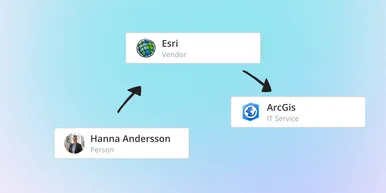
IT Services blir Governance – Se dina assets ur ett verksamhetsperspektiv
I vår senaste uppdatering hittar du utökad funktionalitet för att skapa valfritt kontext för dina assets. Exempelvis applikationer, leverantörer, ägarskap, policyer och mer. Det gör det möjligt för dig att dokumentera hela din förvaltningsmodell i vScope.
Anton Berghult 23 februari 2026 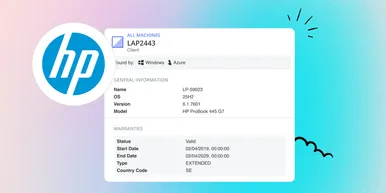
HP Warranty: Djupare insyn i enheters livscykel
Hämta och synka garantidata från HPs garantiportal, direkt till vScopes assetregister för bättre hantering, planering och kontroll över era enheters livscykel.
Anton Berghult 20 februari 2026 
Förbättra din kostnadsrapportering med färdiga prismallar
Minska manuellt arbete kring prissättning och få snabbare ett korrekt och tillförlitligt underlag för kostnadsrapportering. Prismallar i vScope Billing gör det enklare för dig att hålla prislogiken för din rapportering uppdaterad och relevant för dina mottagare.
Anton Berghult 26 januari 2026 
Nyhet: Network Port Mapping i vScope – Se vad som är anslutet, och var
En av de mest efterfrågade funktionerna är äntligen här. Med Network Port Mapping för SNMP kan du direkt se hur enheter är anslutna i nätverket, utan att behöva logga in på switchar eller leta efter utdaterad dokumentation. Uppdateringen hjälper dig att felsöka snabbare, förbättra dokumentationen och stärka nätverkssäkerheten.
Anton Berghult 26 november 2025 
Nytt i vScope: Mer personlig upplevelse med Intresseprofil
Nu lanserar vi intresseprofiler i vScope, ett nytt sätt att göra vScope mer relevant och hjälpsamt för varje användare. Få en startsida och ett bibliotek som speglar dina intressen, ditt ansvarsområde och dina dagliga behov.
Anton Berghult 20 november 2025